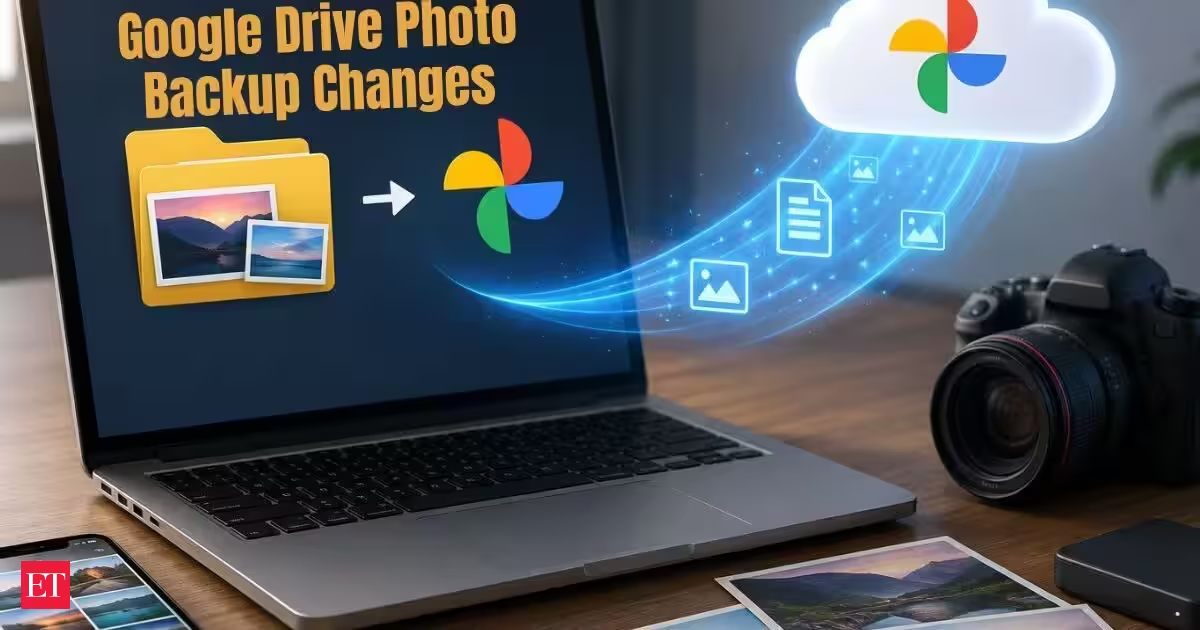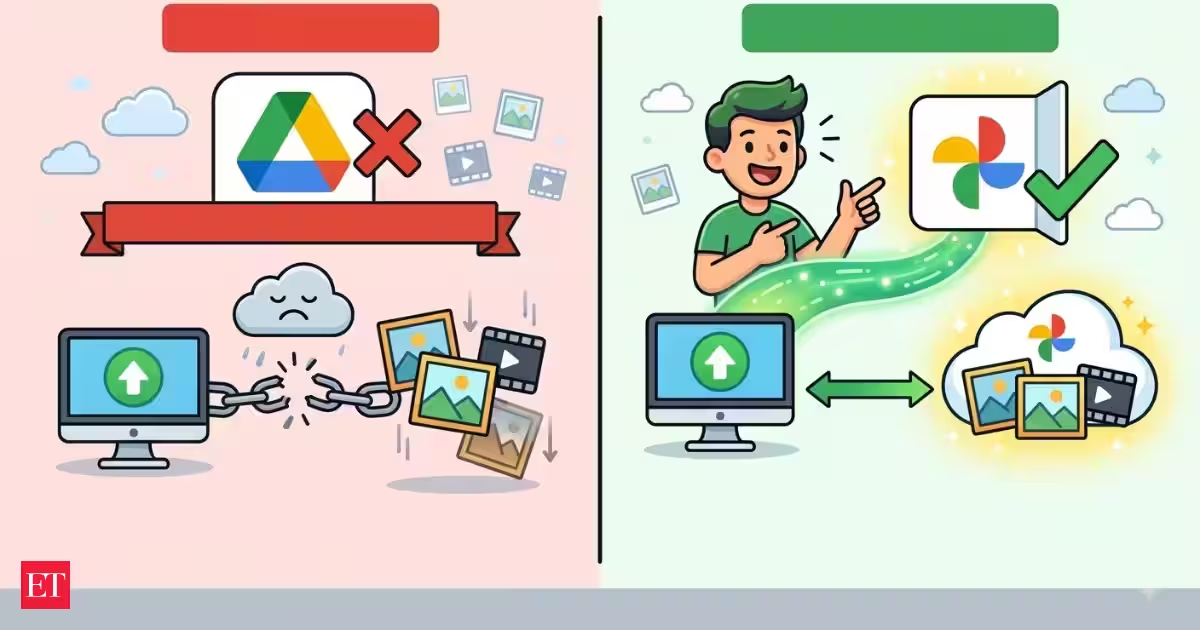
Drive for desktop can no longer be used to back up photos and videos from a user's computer to Google Photos through its automatic upload feature starting August 10. This marks the discontinuation of one of the last links between the file-syncing service of Google and the photo storage platform of the tech giant.It is significant because there were people who have been depending on the automatic upload feature of Drive for desktop to keep photos and videos saved in certain folders in their computers backed up to Google Photos. Photos which were previously backed up will still be accessible, but additional photos added to those folders will not be automatically backed up anymore after the deadline.About The AuthorJournalist and a writer with a strong interest in news, culture, technology, and human-interest stories. Passionate about making complex topics accessible and engaging.Google is requesting users to transfer the photo backup process to the Google Photos website through a specific folder backup option.What is changing with Google Drive for desktop?Drive for Desktop used to let people choose folders from their computer and then upload the pictures and videos kept in them into Google Photos. This enabled users to have a folder with their images saved on a computer and have the new photos automatically backed up in the cloud.This particular feature is going to be discontinued from now on. Google Drive never allowed users to create a new Google Photos backup folder through Drive for Desktop, and starting from August 10, the feature for backup of Google Photos using the desktop app will also be discontinued.It must be understood that this discontinuation of the feature doesn’t indicate any closure of the Google Drive service. The desktop app will continue to function for regular files and folders stored in Google Drive and Workspace.Are existing photos in Google Photos safe?Yes. The closure of the Drive for desktop backup function does not delete photos and videos which have been previously uploaded to Google Photos.The crucial point here is future behaviour. If you have been using the Drive for Desktop application to backup your pictures coming from a particular folder on your PC, those new pictures placed into this folder will not be backed up anymore when the old service stops functioning.More articles by AuthorTrending StoriesThis problem may go unnoticed altogether, particularly those who usually upload pictures from their smartphones or cameras to their PCs without realizing that these new pictures would not be uploaded to Google Photos.Who needs to make the switch?This change is going to impact users who use Drive for desktop in backing up their photos and videos that are saved in their computers.In other words, if there is a folder in your computer which has photos taken by your camera and Drive for desktop has been managing the transfer of photos from that folder to Google Photos, then it becomes necessary for you to update your approach of backing up your photos.But if you are using the Google Photos app on your smartphone for the automatic backing up of your camera rolls, then the above-mentioned change is not going to affect you.Users who have not used Google Photos backup in Drive for desktop don’t need to worry about anything either.How to continue backing up photos from your computerThe entire process has been simplified and it can now be done directly through Google Photos, which enables the user to get rid of using Drive on the desktop computer to backup.First of all, open Google Photos in any browser you would like to use. Next, click on the “Upload” button and select “Back up folders.” Finally, the File Browser will appear and you will get a chance to select the folders containing your photos and videos.After you choose the folders you want, click on backup and let Google Photos backup your files. This will depend on the amount of photos that you have in your photo library, but the first one might take some time.The process works almost the same way as the old process. After the first upload, Google Photos will continuously monitor your folders and automatically add new files for backup.Check your photos after the backupIt is important that users do not just begin the new backup process thinking that everything will be okay and the transfer completed successfully. When it is done, one has to go to Google Photos and verify that everything has appeared there as needed.Checking whether any dates or files have been skipped in recently uploaded materials could be helpful in such a case. This is especially true for those who have a lot of data, as it will not be easy to detect that there were any skipped files.Checking that at the current moment will help avoid any unexpected holes in the backup later.Why is Google ending the feature?The move is in line with the efforts by Google to keep Google Drive and Google Photos distinct services.Previously, Google separated Photos from Drive in 2019. Prior to the move, photos in Drive could show up in Photos and vice versa, which might have caused confusion. Though the option to back up the folders on your computer through Drive to Photos was not removed until now, Google plans to remove this link as well.Effectively, Google will be moving photo backups from the computer to Photos directly.What users should do nowIt would be best for all who are affected by the update to simply follow these steps: migrate the folders which have been backed up using Drive for desktop to Google Photos' folder backup function and ensure that the migration process is done properly.It is wise for users to keep their important photographs backed up in other places as well, whether it be an external drive or another cloud storage system. It is better to have backups in more than one place since problems can occur with the backup.It is worth noting that the August 10 update date does not jeopardize the safety of Google Photos' current libraries. What is important is that photos newly uploaded to your computer will not be backed up via Drive for desktop any longer. FAQsWhat changes will take place with Google Drive for desktop on August 10?Google is going to stop providing users with the ability to use Drive for desktop for backing up photos and videos located in folders on their computers to Google Photos. Photos added to such folders won't be automatically uploaded using the desktop version.Will the photos in Google Photos be deleted?Not really. Photos and videos that are stored in Google Photos won't be removed. It is just that new photos uploaded from folders via Google Drive for desktop won't be backed up any more.Who is going to be impacted by the change?The change impacts users who currently use Drive for desktop for backing up their photos and videos saved on their computers. Users who save their camera photos by backing them up via the Google Photos application on mobile phones aren't impacted.How can I continue backing up photos from my computer?Users are able to use the folder backup feature of Google Photos. Go to Google Photos in your web browser, press Upload, Back up folders, and pick the necessary folders with photos and videos.Will Google Photos continue backing up new files from selected folders?Yes. After the initial upload, Google Photos can continue watching the selected folders and automatically add new photos and videos, providing an alternative to the old Drive for desktop backup system.end of article
Google Drive Photo Backup Ends August 10: How to Keep Backing Up Your Photos
Google Drive for desktop will stop automatically backing up photos and videos. This change affects users who relied on the desktop app for photo backups. Existing photos in Google Photos will remain safe and accessible. Users must now use the Google Photos website for folder backups. This move aims to keep Google Drive and Google Photos as separate services.
1,247 words~6 min read