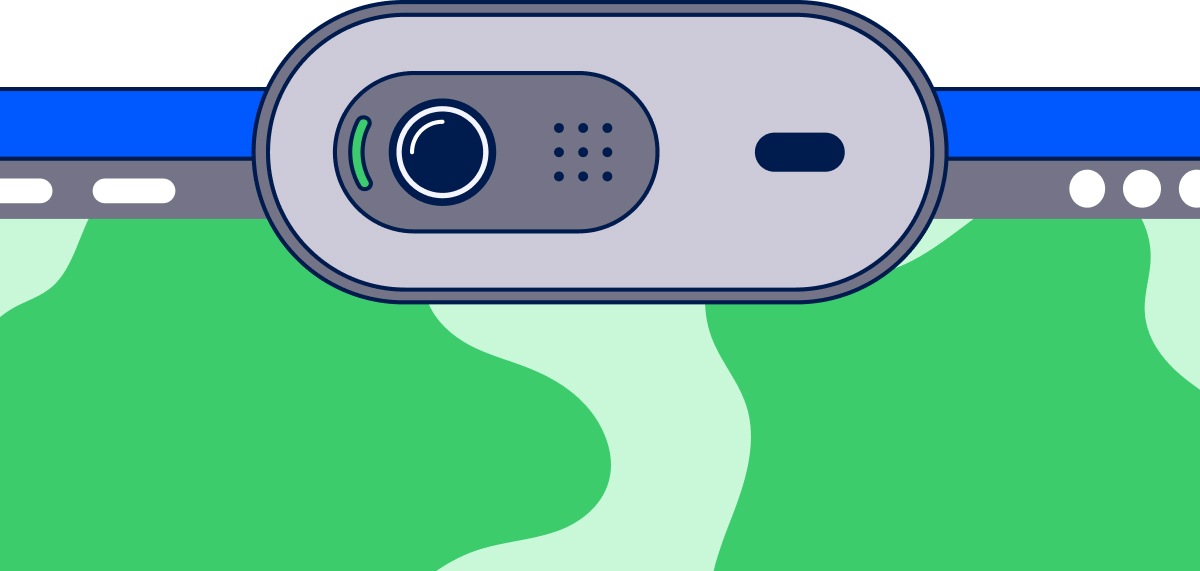
Telling you about apps using your camera, microphone, or location in the background isn’t exactly a breakthrough discovery. Windows itself doesn’t try to hide it, as it shows an indicator in the taskbar while something is actively using one of them. But, even if everything is happening in plain sight, that still doesn’t mean you get the full picture.
Unless you constantly pay attention to the taskbar indicator, it’s easy to miss when something is using certain hardware inside your PC. You can get more info by going to Settings > Privacy & Security > App permissions. This lists all the apps that recently used different components, like location, camera, microphone, etc. But even this list is short, unlabeled with exact times in most views, and easy to overlook.
If you really want to see what’s going on, Windows actually keeps a far more detailed record in the registry. From there, you can see exactly which app used your camera or microphone, the second it started, the second it stopped, and how long it ran for, none of which ever makes it to Settings.
The record lives under a key called ConsentStore. Press Win+R and paste this in:
cmd /c reg add "HKCU\Software\Microsoft\Windows\CurrentVersion\Applets\Regedit" /v LastKey /d "Computer\HKEY_CURRENT_USER\Software\Microsoft\Windows\CurrentVersion\CapabilityAccessManager\ConsentStore" /f & regedit