The Apple Health app on iPhone is a powerful way to track all facets of your health. Whether it’s recording data from your Apple Watch, importing records straight from your doctor, or integration with third-party apps, there’s something for everyone.
Here’s how to get the most out of the Apple Health app.
Apple Watch
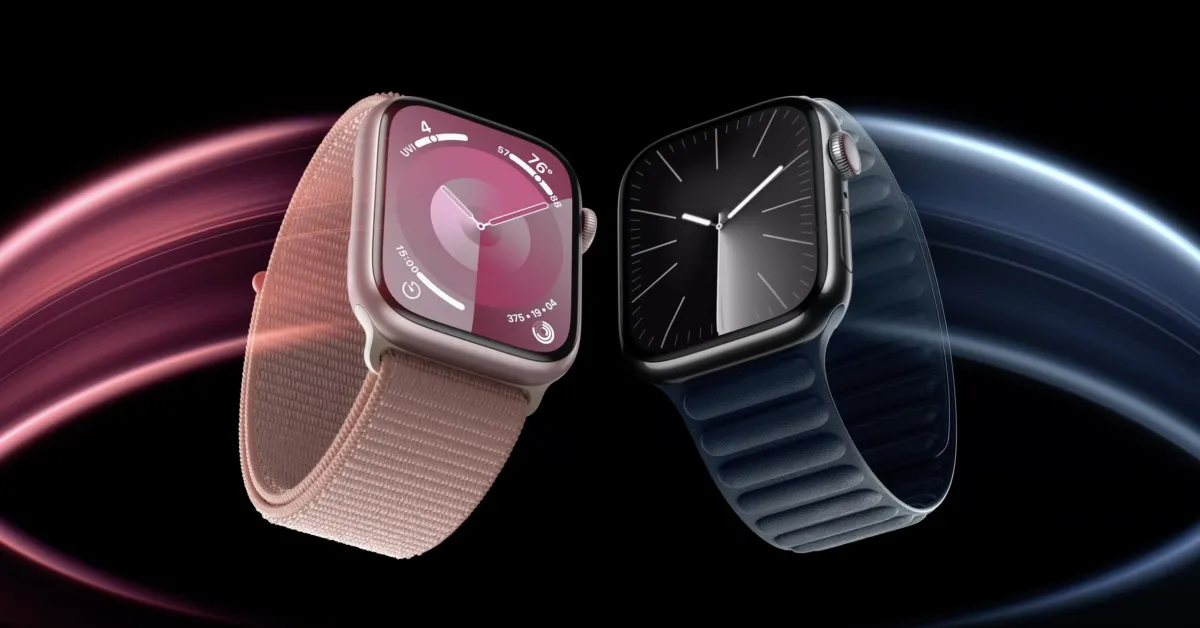
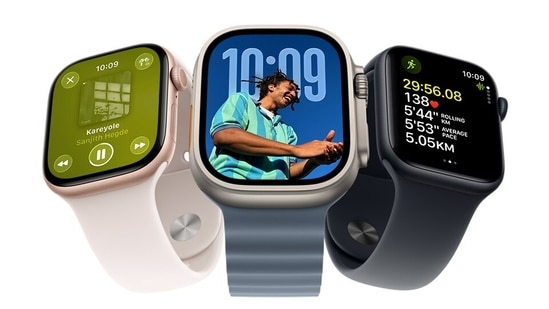
This one is pretty self-explanatory. As you’d expect, the Apple Watch and Apple Health go hand in hand. While you can view many of your Apple Watch metrics in the Apple Fitness app, the Apple Health app gives you a more holistic view.
The Apple Health app logs data from your Apple Watch like steps, heart rate, resting heart rate, and more. Whereas the Apple Fitness app focuses on giving you workout data, the Apple Health app offers an excellent view of things like historical data, trends, and more.