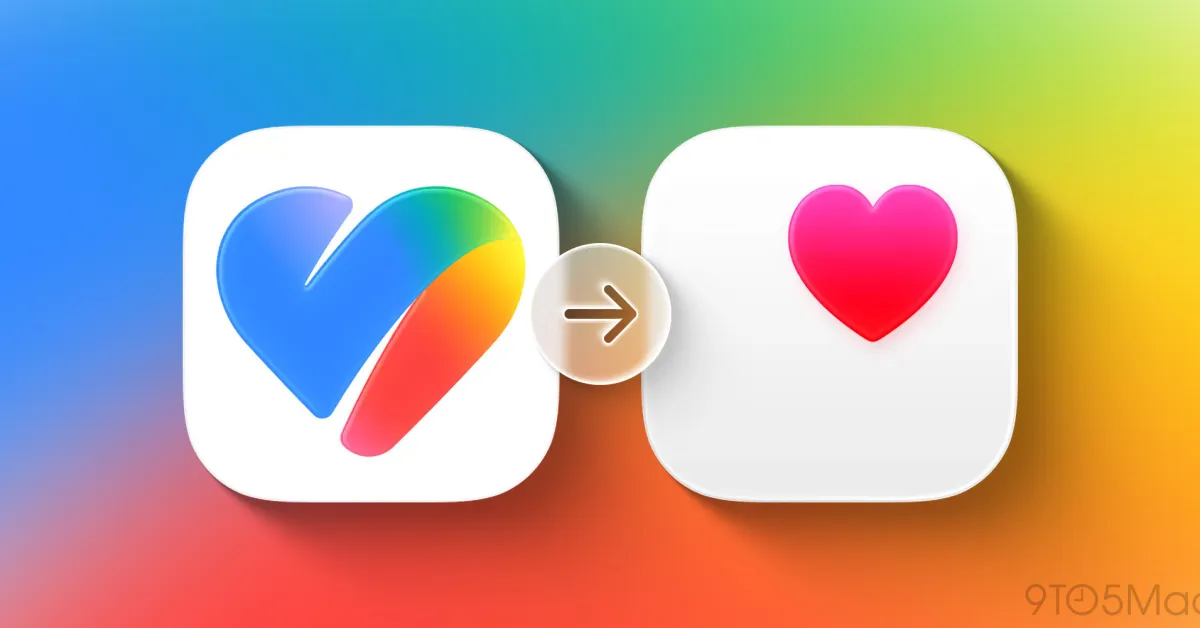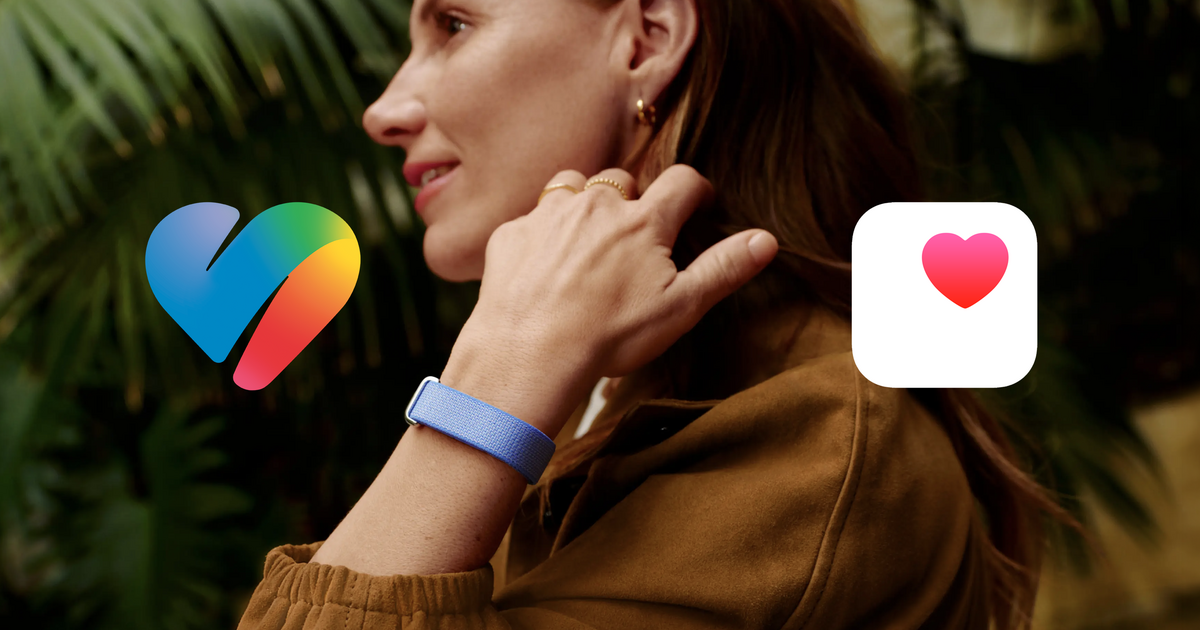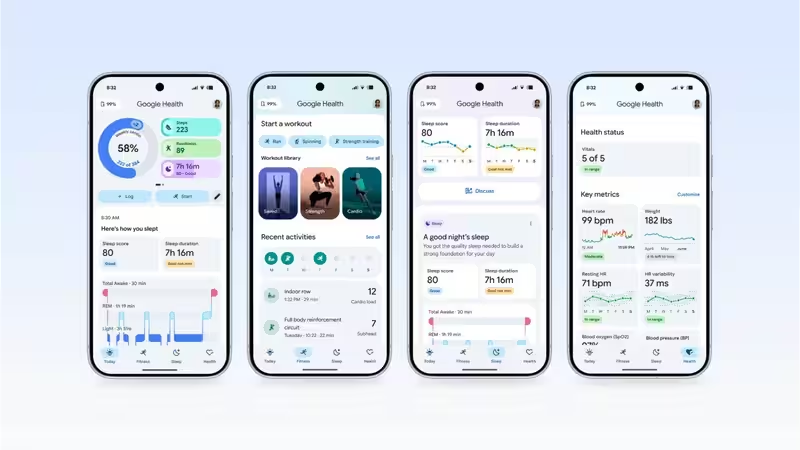
Google has released a new update for its Google Health app, which enables the ability of synchronizing the health and fitness data of Google Health with Apple Health. This functionality, released by the Google update in version 5.05, involves the two-way sharing of data between both services, and solves a problem that existed before for Fitbit users running on the iPhone.So far, the integration was mostly one-directional. The users running the iPhone could pull the data from Apple Health, HealthKit, and Apple Watch to Google Health, while the data recorded using Fitbit in Google's app couldn't be sent to Apple Health directly. The people, who preferred to keep their data in the Apple ecosystem, had no choice but rely on third-party apps.About The AuthorJournalist and a writer with a strong interest in news, culture, technology, and human-interest stories. Passionate about making complex topics accessible and engaging.With the recent update, the story is different. The Google Health can share several kinds of health and fitness information with the Apple Health.Google Health adds two-way Apple Health syncIn terms of version 5.05 of Google Health, users can move exercise, sleep, vital metrics, step information from Google Health to Apple Health.It is a great opportunity for Fitbit users who own an iPhone but do not like to store their data in any other place than in Apple Health. Instead of using a different utility to sync, they now can make a connection between Google Health and Apple Health and pick what they want to share.It is possible to use the following way of connecting to Apple Health. Users need to go to Google Health, access their profile, find connections or partner-apps section and then click on Apple Health providing all the permissions for the categories that they want to sync.Now it means that Google Health and Apple Health have a two-way connection. It was already possible to import data from Apple Health into Google Health and now it became possible to import certain Google Health data into Apple Health.Nevertheless, not all the health metrics are now available for transferring to Apple Health. In particular, heart rate variability (HRV) is not now among them. There is no word about supporting more categories at the moment.More articles by AuthorTrending StoriesFitbit users no longer need third-party appsThis particular update can prove quite important for those Fitbit users who happen to own an iPhone. Fitbit collects a great variety of health and wellness-related data, from activity data, sleep data and even heart rate.Before the launch of this new Google Health integration, users who needed this data in Apple Health needed to rely on third parties that allowed bridging this gap between Fitbit and Apple Health platforms. The recent Google Health update eliminates most of that difficulty.Moreover, Google has chosen a rather interesting moment to make this change, the company has launched its Google Health ecosystem and replaced the Fitbit app with it earlier this year.This move introduced numerous changes to the Fitbit experience, with a stronger emphasis placed on AI health features. The recent update seems to be the company's response to the users' desire for better compatibility with other health platforms.For those users who happen to own both a Fitbit device and an iPhone, this update makes Google Health platform a lot easier to use.Smart Health Links added for US usersThe Google Health update isn't limited to fitness data. Version 5.05 also introduces Smart Health Links for users in the US.The feature allows users to share medical records stored in Google Health with healthcare providers or family members through a URL or QR code. Users can access the feature through the Health section, select the medical records area and create a shareable record.They can then choose which information they want to include before generating a link that can be shared with another person.Smart Health Links could make it easier for users to provide relevant health information without having to manually gather and send individual records. However, Google has not announced plans to expand the feature to markets outside the US.A long-awaited change for Fitbit and Apple usersThe capability of integrating Fitbit data with Apple Health has been one of the user’s requests. The split can be traced back to the time when Apple introduced the HealthKit framework in 2014 and Fitbit did not support the framework.In this case, the users have been forced to use third-party applications to transfer Fitbit data into Apple Health. However, the recent update by Google eliminates this obstacle on a higher level.In this regard, the timing of this update deserves mentioning since the rivalry of Google and Apple in the field of health and wearables increases. While Apple has its health app and an Apple Watch ecosystem, Google develops Google Health using Fitbit and other Android products.The possibility of sharing the data between two ecosystems will allow users to combine products from different manufacturers without being tied to the specific ecosystem.For now, there are still certain restrictions related to the transfer of some metrics (e.g., HRV). Still, the introduction of two-way data synchronization represents an important step for Fitbit users who use iPhones.Google Health version 5.05 is available through the App Store, with the update also rolling out on Android. FAQsWhat is new in Google Health version 5.05?Google Health version 5.05 introduces two-way syncing with Apple Health, allowing users to share supported health and fitness data from Google Health to Apple Health on iPhone.Can Fitbit data now sync with Apple Health?Yes. The Fitbit data obtained from Google Health is now compatible with Apple Health, thus making third-party applications unnecessary for the sharing of that particular kind of information.Which Google Health information can be synchronized with Apple Health?The data that can be shared includes the data about exercises, sleep data, vitals, and step counts. There are some other metrics, like heart rate variability (HRV), that cannot be shared at the moment.How can users connect Google Health to Apple Health?Users can open Google Health, go to their profile or connections section, select Apple Health and grant permissions for the health categories they want to share.Was Google Health previously able to sync with Apple Health?Yes, it did, but only in one direction. The data from Apple Health could be exported to Google Health, but the data from Fitbit could not be written back into Apple Health.end of article
Google Health now Lets Fitbit Data Sync with Apple Health on iPhone
With the release of Google Health version 5.05, Fitbit users owning iPhones can now seamlessly sync their fitness data with Apple Health. This update facilitates the sharing of exercise and sleep metrics without the need for third-party applications. Additionally, Smart Health Links have been introduced for US users to easily share their medical records, enhancing the integration between Google and Apple health platforms.
1,053 words~5 min read