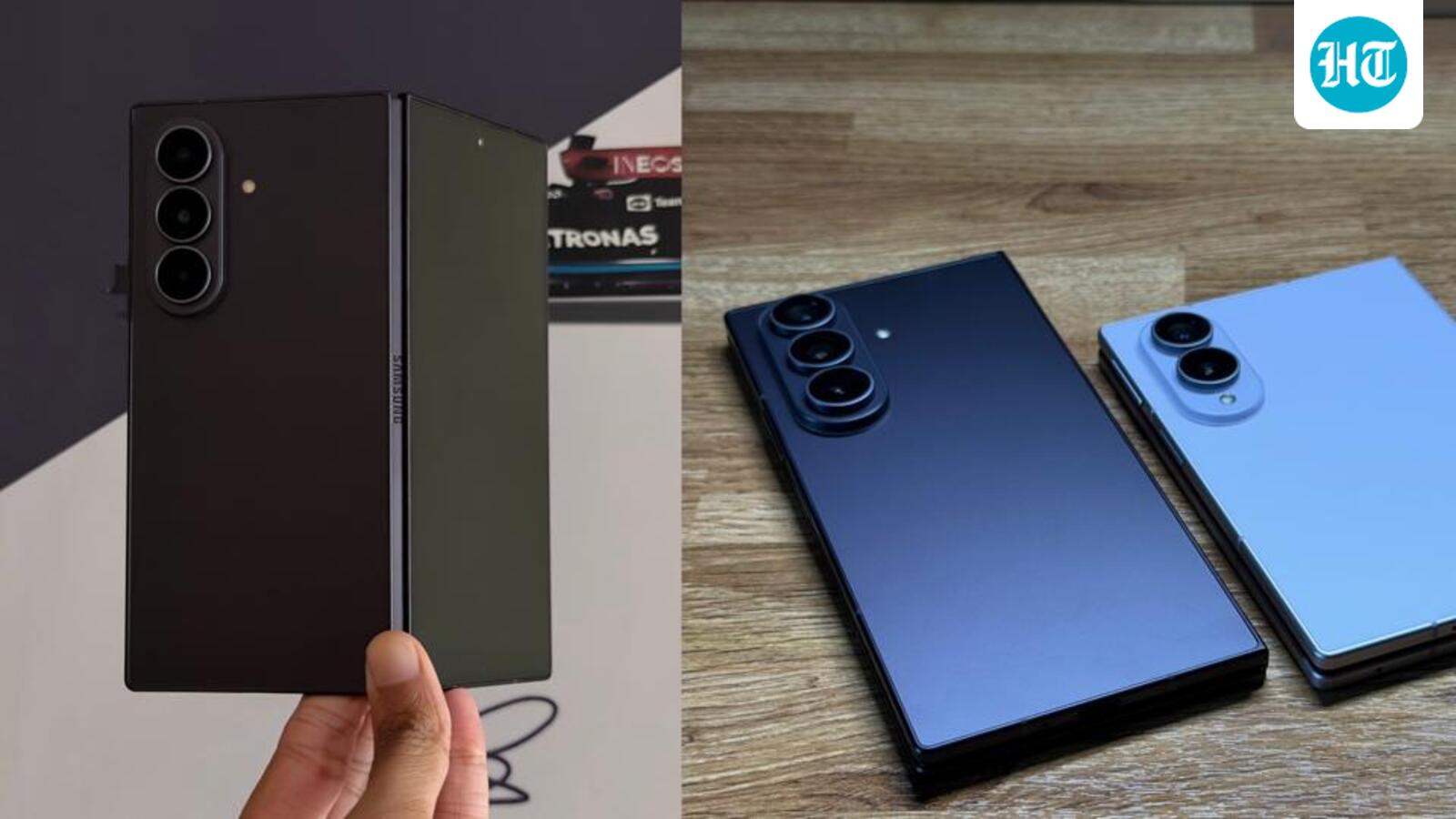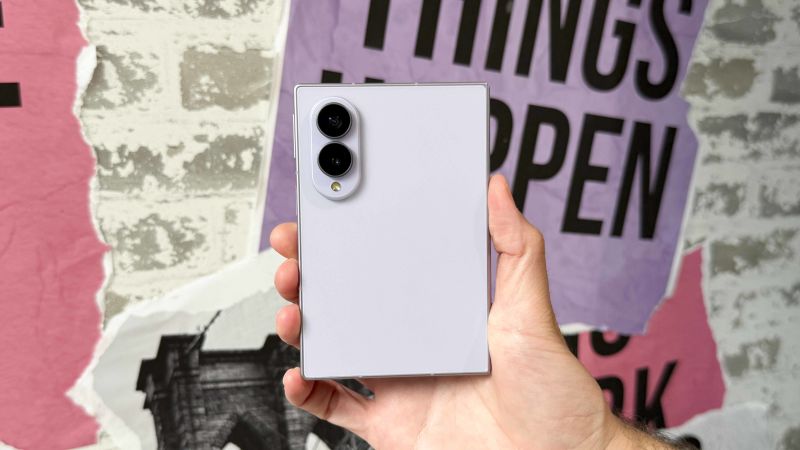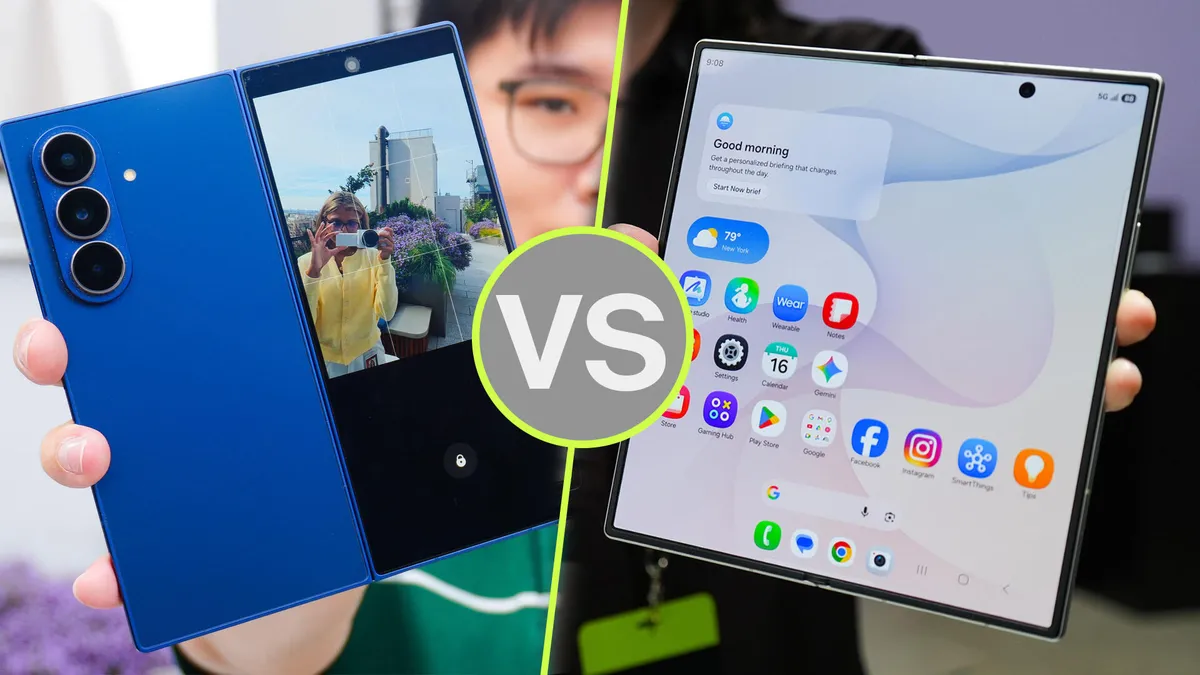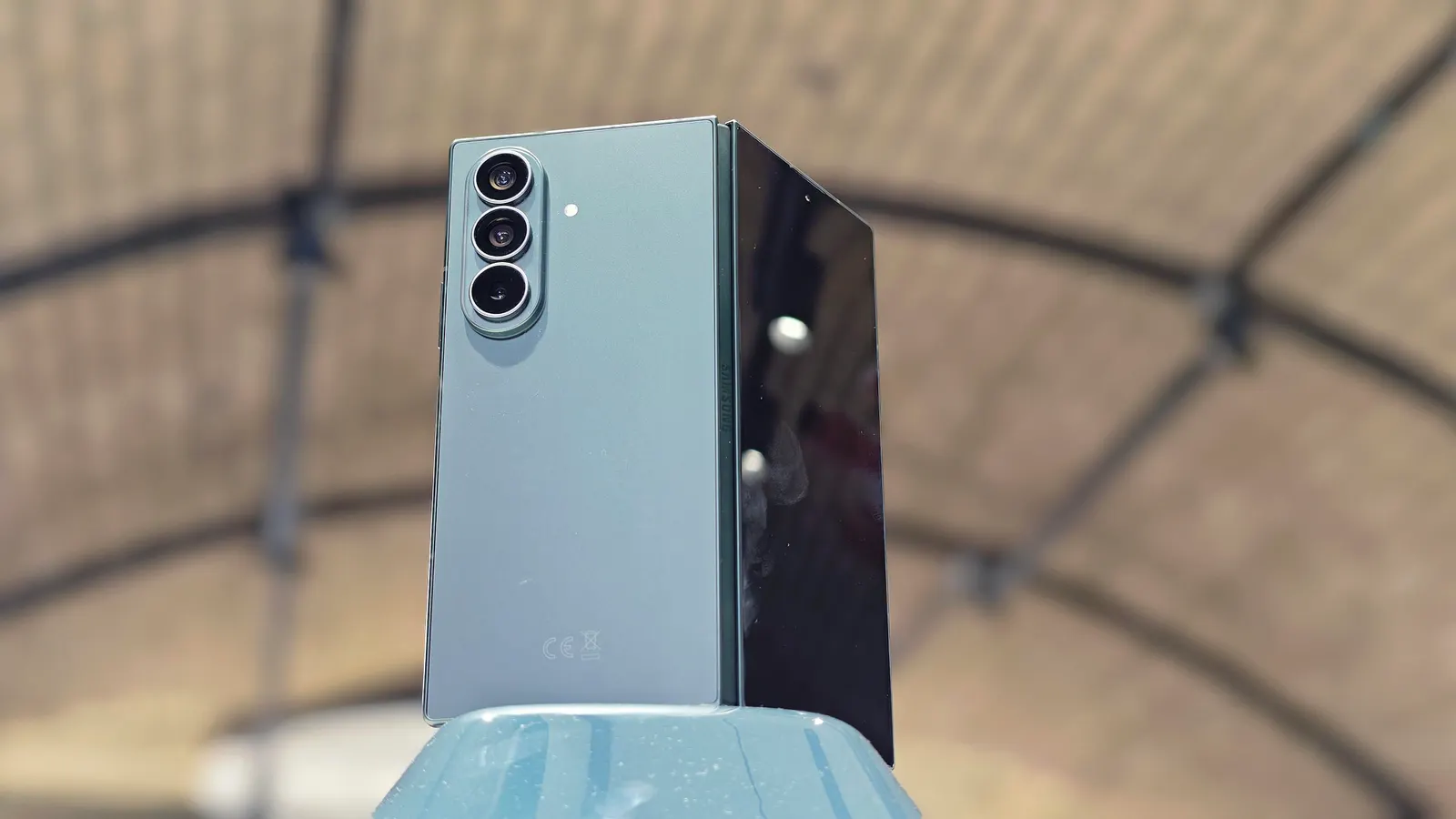
(Image credit: John Velasco / Tom's Guide)
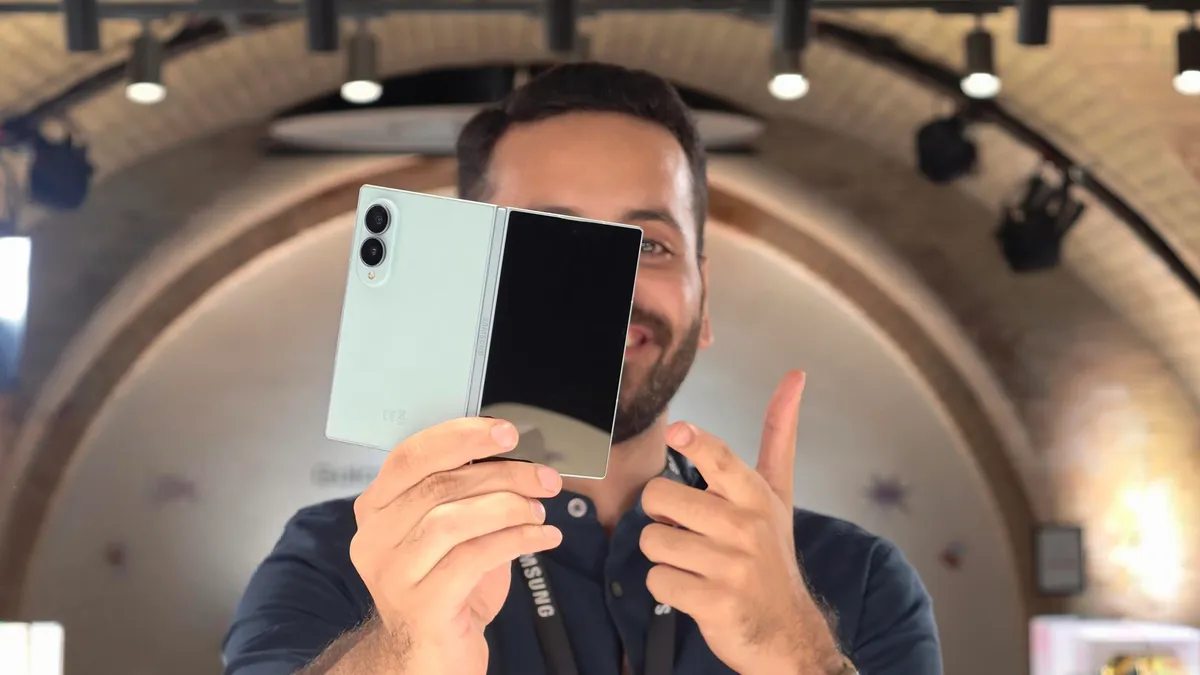
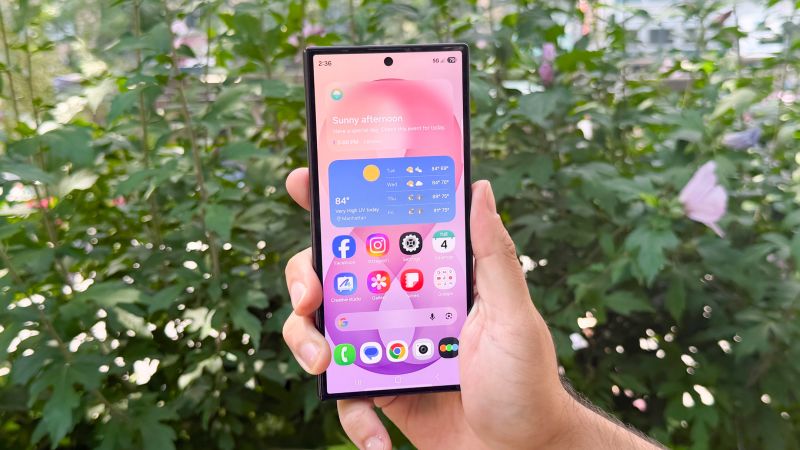
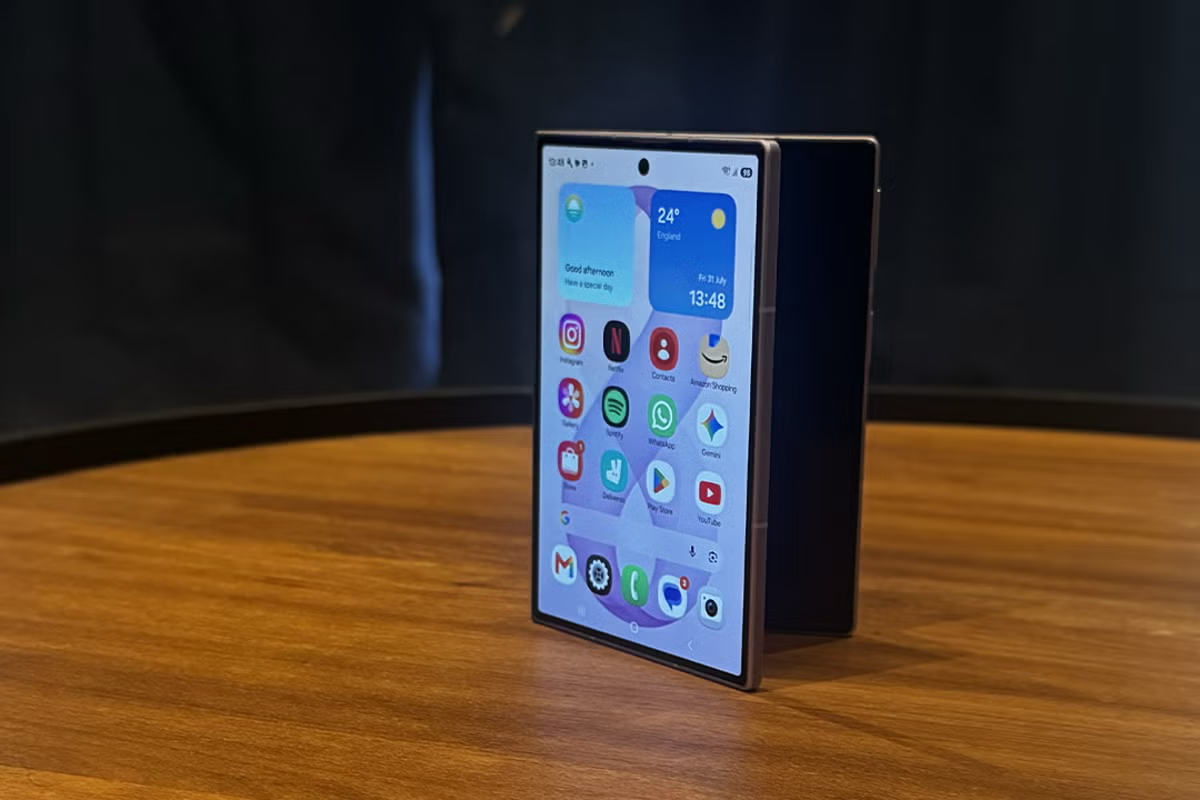
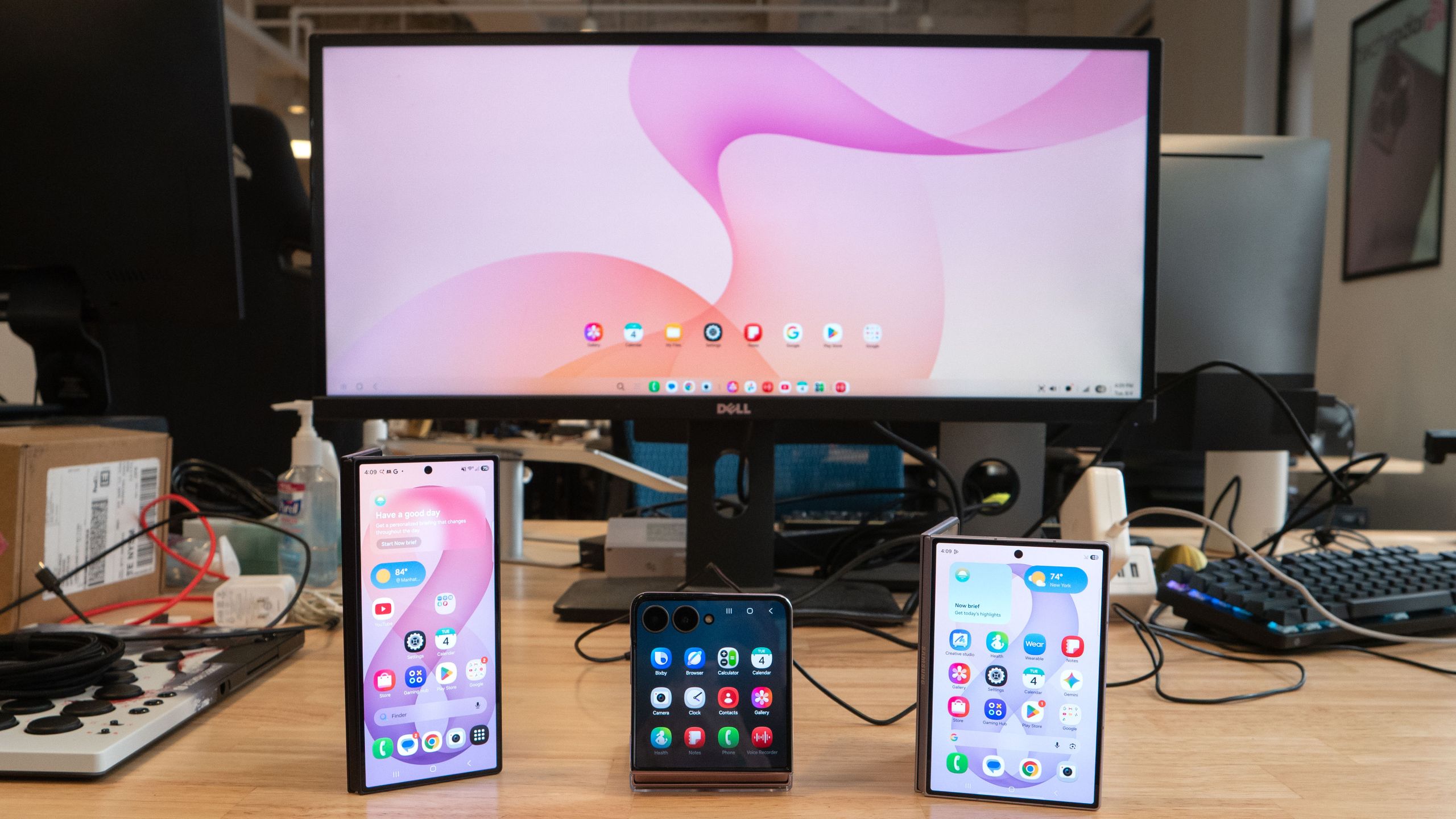
Samsung’s new foldable phones are almost here, and if you’re planning to get any of them, you should know about their most underrated feature in my opinion: Samsung DeX. This year’s lineup consists of three new foldables — the Galaxy Z Flip 8, Z Fold 8, and Z Fold 8 Ultra — which all come with the latest version of Samsung’s desktop interface.Just as before, you can easily access DeX by plugging them directly into a monitor, whether via USB-C, an HDMI port using a USB hub, or even wirelessly on a supported display or TV. I’ve been testing this new Samsung DeX for the past week, and it gains one specific feature that makes it more useful for productivity.In fact, this new Samsung DeX is exactly like the one I tested on the Galaxy S26 from earlier this year — which inherited it from the now-discontinued Galaxy Z TriFold.Samsung DeX on Fold 8 and Flip 8: What's new(Image credit: John Velasco / Tom's Guide)The only new addition to this year’s Samsung DeX is the ability to create up to four workspaces. Each desktop can support up to five apps, which means I can run 20 different apps simultaneously.While I don’t need to actively use that many apps at once, having them organized makes a huge difference. For instance, I’ve set up one workspace strictly for work-related apps I frequently access — like Slack, Gmail, Chrome, Google Docs, and Messages. In another, I have my social networking apps, while a third is dedicated to editing apps I use consistently, such as CapCut, PhotoDirector, and PowerDirector.