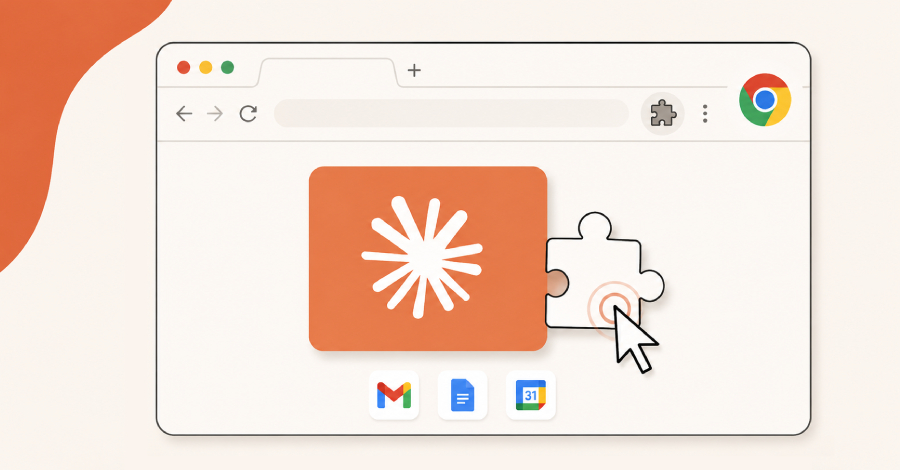
The pitch: connect Claude to Gmail, Calendar, and Drive and let it run your day. What you actually get is smaller and more useful. It reads across your workspace, pulls the right context, summarizes it, and prepares actions. You still press the buttons that matter.
Here is what works today, how to wire it up without handing over the keys, and the places you should never take yourself out of the loop.
What connectors actually do
Claude reaches Google Workspace through connectors built on the Model Context Protocol (MCP). Once you authorize access, it can search your mail, read threads, check your calendar, and open files in Drive, all inside a normal conversation. No glue code, no cron job to babysit.
The split that matters is read versus write. Reading (search, summarize, list events, pull a doc) is where connectors are strong and the risk is low. Writing (sending mail, creating or moving events, editing files) is where you slow down and add checks.