The hard part of adopting an AI coding agent is rarely the first prompt; it is building a terminal setup you can reuse inside a real repository without mixing credentials, project rules, and task context.
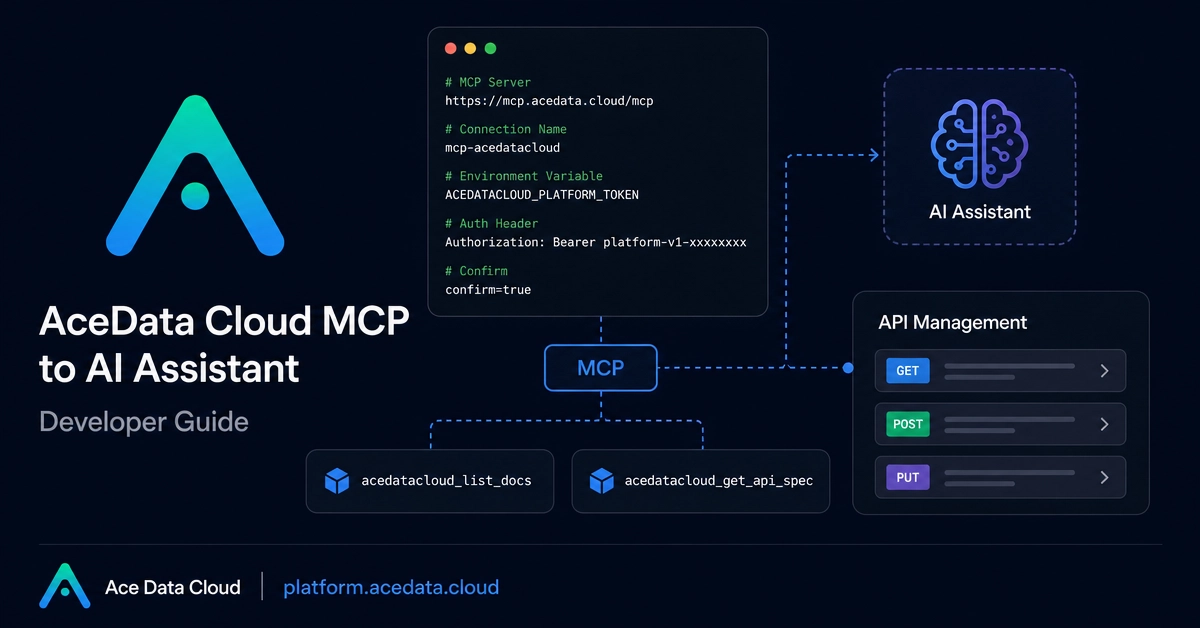
This guide sets up Claude Code CLI with Ace Data Cloud, then uses it for focused terminal work: explaining code, reviewing a diff, and following repository instructions stored in CLAUDE.md.
What this setup gives you
Claude Code can run interactively in a project directory, execute one task and exit, consume piped input, or continue an earlier conversation. The Ace Data Cloud configuration needs two values:
ANTHROPIC_AUTH_TOKEN: your API token. Claude Code adds the Bearer prefix when sending it.