Imagine being able to ask your AI assistant to review your code on GitHub, query a database, or draft a report in your favorite productivity tool, all from a single conversation. That's exactly what the Model Context Protocol (MCP) makes possible.
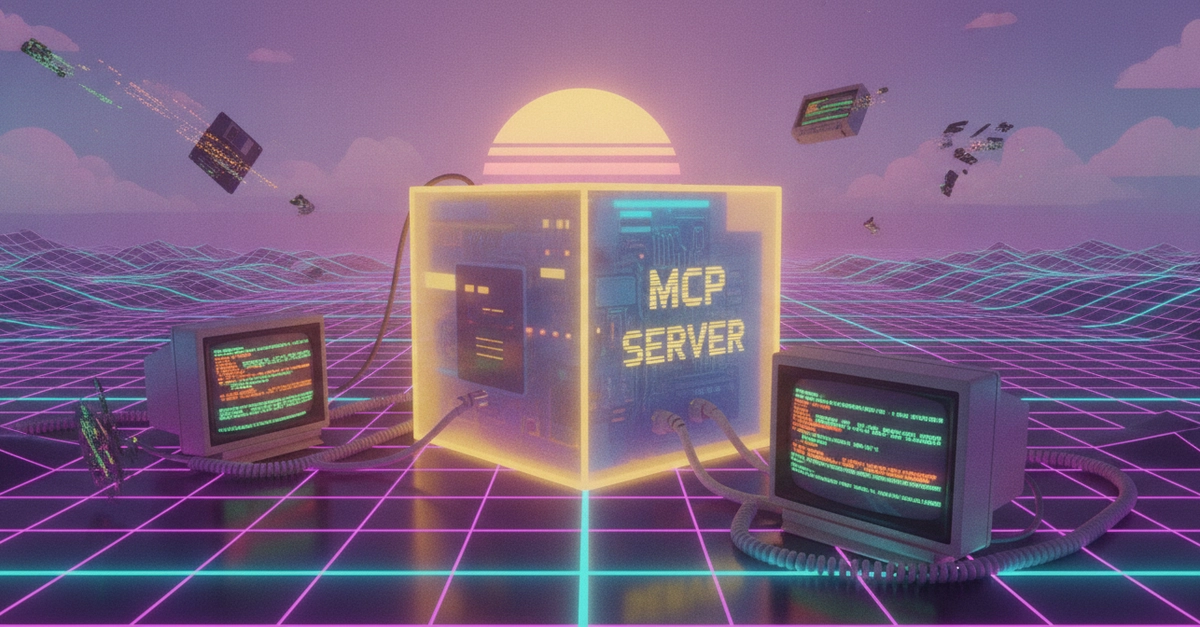
An MCP Server acts as a universal translator. It allows your AI client (like Claude, VSCode, or Cursor) to communicate in a standardized way with external data sources and tools. It transforms your AI from an "isolated chat" into an assistant that can actually execute tasks in your working environment.
The Power of Connection: Clients and Servers
The beauty of MCP lies in its flexibility. A single MCP server can connect to multiple clients. This means you can set up your server once and use it across different platforms.
According to the official documentation, you can install and connect MCP servers to popular clients like:

 aws.amazon.com