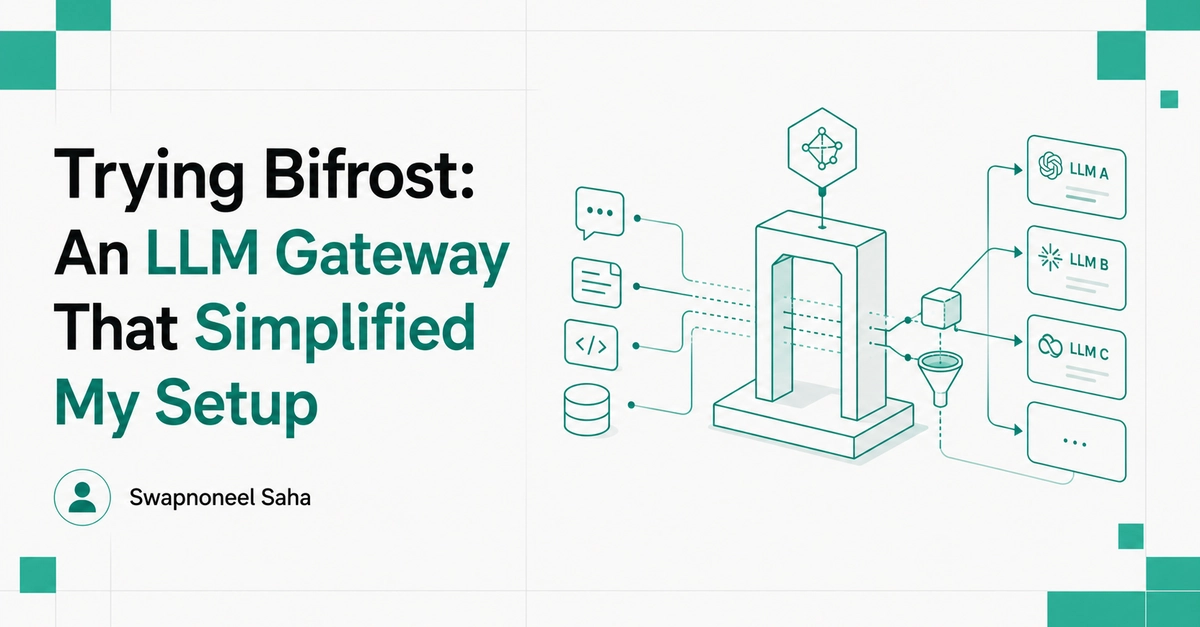
I try a lot of models daily, and I kept ending up with a separate API key for every model provider I wanted to test with my desired harness. So I decided to try Bifrost on my local machine, to see if it would actually fix that.
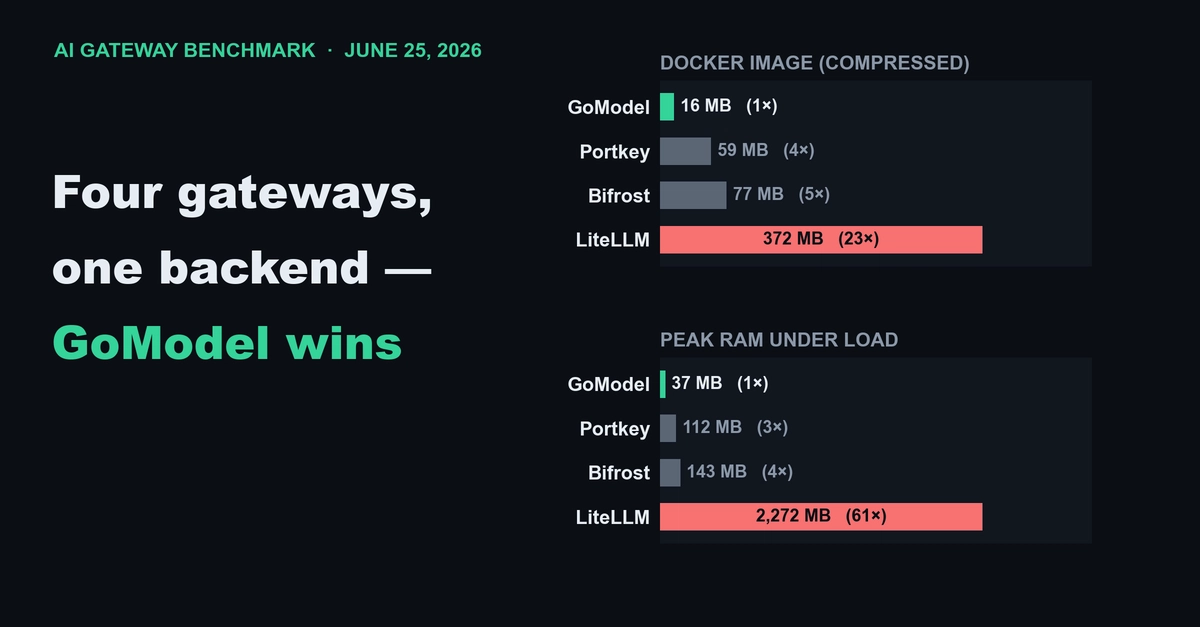
Bifrost is a high-performance, open-source AI gateway, built in Go. It puts multiple AI providers behind a single OpenAI-compatible API, and it does that with ultra-low latency, automatic failover, load balancing, and enterprise governance features baked in.
If you've used LiteLLM before, it may sound familiar on paper, but the experience is pretty different in practice. LiteLLM is a Python library and proxy you configure and run yourself; Bifrost ships as a standalone Go binary with a full web dashboard baked in, so there's no separate observability stack to stand up just to see what's actually happening to your requests. That dashboard ended up being the thing I used the most, as you'll see below.
I wired it into OpenCode, an open-source coding harness similar to Claude Code and Codex. I'm using an OpenCode Zen key and a Gemini key, and together, these give me access to multiple SOTA models for free, without touching a separate dashboard for each provider.
Installation and Setup