I run PDFHaul, a free browser and mobile PDF toolkit, as a solo founder. A few months ago I kept running into the same friction point: every time I wanted an AI assistant to help with a PDF task, I had to manually download the file, upload it somewhere, run the tool, then feed the result back into the conversation. For anything involving more than one file, that loop got old fast.
So I built an MCP server for PDFHaul. This post covers what it does, how it's built, and a few of the harder decisions along the way.
What MCP Actually Solves Here
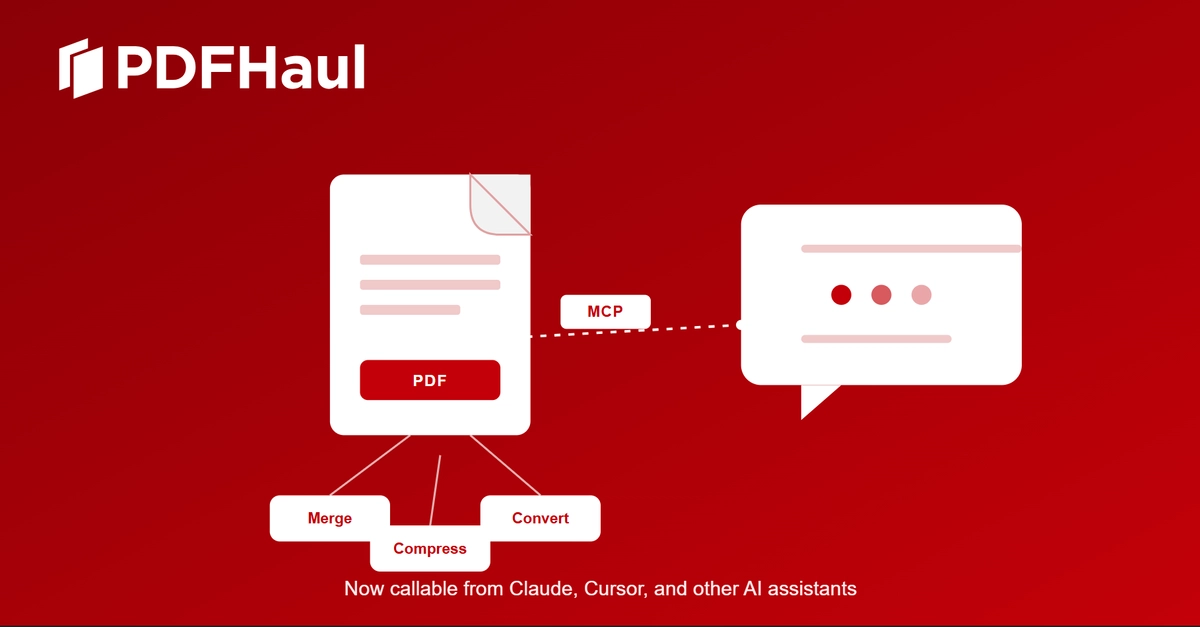
Model Context Protocol gives an AI assistant a standard way to call external tools directly, instead of a person acting as the manual bridge between the assistant and every service it needs. For PDF work specifically, that means an assistant like Claude or Cursor can merge, split, compress, or convert a file as part of a conversation, without a human stepping out to run the tool separately.
The PDFHaul MCP server exposes 12 tools across four categories: file management, editing, conversion, and compression. It's live at pdfhaul.com/mcp-server, where you can find setup instructions and generate an API key.