Harnessing the MCP Server for PDF Tools Integration: smooth AI document automation
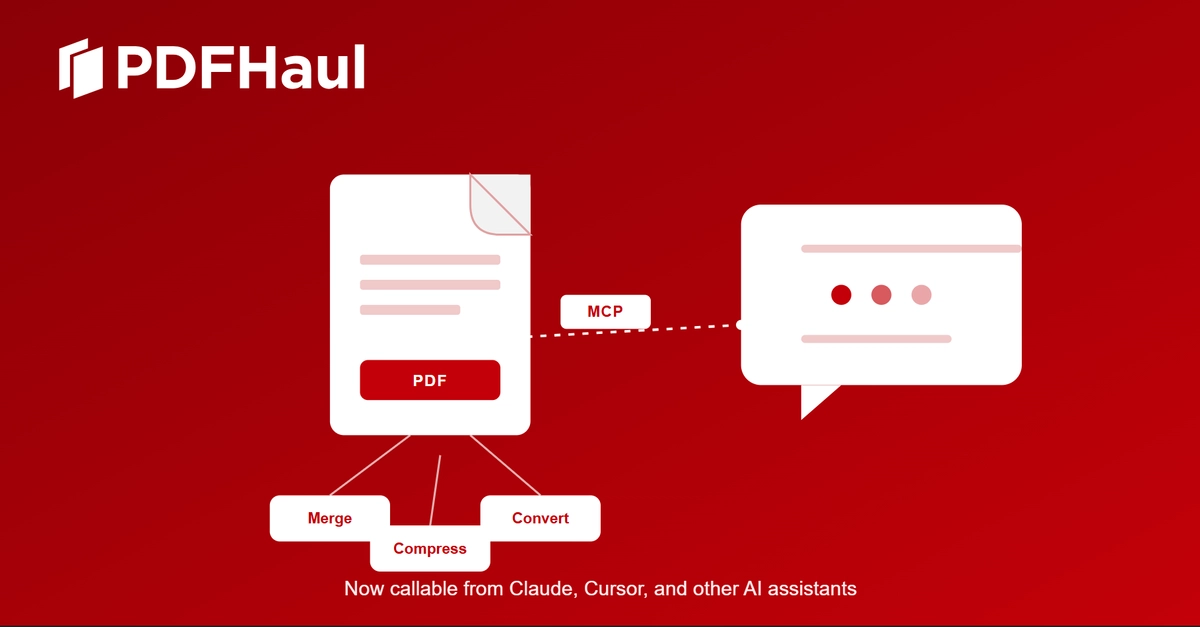
Traditional PDF automation with AI agents has been a tangle of repeated REST calls, polling, file transfers, and re-authentication. Every pass at a PDF conversion or signature means more code, more error states, and yet another round of integrating a new API. Foxit’s MCP Server PDF tools integration flips that model: now, over 30 PDF operations are visible as native MCP tools the agent can invoke directly in one session. The Server handles the brittle mechanics — uploading, waiting, retries, security — so your agent’s code shrinks and your automation pipeline becomes auditable, solid, and extensible. For LLM-driven workflows and AI-powered document automation, this is a meaningful level-up.
What is MCP Server and how does it simplify PDF tool integration?
The MCP Server is a capability layer that exposes 30+ PDF processing tools as a single, discoverable interface. Instead of routing every AI action through brittle, operation-specific REST endpoints, the Server absorbs the details of Foxit’s cloud PDF Services API and presents each capability (like OCR, split, convert, compress) as a native MCP tool. The big leap: the agent no longer needs to manually push files, poll for job status, or individually manage auth tokens for each upstream service.