(Image credit: Shutterstock)
When ChatGPT first introduced memory, I was relieved that I wouldn't have to repeat prompts anymore. Not to mention, memory means ChatGPT can remember my name, what I do for a living, where I live and my preferences for each response. Because I have Memory enabled, the AI remembers everything I tell it.But I've realized something about AI memory vs. human memory. Although ChatGPT may remember everything, I don't. So, even if the AI knows something, if I forgot what it knows, well, we're both going around in circles.In other words, I was treating memory like a place to dump random facts when I should have been teaching ChatGPT how I actually work. Once I understood the difference between giving it information and giving it useful information, the whole experience changed.After spending the past few weeks cleaning up what ChatGPT remembers and being much more intentional about what I save, the difference has been dramatic. It now responds closer to a style I prefer, remembers ongoing projects and picks up where we left off without me constantly filling in the gaps.Here are the five changes that made the biggest difference.1. I cleaned out old memories
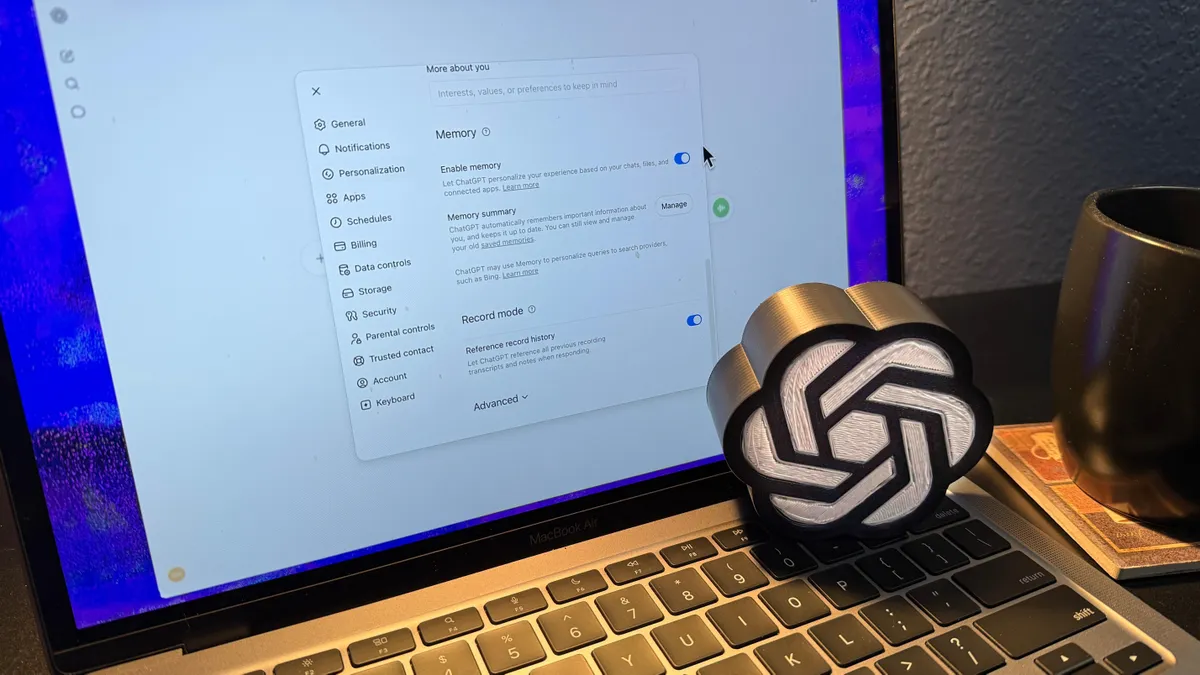
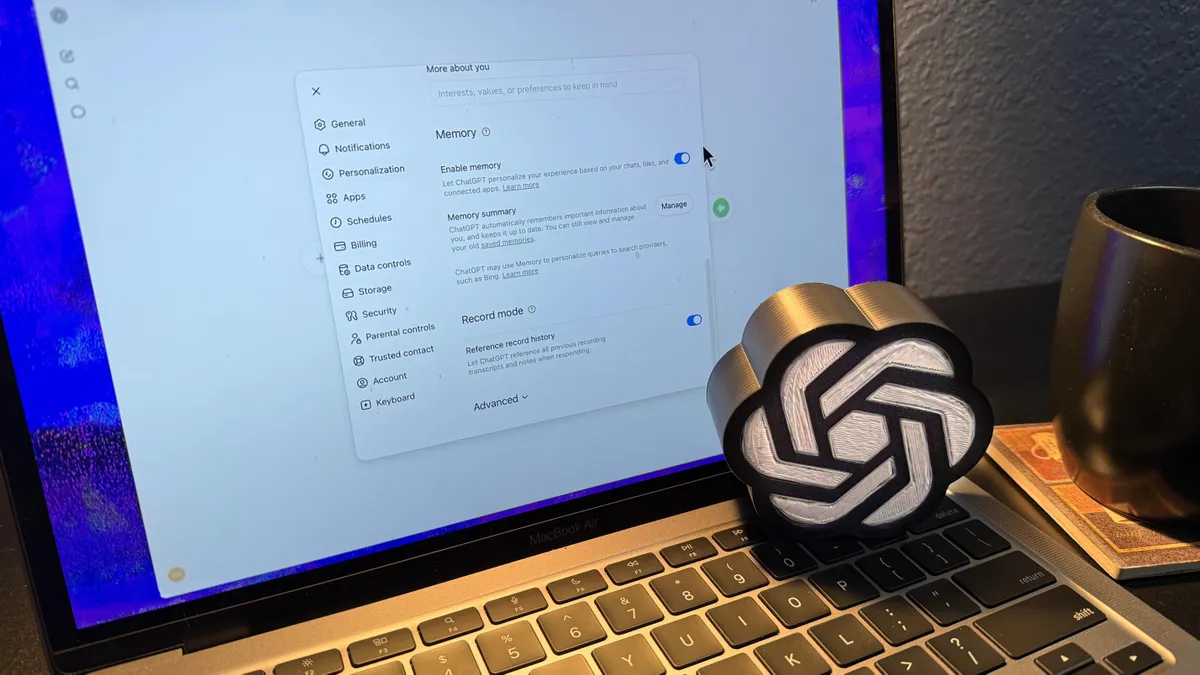
(Image credit: Future)This is the fastest win, and it's where I'd start if you what to experiment with this test, too. Memory isn't meant to become an attic full of outdated information. After months of using ChatGPT, I found plenty of memories that no longer reflected how I work. Old project names. Preferences I'd since changed. Instructions that contradicted things I'd told it more recently.The problem with not doing a ChatGPT Memory audit is that it actively confuses things. If six months ago you told ChatGPT you prefer formal, structured writing and last week you told it you like conversational tone, it's working with conflicting instructions. The result is inconsistency as it tries to catch up. Get started by doing this: Go to Settings > Personalization > Memory and scroll through what's there. You'll probably be surprised by how much of it is outdated or irrelevant. I deleted roughly half of mine, and the improvement in response quality was immediate.If you've never reviewed your saved memories, it's worth taking five minutes to do it now.Get instant access to breaking news, the hottest reviews, great deals and helpful tips.2. I stopped saving facts and started saving preferencesThere's very little value in ChatGPT remembering that I like coffee or that my favorite song of all time is Against All Odds by Phil Collins. That kind of information almost never changes how it responds to me.Instead, I focused on saving things that shape every conversation, essentially the standing instructions you'd give a new team member on their first day.For example, I asked it to remember:That I prefer a conversational tone rather than corporate lingo. That I dislike AI clichés like "dive into," "it's important to note" and "in today's rapidly evolving landscape." That I prefer responses in bullet points and not in long paragraphs full of fluff.Because these preferences affect almost every conversation I have, so they save me time every day.The test I use now is simple: will this memory change the way ChatGPT writes or thinks in future conversations? If not, it's not worth saving.3. I let ChatGPT remember long-term projects