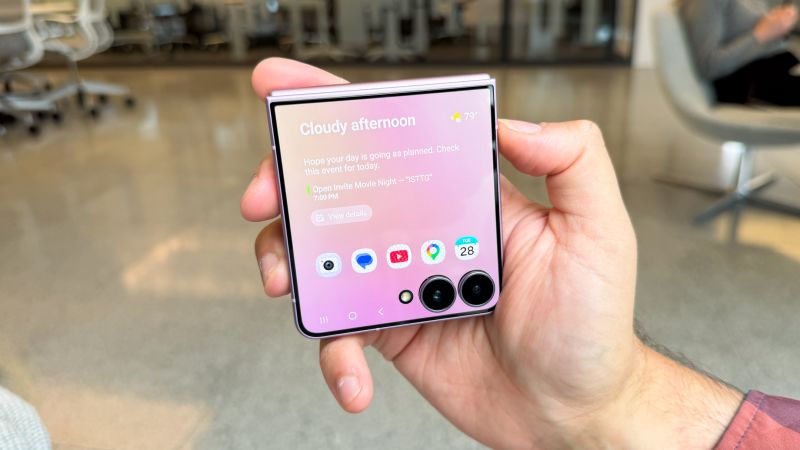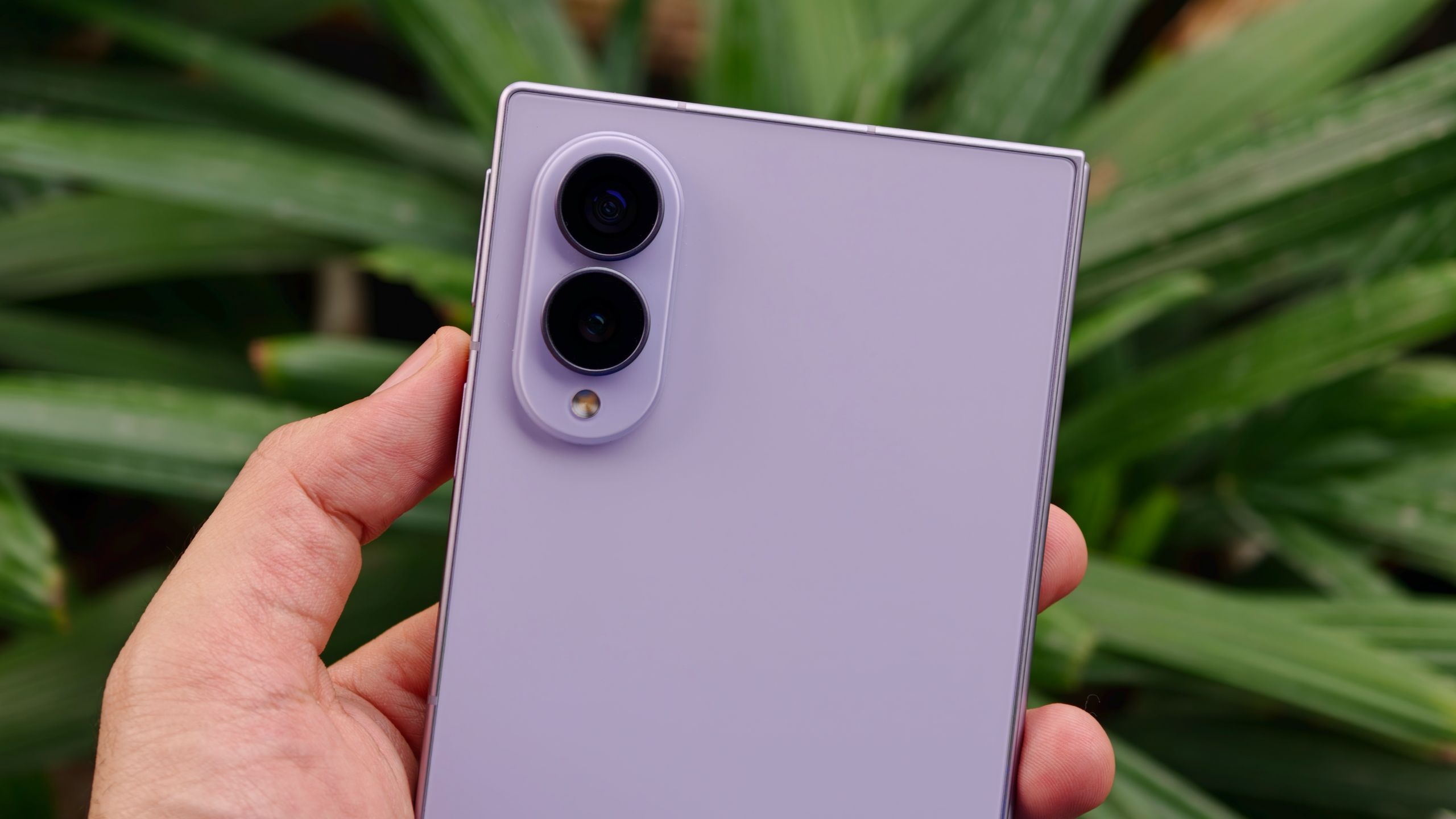
(Image credit: Sanuj Bhatia / Tom's Guide)
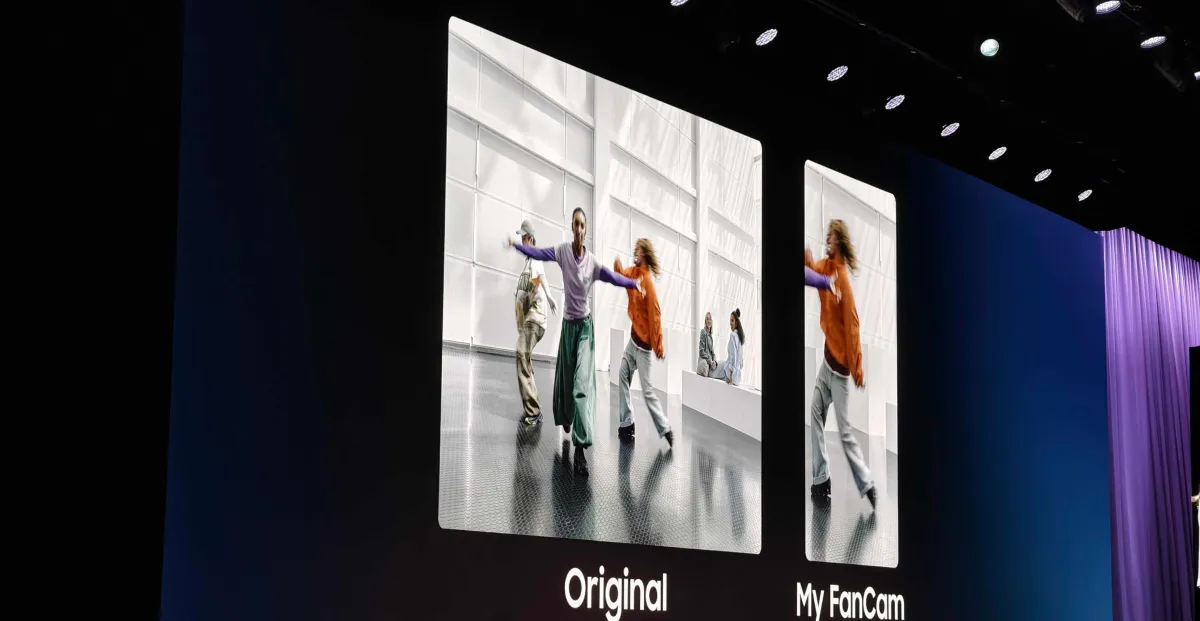
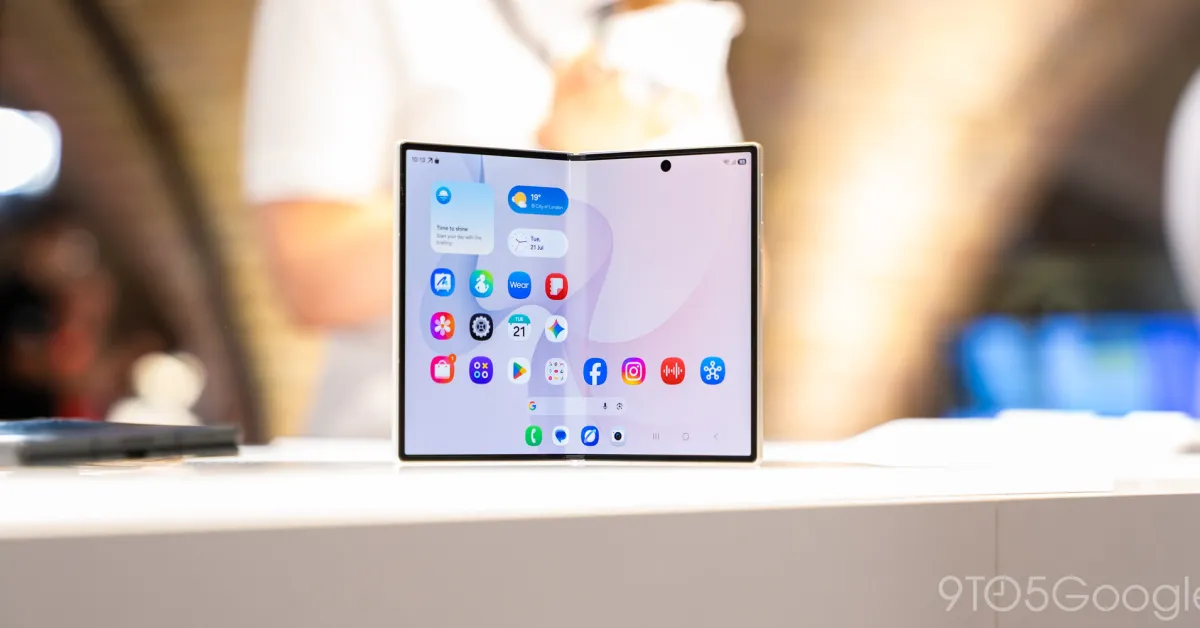
I'm far from a good videographer (which is one of the reasons I've remained a writer-first in this era of Reels, TikToks, and Shorts). But that doesn't mean I don't record videos on my phone. Whenever I'm at a concert, a game, or any kind of event, I still find myself pulling out my phone to capture the moment.The problem is that I'm terrible at keeping the camera locked on my subject. Filming a performer from way out in a crowd is quite difficult, especially when you're zoomed in.Samsung's new foldable phones come with a new Galaxy AI video tracker feature that is designed to solve exactly that problem. I spent some time trying it on my Galaxy Z Fold 8, and I can confidently say it made filming way easier — even if there's still one thing I'd like Samsung to improve.How Samsung's My FanCam AI feature actually works
(Image credit: Sanuj Bhatia / Tom's Guide)What My FanCam essentially does is take away the stress of trying to keep a moving subject perfectly framed throughout a video. Instead of manually tracking someone while you're recording, Galaxy AI can detect a person in your video after you've finished filming and automatically follow them throughout the clip.The end result is a new video that stays focused on that one person, almost as if someone had tracked them with the camera the entire time.Using it is fairly straightforward. First, record a video using the Camera app on your Galaxy phone as you normally would. Once you're done, open the video in the Samsung Gallery app, tap the Galaxy AI icon, and select My FanCam.