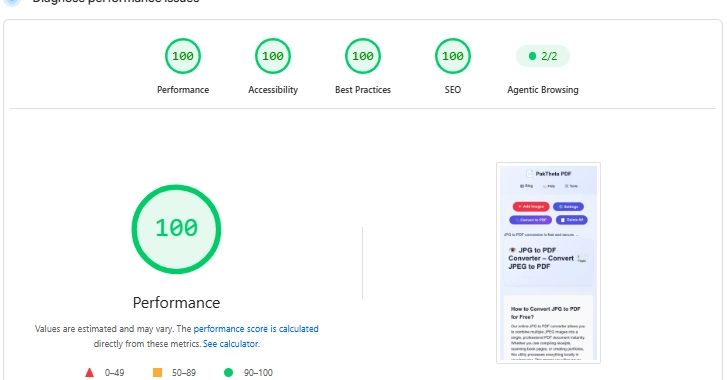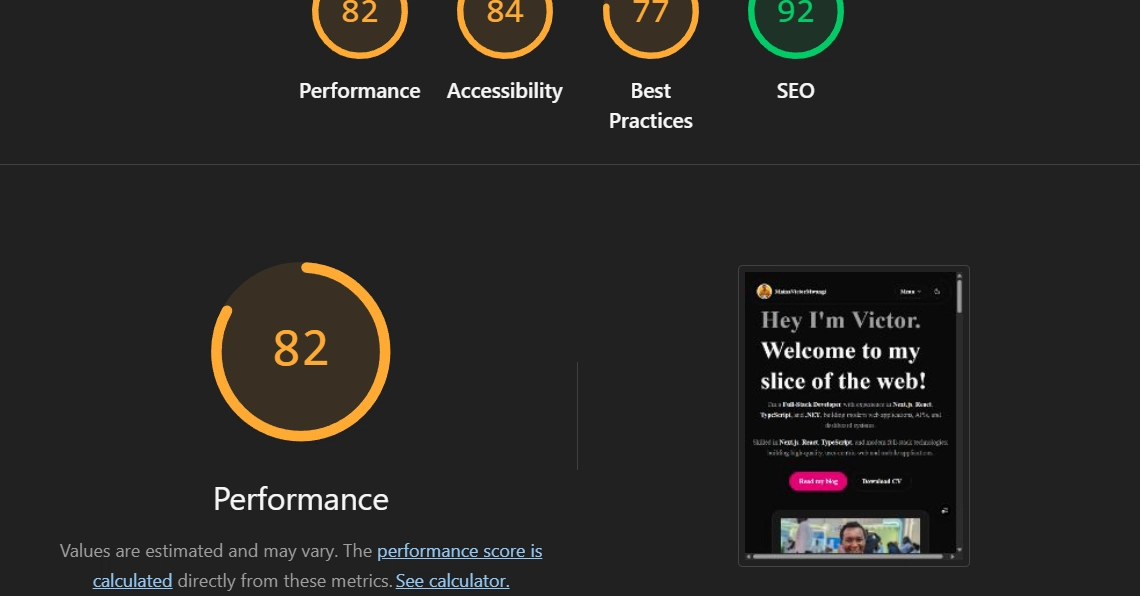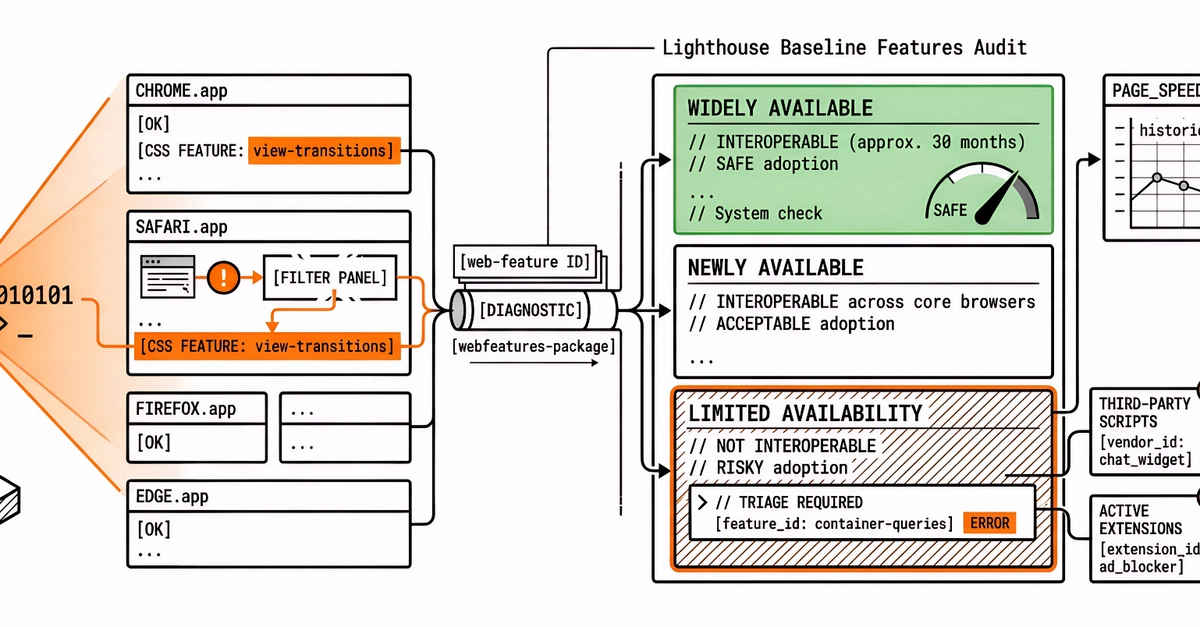
You ship a layout that looks clean in Chrome. A week later Safari users report a broken filter panel, or Firefox drops a CSS feature your design system assumed was safe. The Performance score on PageSpeed Insights still looks fine, because speed and interoperability are different questions. Until recently, Lighthouse did not give you a single Best Practices view of which web platform features your page (and its vendors) actually use, and where those features sit on the Baseline timeline.
Chrome’s Baseline Features audit now sits in Lighthouse’s Best Practices category as a diagnostic. It detects web feature IDs from the web-features package, reports each feature’s Baseline status (Limited availability, Newly available, or Widely available), links to the matching entry on webstatus.dev, and points at one place in the page’s source where that feature showed up. It also covers features used in third-party scripts and active extensions. What follows is a practical read of that report for developers and agencies: what the statuses mean, how to triage Limited features, when Newly available is acceptable, and how scheduled PageSpeed monitoring fits beside a one-off DevTools run.
What the Lighthouse Baseline Features audit reports