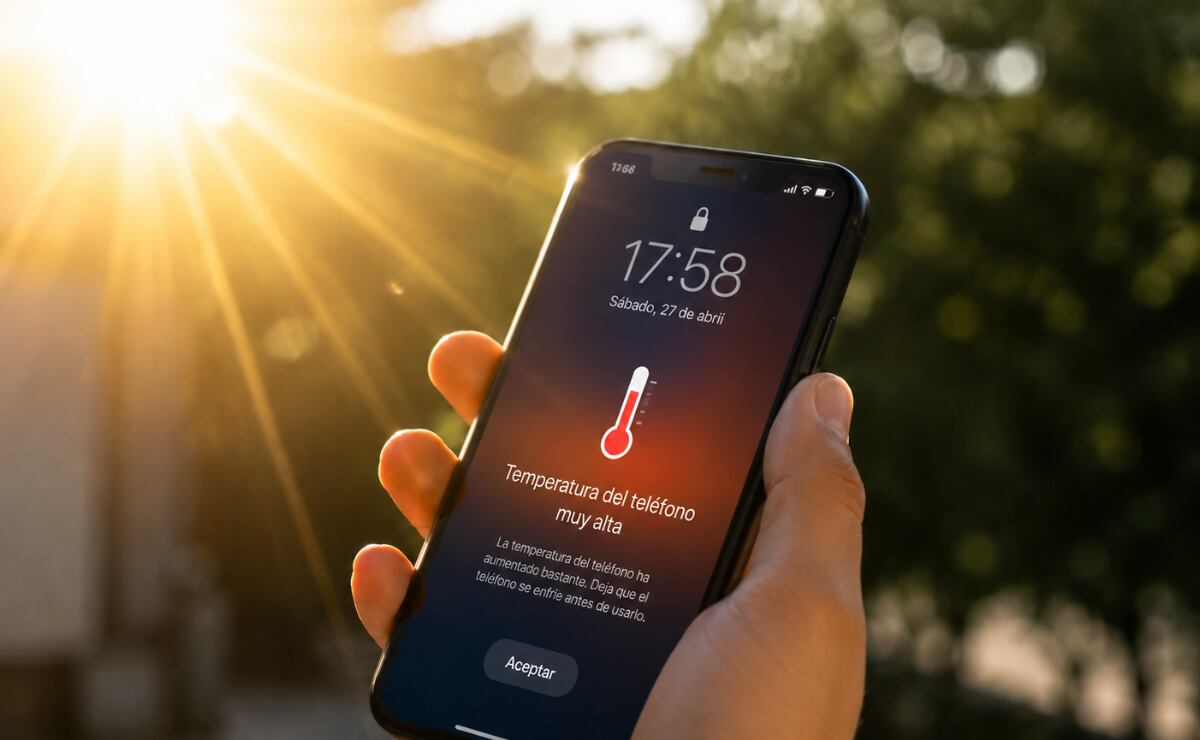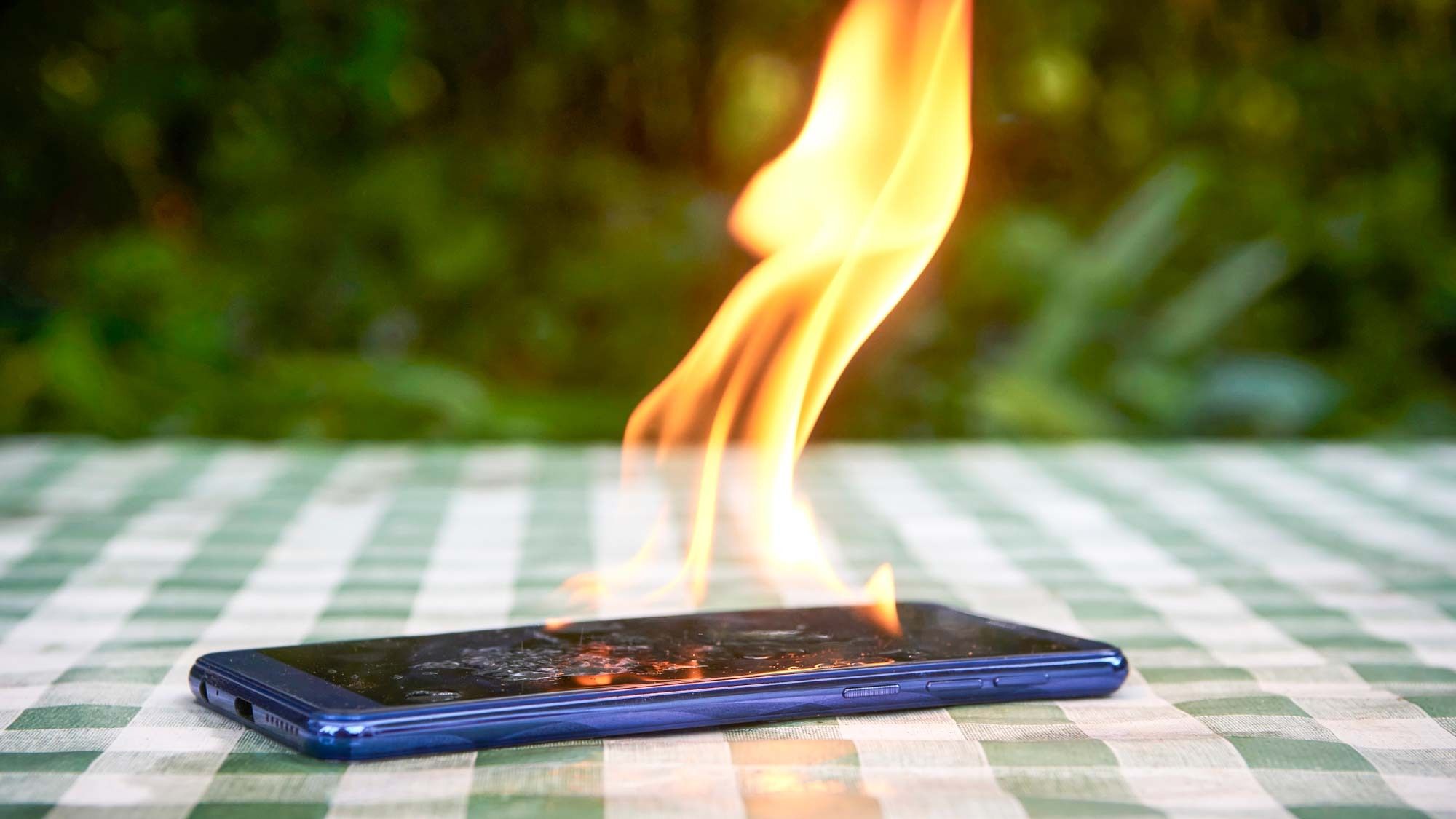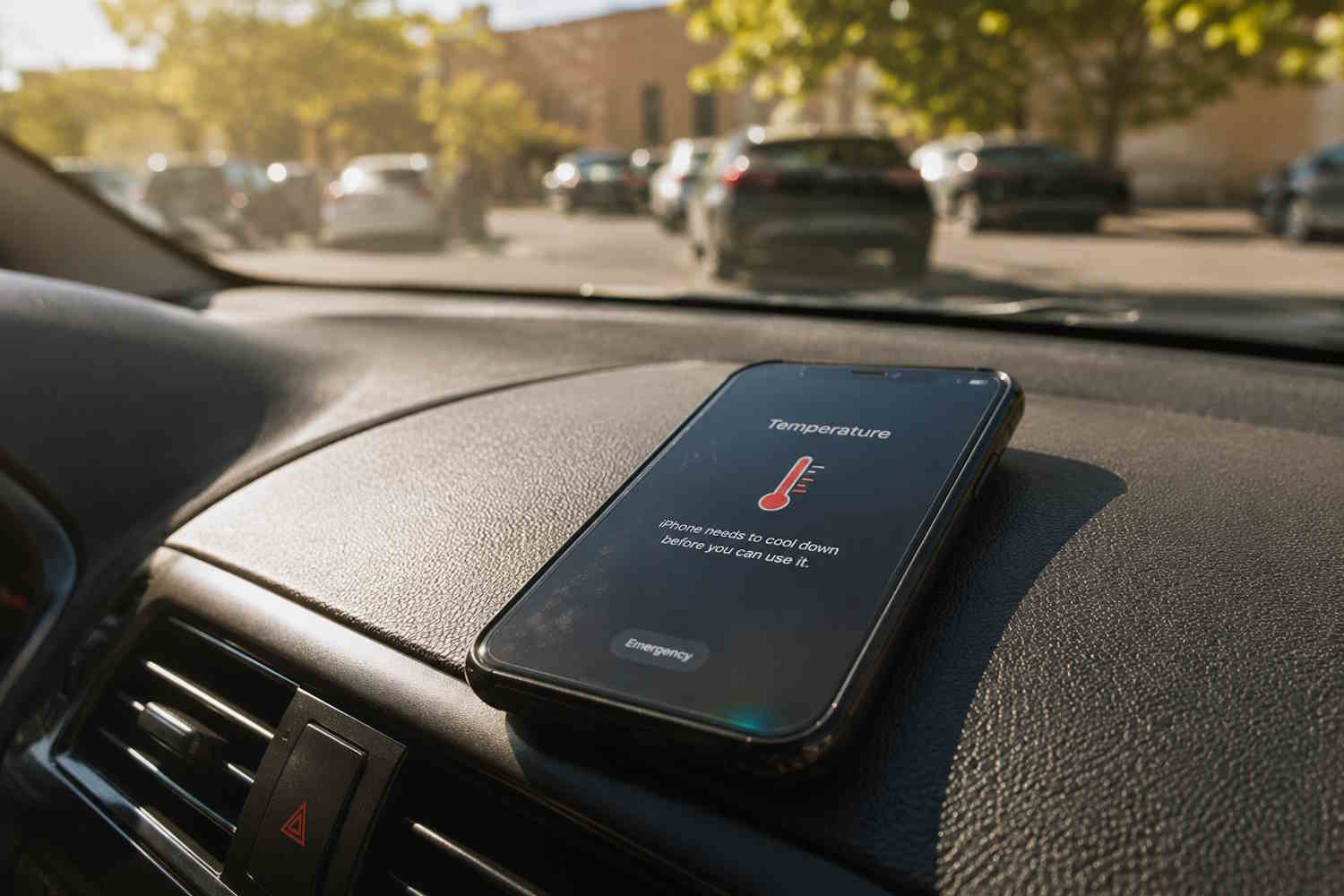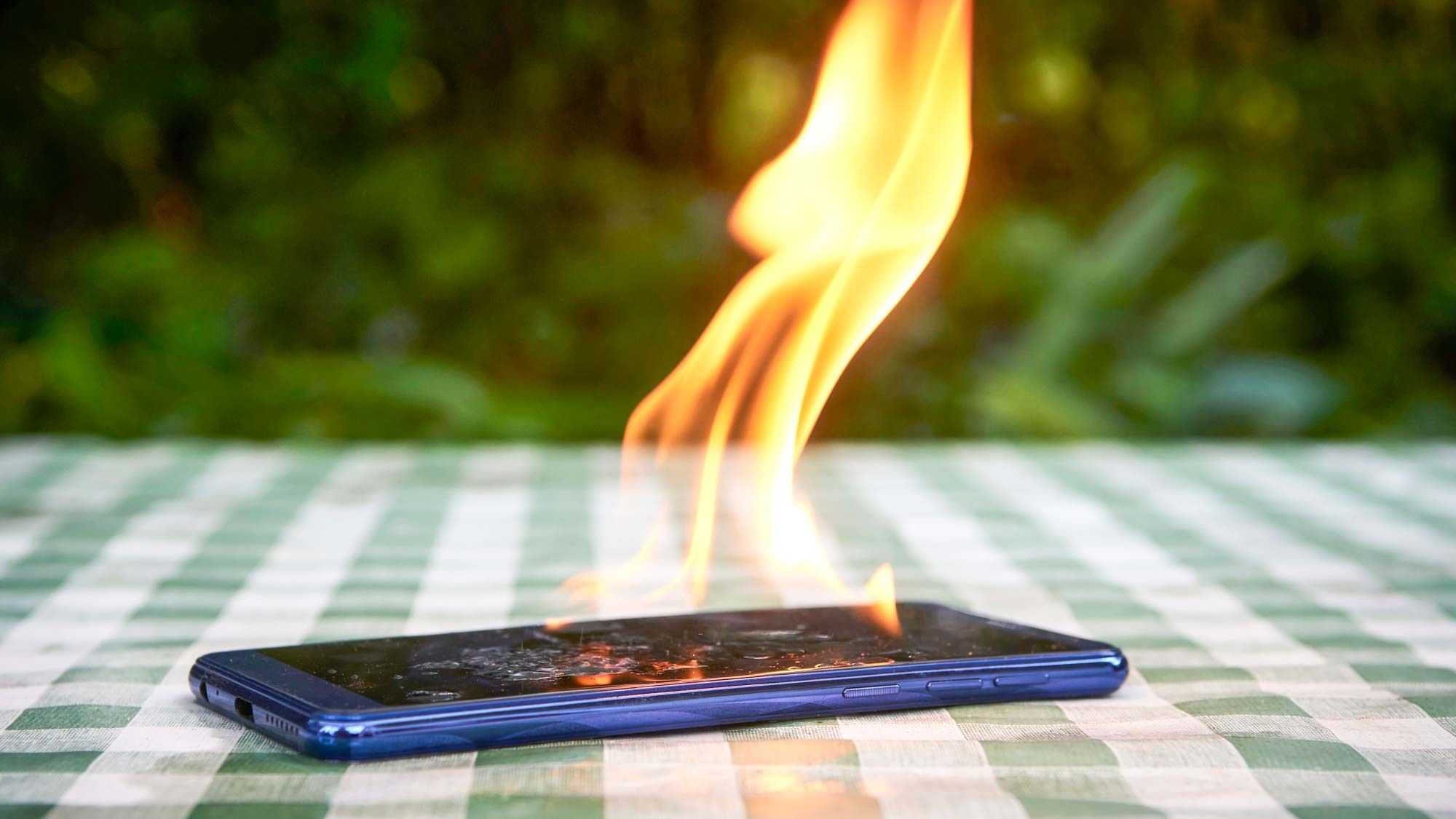
When I visited the beach in Malaga last year, I forgot to bring a book. No problem, I figured, I’d browse on my phone to entertain myself. I spread out my towel, applied sunscreen, and opened my email, but before long, a notice appeared saying my phone was overheating.I flopped over onto my stomach to shade the phone with my face, but a couple minutes later, a second overheating notice appeared, and the phone turned off. So much for taking some pictures of the beach.Now that I’ve learned my lesson and know how to keep my phone from getting overheated, I've put together these tips to prevent your phone from shutting down, too.
1. Remove the case
Most cases trap a phone’s heat rather than letting it dissipate into the air. While a phone’s outer metal or glass back helps release heat, a case gets in the way.
2. Turn off unused functions (and use low power mode)
Turn off functions and features you aren’t using, close apps, and put the phone on low power mode. If your phone is using less energy, it will be less likely to overheat.