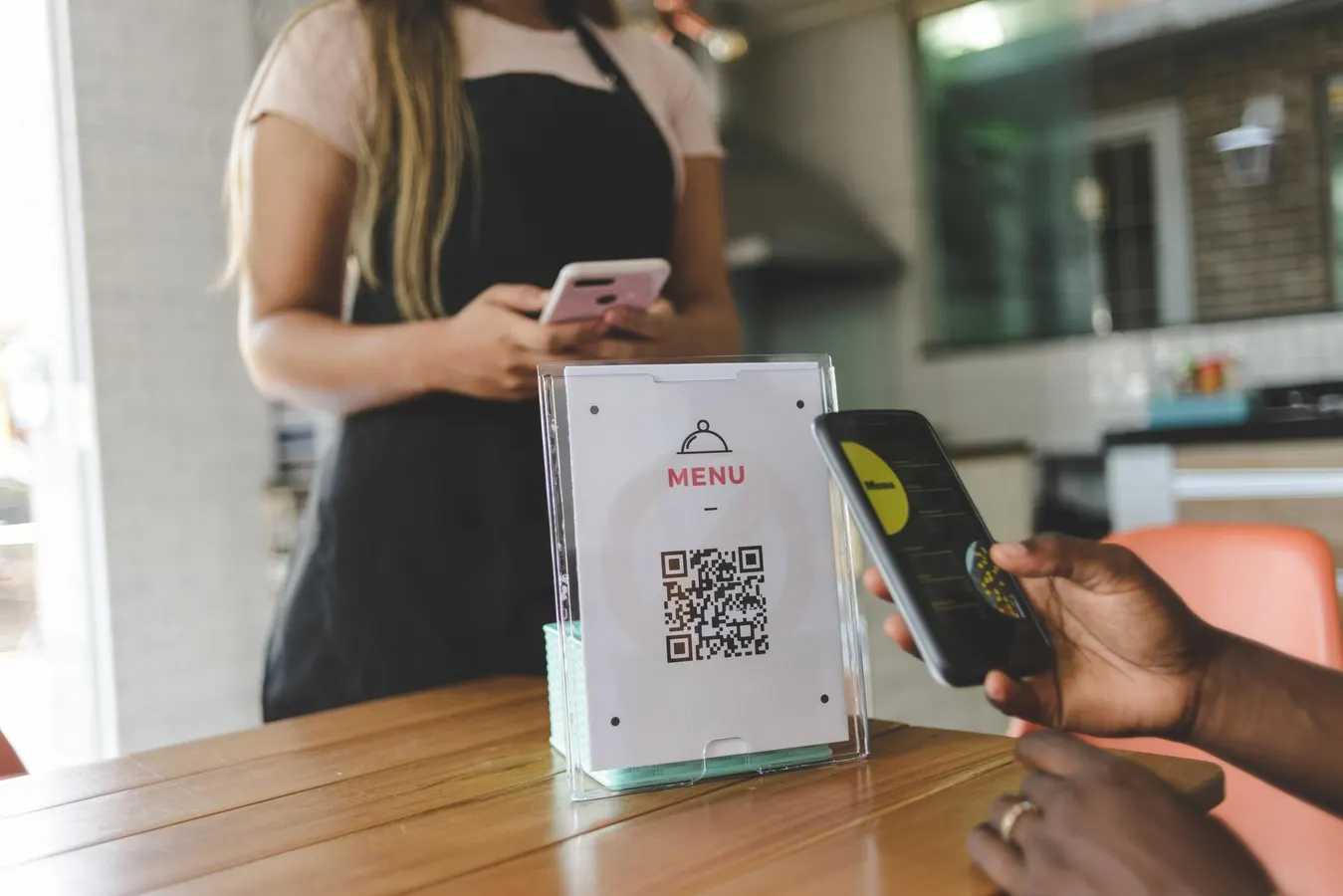
A QR code can look perfect in your browser and still fail on a printed flyer behind glass, on a wrinkled shipping label, or under a flickering streetlight at dusk. When you treat generation as a one-step drop into a designer, you skip the constraints that decide whether the code is actually scannable in the field. This article walks through the engineering decisions that show up after you hit "download" — the ones that decide whether your audience scans cleanly or gets a "Could not read code" error.
We'll treat the QR code as an input/output system: inputs are the data payload, version, error correction level, and module size; outputs are reliability across distance, lighting, surface, and reader hardware. Most production failures trace back to a mismatch between those inputs and the physical medium.
Understand the Encoding Budget Before You Pick a Version
Every QR code carries a fixed payload capacity per version and error-correction level. Version 1 holds up to 25 alphanumeric characters at level L (low correction), but the same symbol only holds 14 characters at level H (high correction). Version 10 jumps to 271 alphanumeric characters at L but drops to 213 at H. The QR specification defines 40 versions, and the structural choices ripple outward into module density and quiet-zone requirements.