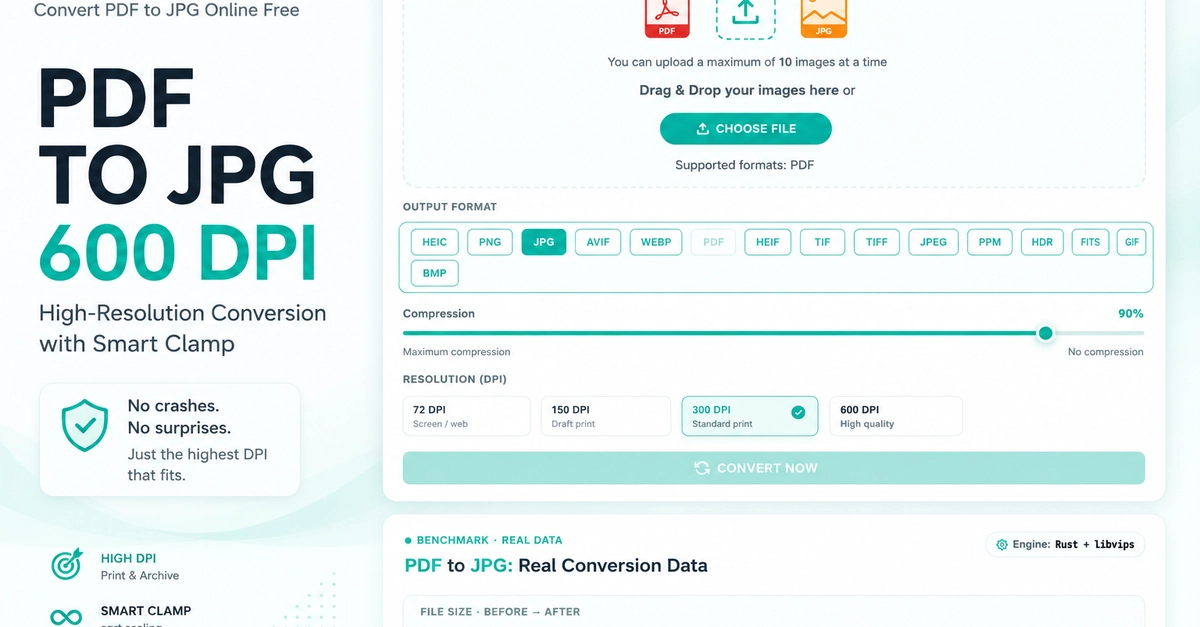
If you need to convert PDF to JPG at 600 DPI for print, archival, or high-res extraction, the short answer is: it works, but only if you clamp the output. A 600 DPI conversion on a large PDF page can produce a multi-gigabyte JPG per page. That crashes any server without a memory budget. I hit this in production on Convertify and had to build a fix that stayed close to the user's request while never letting the process explode.
This post walks through the clamp function I wrote in Rust + libvips, the math behind it (spoiler: sqrt), real numbers from production, and where the tradeoffs are. If you just want to use the tool, here's the 600 DPI PDF to JPG converter. Free, no signup, and the clamp described below runs on every request.
Why 600 DPI matters
DPI in "PDF to image" isn't a physical property of the PDF. It's a scaling factor. When you tell libvips to load a PDF page at 600 DPI, you're saying: rasterize this page at 600 pixels per inch of original document dimensions. So the output size depends entirely on how large the PDF thinks it is.
For most cases, 300 DPI is enough. Print, most magazines, high-quality photo output, 300 DPI is the standard. 600 DPI shows up when: