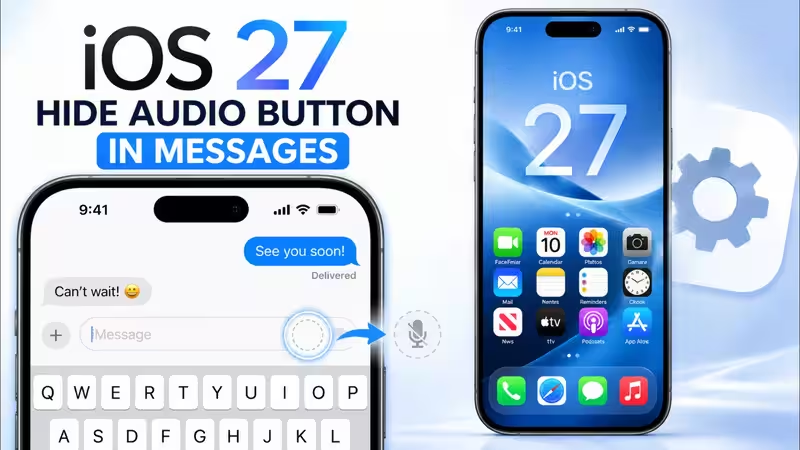
Link CopyTwitterLinkedinWhatsappiOS 27 Lets You Hide the Messages Mic Button; It Doesn't Remove What It DoesApple's anticipated iOS twenty-seven update brings significant user control over the Messages app's microphone icon. With this update, users can select options to record audio, activate dictation, or hide the icon altogether. This update directly addresses persistent user feedback regarding accidental recordings that interrupt their music listening experience. Integrated into a suite of interface enhancements, this feature will be available on all iPhones that support iOS twenty-seven.Apple's current public beta of iOS 27 (expected to launch some time in mid-September 2026) includes a tweak to the functionality of the microphone icon in the Messages text field, letting you decide what, if anything, it does there, including removing it completely. What might not be obvious before suggesting this to a friend who complains about accidentally hitting the Messages microphone is that it only removes the icon from that particular location. Dictation is still there, one-tap away on the keyboard's microphone button, while the ability to send an audio message is also retained, on the same side of the text field as the plus key, which can also be dragged to the text field (or moved there, if it's not already).What the setting actually controlsAbout The AuthorAshna is a content writer who focuses on making everyday choices easier and smarter. With a strong eye for detail and a natural sense of what works in real life, she creates content that feels honest, relatable, and genuinely helpful. She is a geek for writing stories around fashion, beauty, and influential products, while bringing the same depth and detail in reviewing tech products and gadgets of day-to-day use.
iOS 27 Lets You Hide the Messages Mic Button; It Doesn't Remove What It Does
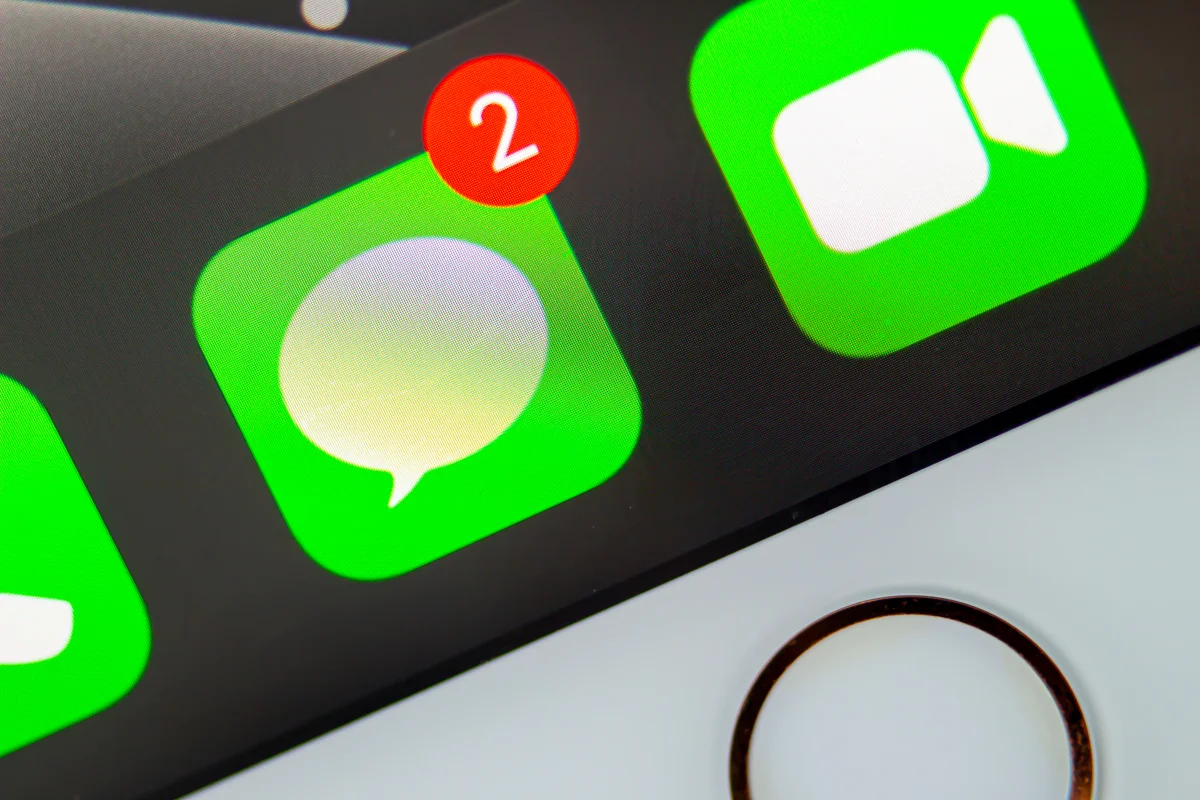
Apple's anticipated iOS twenty-seven update brings significant user control over the Messages app's microphone icon. With this update, users can select options to record audio, activate dictation, or hide the icon altogether. This update directly addresses persistent user feedback regarding accidental recordings that interrupt their music listening experience. Integrated into a suite of interface enhancements, this feature will be available on all iPhones that support iOS twenty-seven.
1,776 words~8 min read