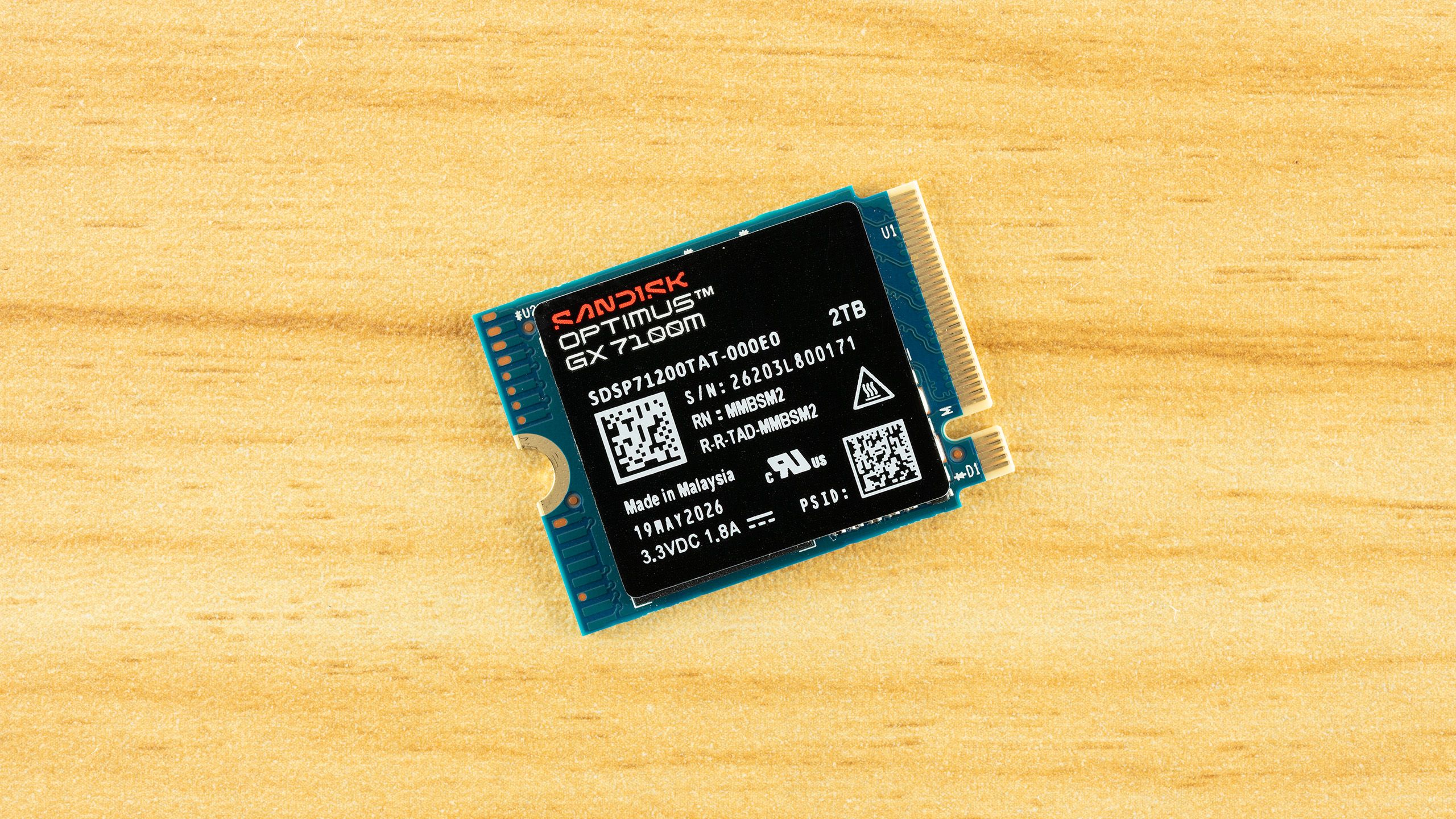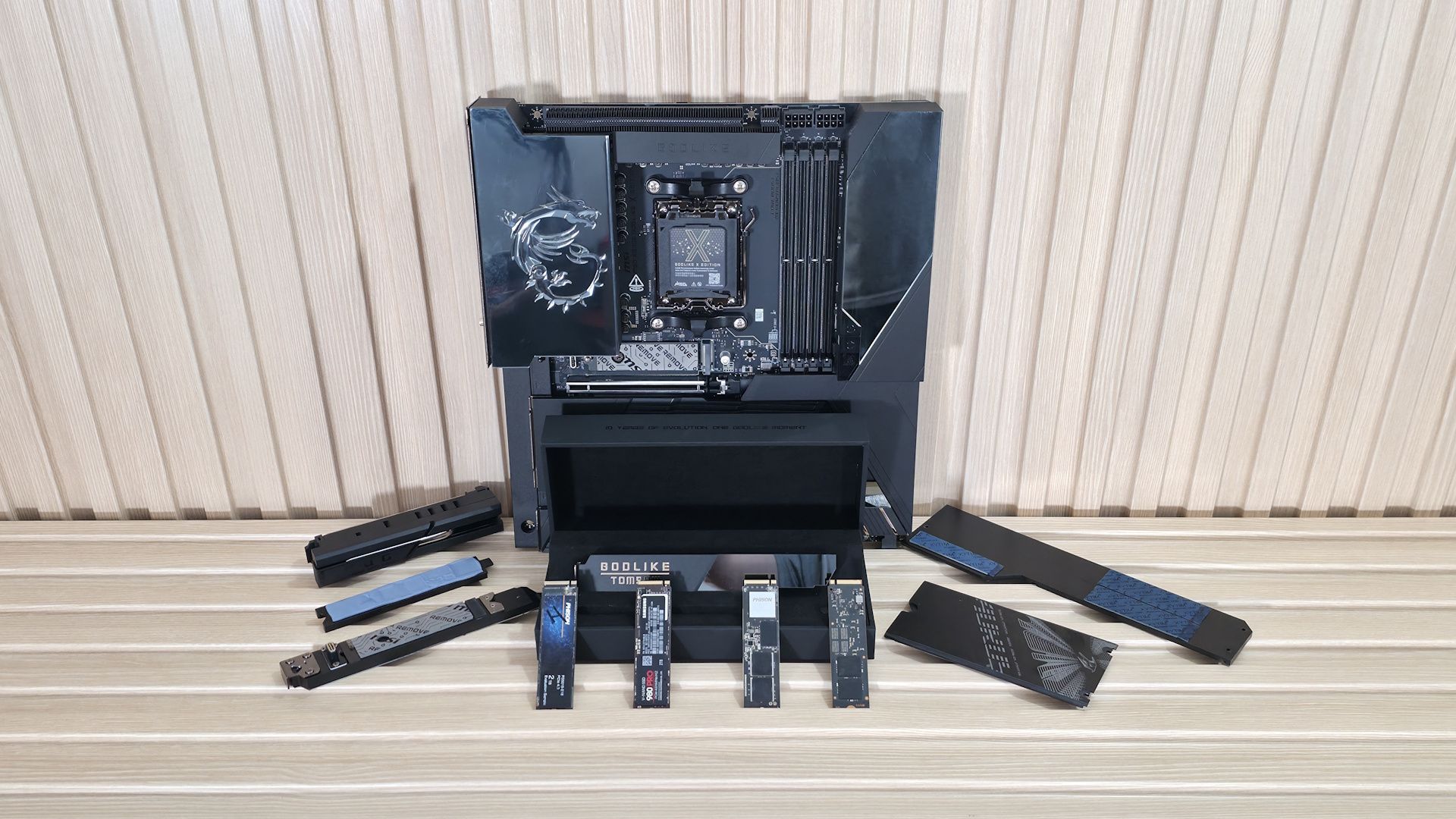
(Image credit: Tom's Hardware)
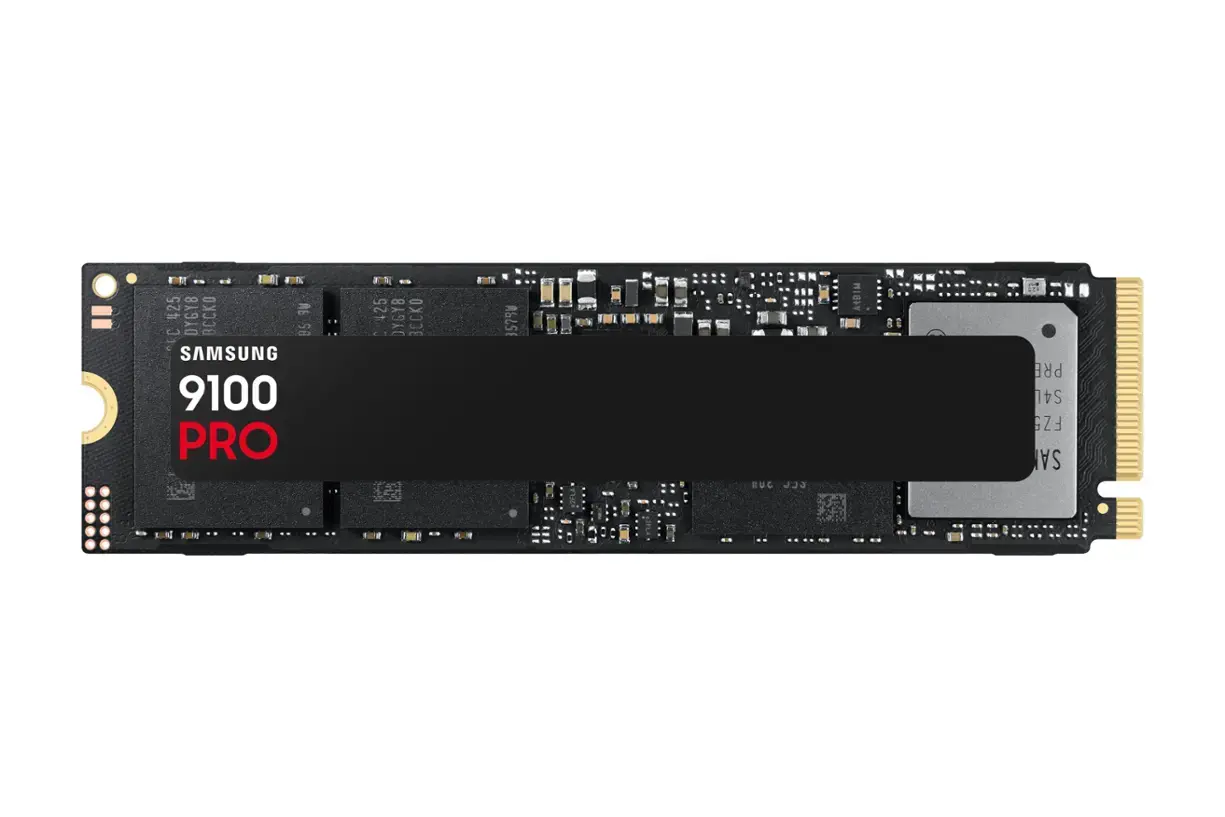
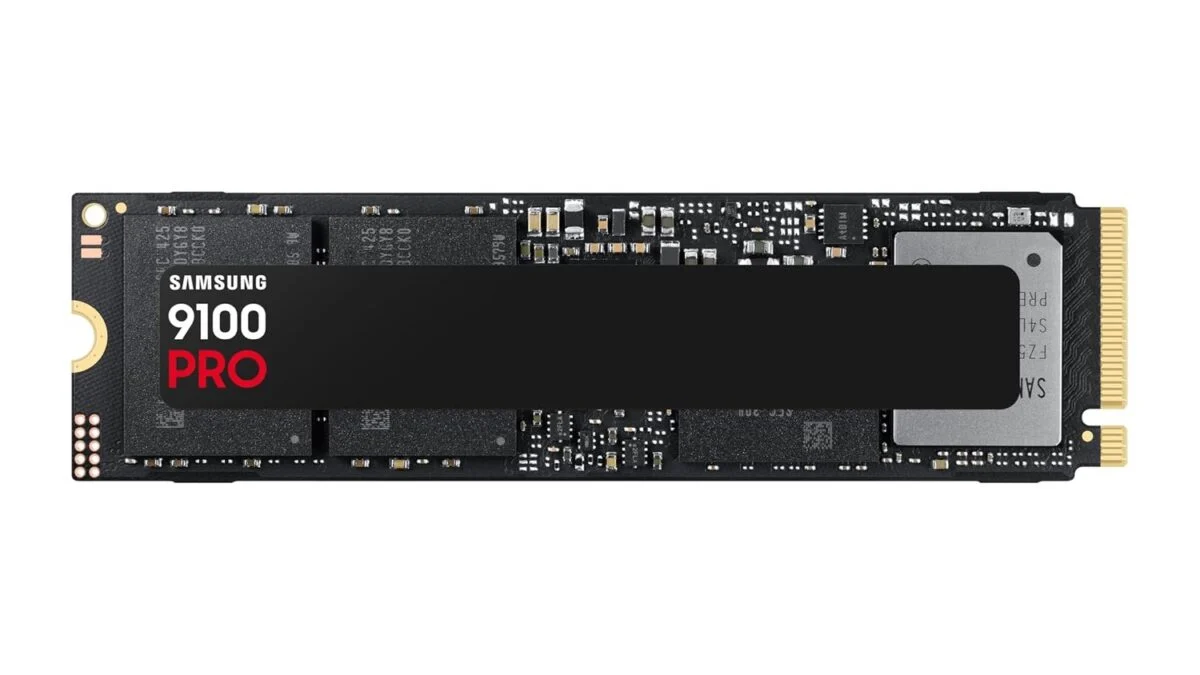
M.2-based SSDs have been around for about a decade now in PCs, and have all but replaced the much larger and notably slower 3.5-inch hard drives, and even 2.5-inch drives, both spinners and SSDs. Over that time, we’ve seen these tiny drives increase not only in capacity but also in speed as new flash, controllers, and PCIe generations release. And with that increase in performance comes increased heat that you need to manage. This is especially true when using the latest-generation PCIe 5.0-based drives, which tend to run hotter than previous-generation drives and are more prone to thermal throttling and performance loss.Many of these drives already come with heatsinks to help manage thermal output. And so long as it isn’t a simple thin plate, many do the job well enough to either delay or prevent thermal throttling.However, not all include heatsinks, and if your workflows lean on storage, longer transfers can be significantly slower due to the drive overheating and thermal throttling. The amount of throttling, if any at all (some actually won’t), varies by circumstance. Whether by drive and controller, workload, and even case airflow, these factors affect whether you’ll see thermal throttling and how severe it is. If time is money, this is obviously a bad thing. The longer it takes to read or write the files you need, the longer it takes to finish your work and get out to something more pleasurable, or move on to the next task.