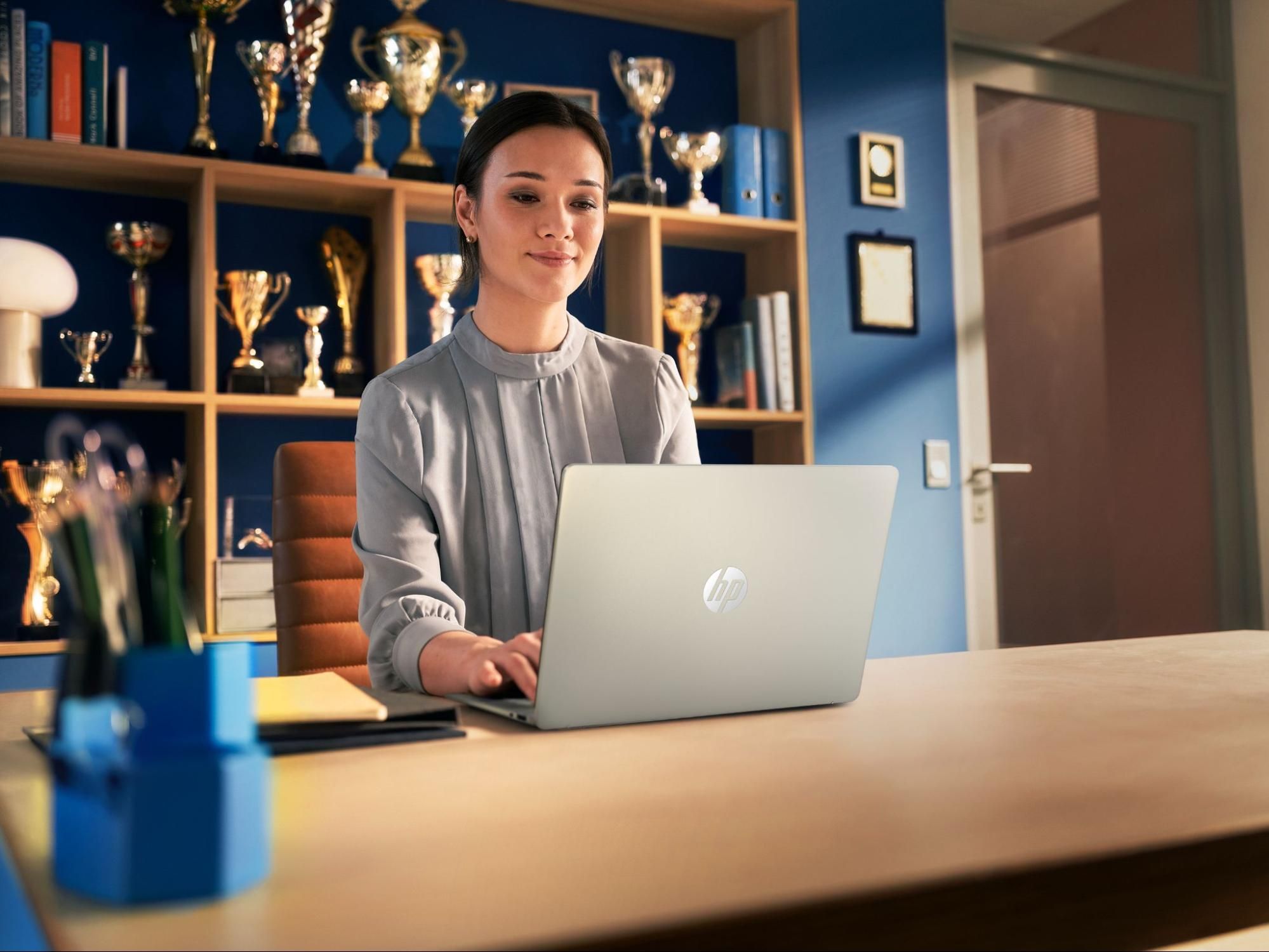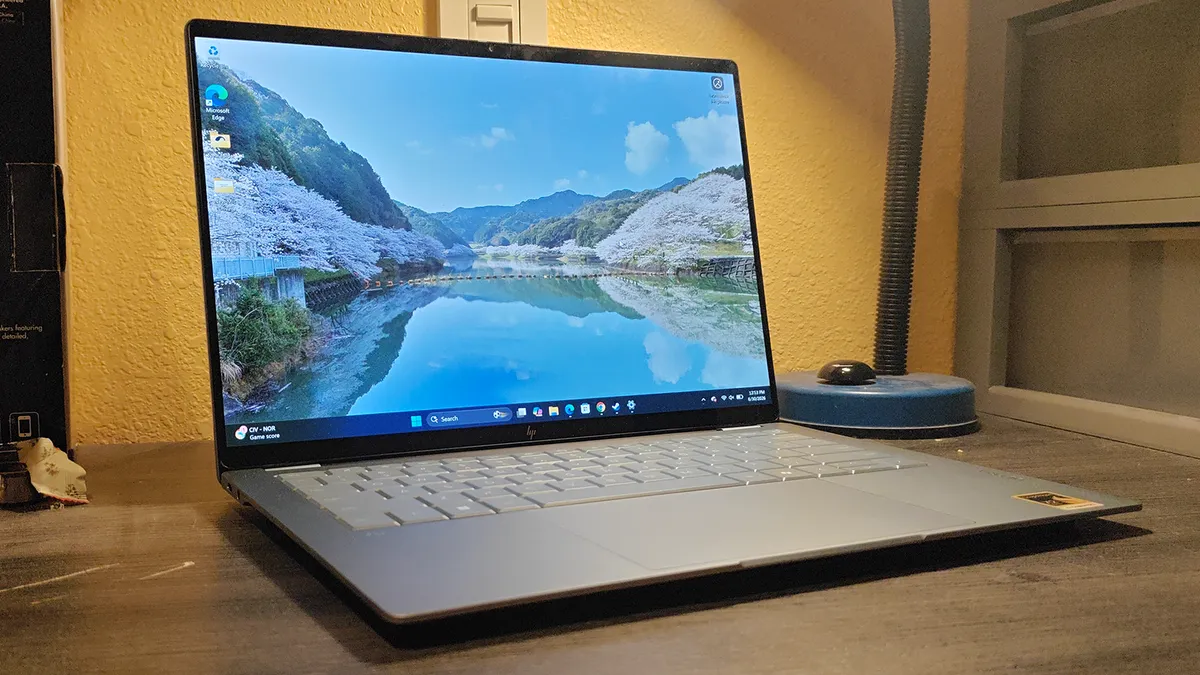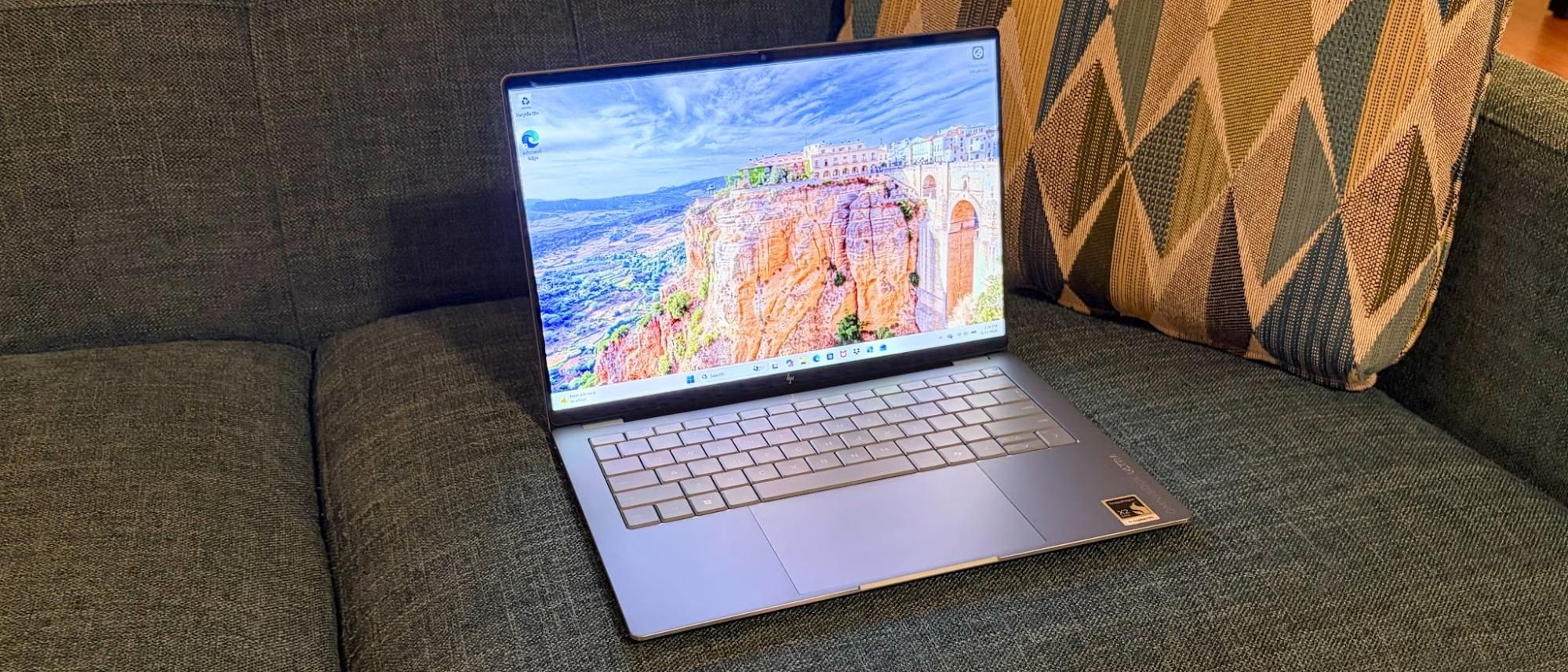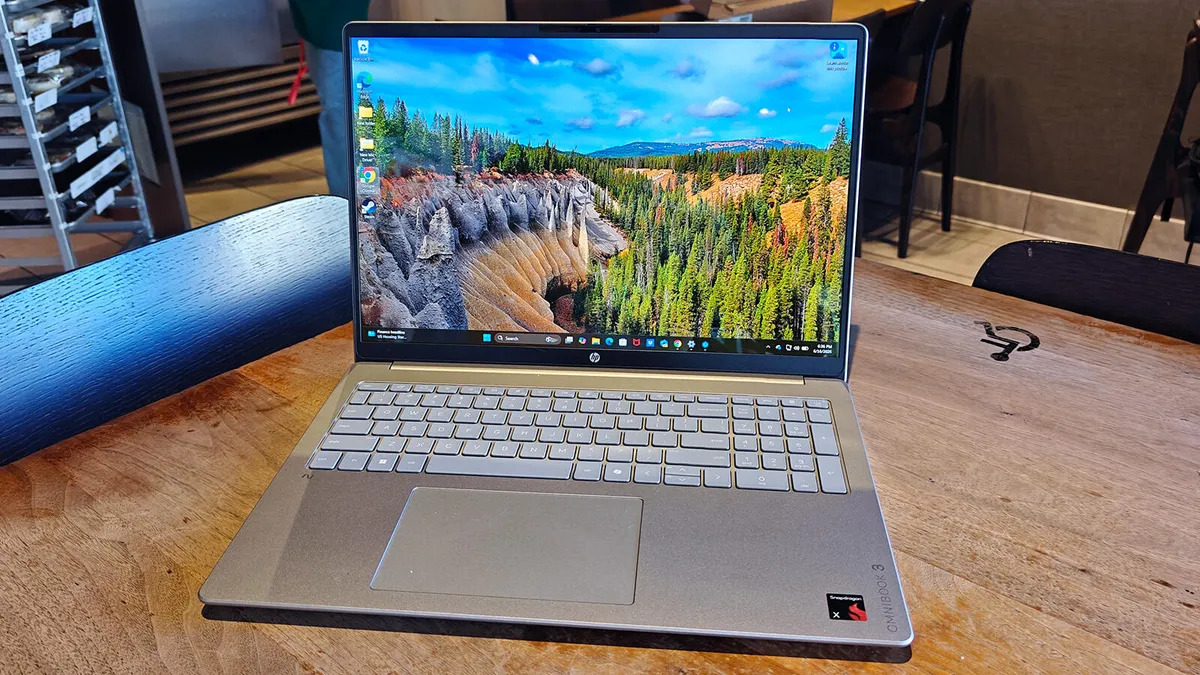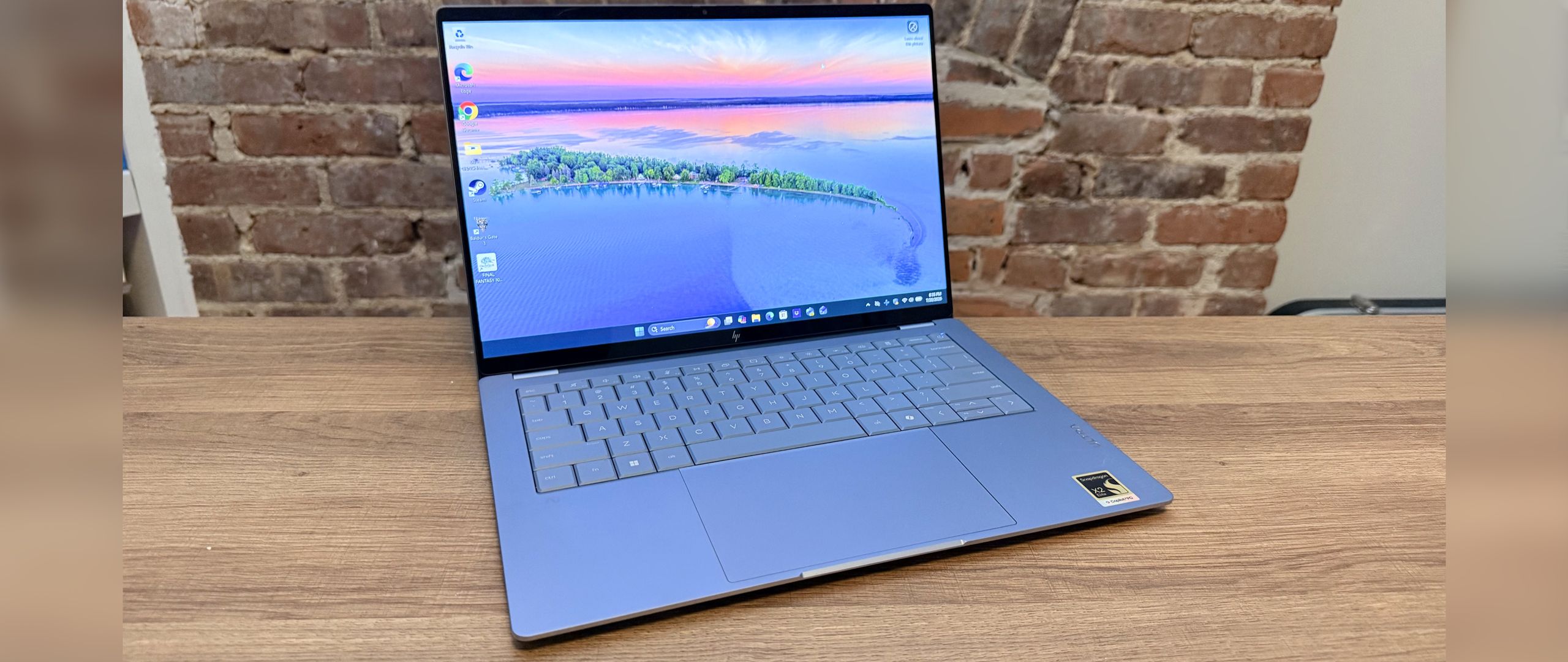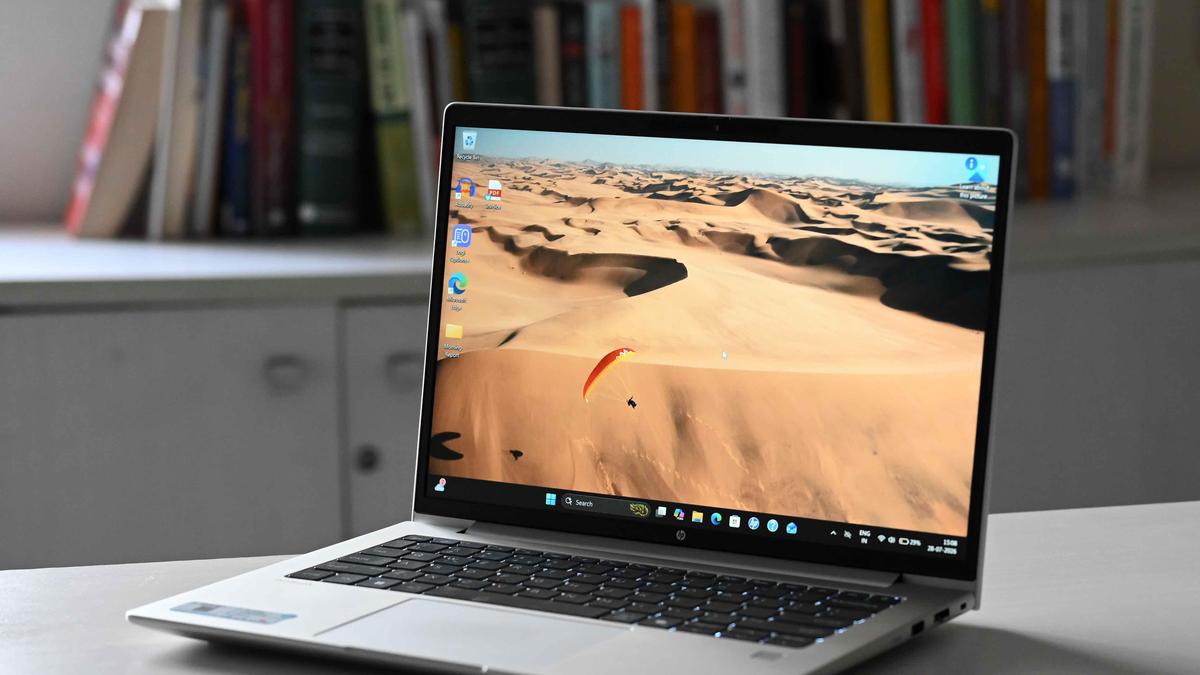
HP has steadily expanded its portfolio of business laptops and the ProBook series is becoming a popular choice among enterprises, IT and ITES firms, service organisations and professionals. The latest addition to the lineup, the HP ProBook 4 G2a 14, is aimed at corporate users and hybrid workers. After spending time with the device, here’s my take on how it performs.DesignThe HP ProBook 4 G2a retains the understated design language typical of HP’s business laptops, featuring a classic Pike Silver finish and an aluminium construction across the lid, keyboard deck and bottom panel. This gives the laptop a sturdy, premium feel while maintaining a professional appearance suited to office environments.The muted silver finish does a good job of resisting fingerprints and smudges during everyday use. Measuring 12.54 × 8.83 inches and between 0.43 and 0.69 inches thick, the ProBook is compact enough to fit comfortably into a backpack or laptop bag, making it easy to carry during daily commutes.Starting at 1.41kg, the laptop remains reasonably portable for professionals who frequently travel or work on the move. That said, it does feel noticeably heavier than some competing 14-inch business laptops from HP and rival brands.DisplayThe unit I reviewed featured a 14-inch WUXGA (1920 x 1200) touchscreen IPS display. Sharp, responsive and aided by an effective anti-glare coating, is well-suited to everyday productivity tasks. The 300-nit panel is bright enough for indoor use, although its 62.5 per cent sRGB coverage means it is not designed for colour-critical creative work. That said, colours looked natural and contrast was pleasing during everyday use. Streaming Musafir Cafe on Netflix, the landscapes of Mussoorie appeared detailed and engaging, highlighting the display’s strengths as an all-round productivity and entertainment screen.SoundAudio performance is decent, with Poly Studio-enhanced stereo speakers and a dual-microphone setup featuring AI-powered noise reduction. Call quality was clear, with voices coming through naturally on both ends. For music playback, I spent several hours listening to Linkin Park’s discography on Spotify. The speakers delivered a reasonably wide soundstage and were perfectly adequate for casual listening, podcasts and video content. However, the audio lacks depth and detail at higher volumes, with vocals and instruments sounding somewhat flat, making the overall experience average compared to some competing business laptops.PerformanceThe unit I reviewed is powered by AMD’s Ryzen AI 7 450 processor, featuring eight cores, 16 threads, boost speeds of up to 5.1GHz, and 16MB of L3 cache. Paired with AMD Radeon 860M graphics, an AMD Ryzen AI NPU delivering up to 50 TOPS of AI performance, 24GB of DDR5 RAM (expandable up to 64GB) and a 1TB SSD, the ProBook is well-equipped for demanding productivity, multitasking, and hybrid work scenarios.In Cinebench R23, the HP ProBook 4 G2a posted a single-core score of 1,909 and a multi-core score of 11,641, delivering solid performance for everyday business workloads, content consumption, light creative tasks and AI-assisted applications. Whether it was running multiple browser tabs, handling office applications, editing images, or experimenting with local LLMs, the system remained responsive throughout my time with it.While gaming is hardly the priority for a business laptop, the integrated Radeon 860M graphics proved capable enough for casual gaming. In my testing, Counter-Strike 2 ran at a steady 60fps with the right settings. That said, considering that many enterprise deployments enforce strict IT policies and mobile device management (MDM) controls, gaming is unlikely to be a primary use case for most buyers.On the software front, HP bundles its Wolf Security suite, which provides protection against malware, ransomware, phishing attacks and other threats through a combination of hardware-enforced and AI-powered security features. The laptop also comes with useful utilities, such as HP Support Assistant and HP PC Hardware Diagnostics, to help manage system health and updates.The integrated 5MP IR webcam performed well during video calls, producing a clear image with reliable facial recognition support for Windows Hello. While the camera tended to render slightly warmer tones, the overall image quality was more than adequate for daily meetings, making it a good fit for today’s hybrid work environment.
HP ProBook 4 G2a 14-inch Notebook AI PC review: The Quintessential work laptop
Discover the HP ProBook 4 G2a, a reliable work laptop offering strong performance, portability, and excellent battery life for professionals.
983 words~4 min read