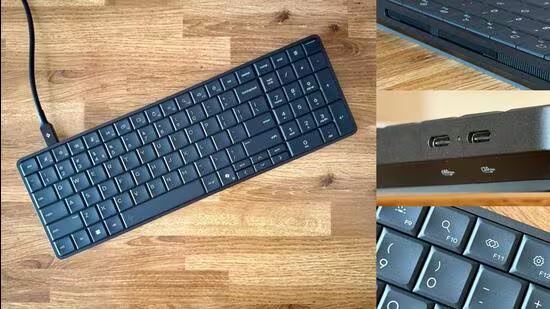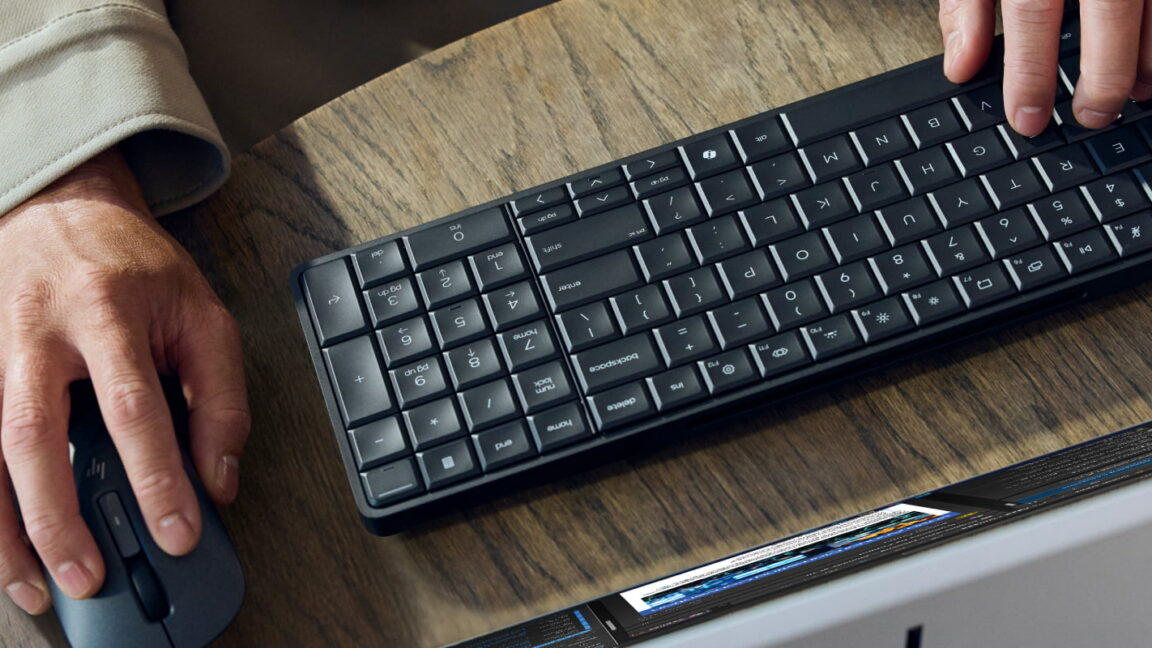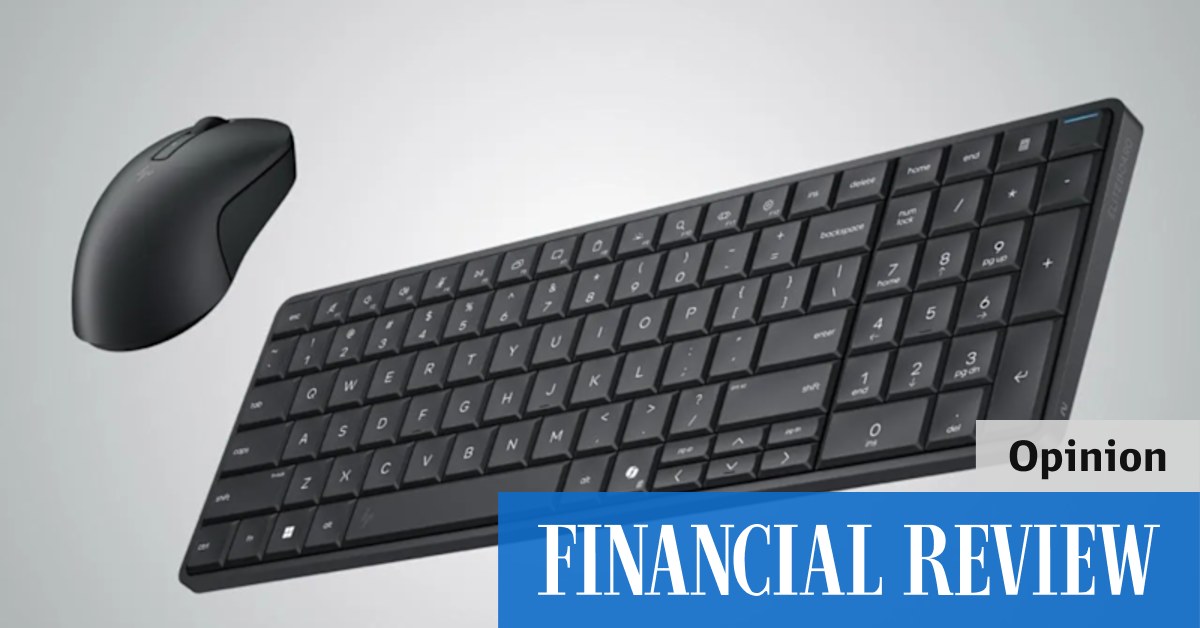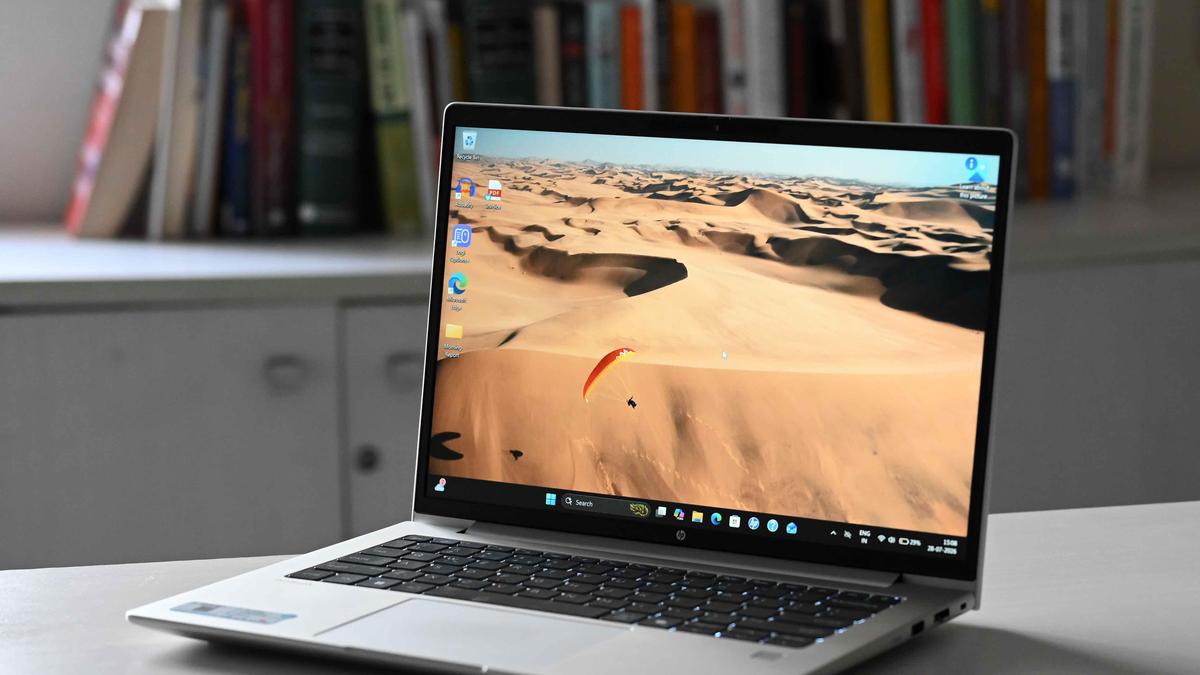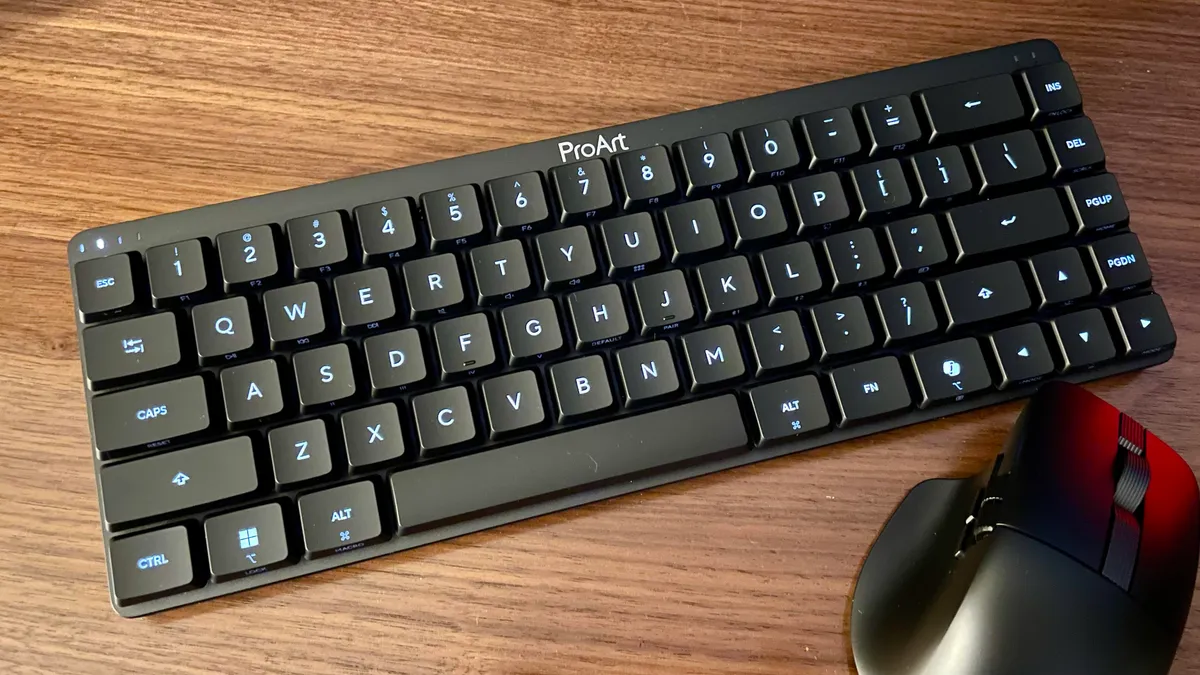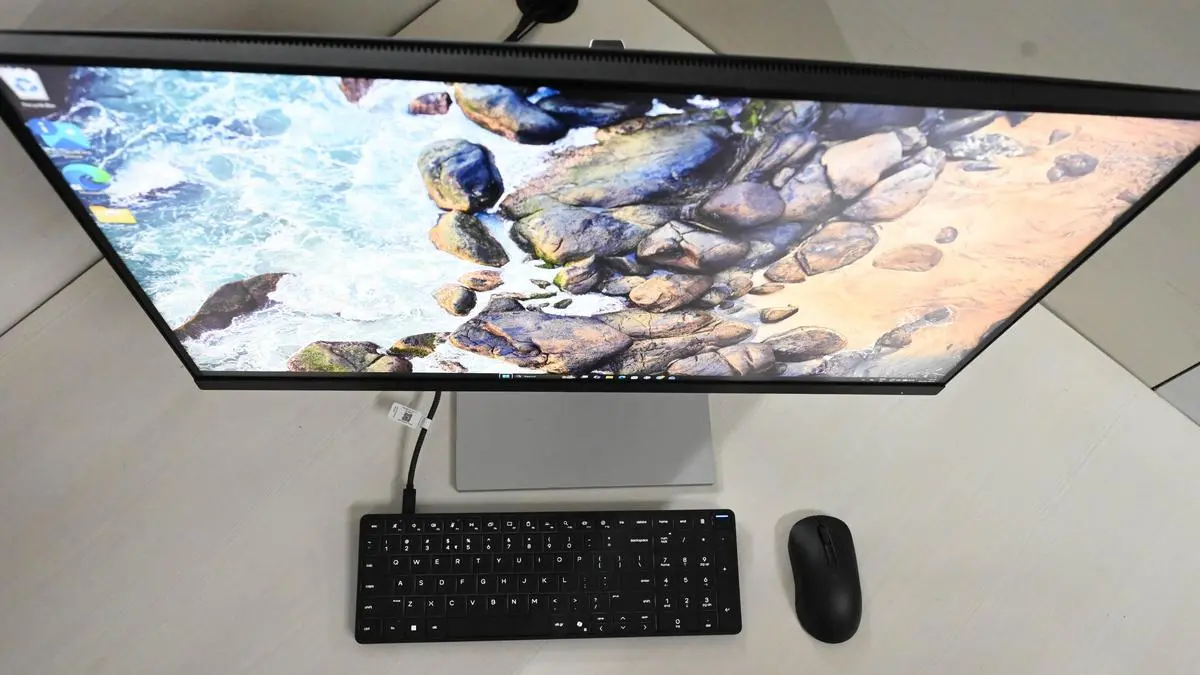
HP’s CES line-up featured a host of announcements and tucked among them was the EliteBoard G1a. At first glance, it arrived in what looked like a standard laptop box — but inside was something far more unusual. What appears to be an ordinary keyboard is in fact a fully functional PC built into the same formfactor.Is this simply a clever design tweak, or could it genuinely reshape how we think about office setups? I spent some time with the device to find out — here’s my take on the HP EliteBoard G1a.DesignThe EliteBoard G1a maintains a compact yet purposeful footprint, measuring 14.1 × 4.67 inches. Its long, tapered chassis — with thickness ranging from 0.47 inches at the front to 0.70 inches at the rear — adds a subtle wedge profile that improves typing ergonomics while reinforcing its clean, modern aesthetic. Despite its slim form, it feels solid in hand, with a matte-finished keyboard and a moulded polycarbonate body that comes in at around 768g (for the battery-powered, detachable cable variant reviewed). Overall, it strikes a strong balance between portability and usability, positioning itself as a practical desktop alternative for hybrid work setups.As a keyboard-integrated CPU, the G1a does not ship with a display. For testing, it was paired with an HP E27u G5 27-inch monitor. The device features two USB-C ports on the top-left corner (USB-C 3.2 Gen 2 and USB4), and pairs particularly well with USB-C or Thunderbolt monitors that double as hubs, helping consolidate connectivity into a cleaner, single-cable setup.Unlike most keyboards, the G1a does not include height‑adjustable feet, which can limit options for optimising comfort and typing ergonomics. It features low‑profile, shallow membrane keys with a key travel of approximately 2mm. Despite the short travel, the typing experience remains enjoyable, offering a hint of sound and tactility that adds to its overall usability.The keys are closely spaced, with the arrow keys positioned in a cramped layout along the lower section of the keyboard. This arrangement takes some time to get used to, particularly when navigating documents, as the arrow keys are somewhat squeezed in and less intuitive to locate quickly.SoundThe HP EliteBoard G1a features Poly Studio stereo speakers (72 dB, 450Hz roll-off), delivering clear mids and highs but limited low-end presence. It’s complemented by front-facing stereo microphones that provide reliable clarity for calls and virtual meetings. Overall, this is a conference-first audio setup — well-suited for voice and collaboration but not designed for immersive media consumption. In terms of loudness, the speakers offer decent reach, carrying audio across a mid-sized office floor during testing. However, the soundstage feels relatively flat, with a lack of depth and bass impact when playing music or video content.PerformanceThe review unit was powered by an AMD Ryzen AI 7 350 PRO processor, paired with 32GB of RAM and a 512GB SSD — both user-upgradable. This high-end enterprise mobile chip integrates an NPU capable of delivering up to 50 TOPS, enabling on-device AI workloads alongside strong CPU performance. Paired with AMD’s Radeon 860M integrated graphics, the G1a positions itself as a compact yet capable system for modern productivity and AI-driven workflows.In Cinebench 2026, the keyboard scored 308 in single-thread, 618 in single-core, and 2,592 in multi-core tests, placing it within the upper tier of comparable systems. While the performance is solid for everyday enterprise workloads, it is better suited to mainstream office use rather than sustained heavy compute tasks. Thermally, the unit did get warm around the fan vents under load, though the keyboard surface remained comfortably cool throughout testing.BatteryThe EliteBoard can be powered via a 65W USB-C PD charger and integrates most cleanly with USB-C monitors or hubs that support passthrough charging, helping minimise cable clutter in a desk setup. It is available in multiple configurations, including fixed or detachable cables with an optional built-in battery. The review unit was equipped with a 32Wh battery, providing approximately 3.5 hours of active use and more than two days of standby time.Charging from 0 per cent to full takes roughly 50 minutes to an hour using an 65W charger. It also supports video output via an HDMI adapter. While battery life is sufficient for short, untethered sessions, it falls short of delivering true all-day portability. When docked, the device supports USB-C passthrough charging of up to 65W, enabling a clean single-cable workstation setup that can simultaneously power the device and output video through the same USB-C connection. Use CaseThe EliteBoard G1a clearly targets hybrid work environments. It functions as a desk-bound system in the office but can just as easily be packed into a bag and set up at home, provided you have access to a monitor and mouse, eliminating the need for a separate laptop. This makes it particularly appealing for users who move between fixed workstations but don’t require full mobile computing. During testing, the unit was paired with a USB-C monitor and external mouse, though HP is likely to offer multiple SKUs and enterprise bundles tailored to IT deployments including displays and accessories. The strength of the EliteBoard lies in its form factor, combining a full laptop-grade CPU, integrated graphics, cooling and I/O within a keyboard chassis, making it a practical, space-efficient alternative to traditional desktops in managed enterprise environments.VerdictPrices for the EliteBoard start at ₹89,900. The HP EliteBoard G1a positions itself as an all-in-one solution for hybrid and flexible office setups. While laptops dominate most hybrid workflows, this keyboard reimagines the small form factor PC by integrating it into a keyboard-sized footprint that blends seamlessly into both office and home environments.Compared to similarly specced NUC-style PCs, the G1a stands out with its thoughtful design, balanced performance and practical port selection. Its biggest advantage, however, is portability — making it a more versatile option for users moving between workspaces without the need to carry a traditional laptop.SnapshotPrice: ₹1,95,742 Pros: unique form factor, strong performance, and an excellent tactile keyboard experience.Cons: no functionality as a standalone keyboard, cramped key layout.Published on July 8, 2026
HP Eliteboard G1a: A keyboard that doubles as your next hybrid work PC
Explore the HP EliteBoard G1a, a keyboard that integrates a powerful PC, redefining hybrid work setups with innovative design.
993 words~5 min read