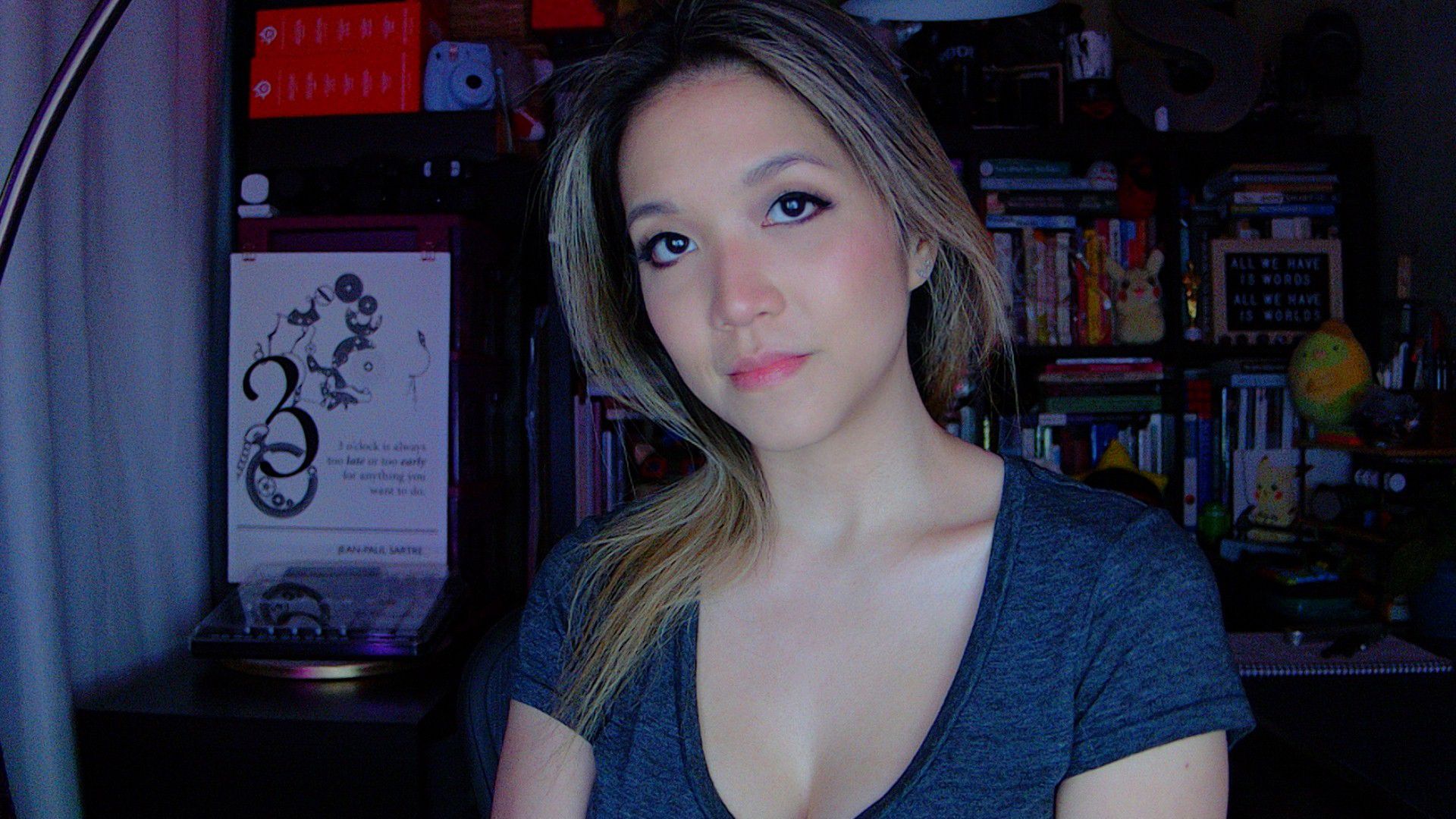
(Image credit: Tom's Hardware)
You don't need a professional streaming setup to take work video calls and chat with friends and family — and, honestly, you don't want one. And webcams have a lot of limitations (most professional streamers use DSLRs to shoot content, not webcams), so there's only so much you can do. But it's not nothing.Here are several things the average person can do to make their webcam streams look better.WebcamFirst of all, let me point out that the webcams on our list of best webcams are, for the most part, not 4K webcams. That's because you don't need a fancy, expensive 4K webcam to look good — and, in fact, a 4K webcam might end up working against you. Most video conferencing platforms, including Google Meet, Microsoft Teams, and Zoom, limit your outgoing stream to 1080p or 720p, depending on the type of account you have. So you basically can't stream in 4K even if you want to (and you probably don't want to). Plus, higher-resolution webcams often require more power and bandwidth, which can result in freezing, lagging, and choppiness (none of which are flattering) if your PC or your internet connection isn't up to speed.Instead of looking for a high-res webcam, look for one with a relatively narrow field of view and/or digital zoom (which narrows the field of view). One of the reasons we love the Logitech Brio 500 is that it has the option for narrowing the field of view to 65 degrees, and a narrower field of view is more flattering to your face. Wide-angle lenses tend to distort the picture subtly, warping objects at the edges and making whatever's in the center look larger than it is.