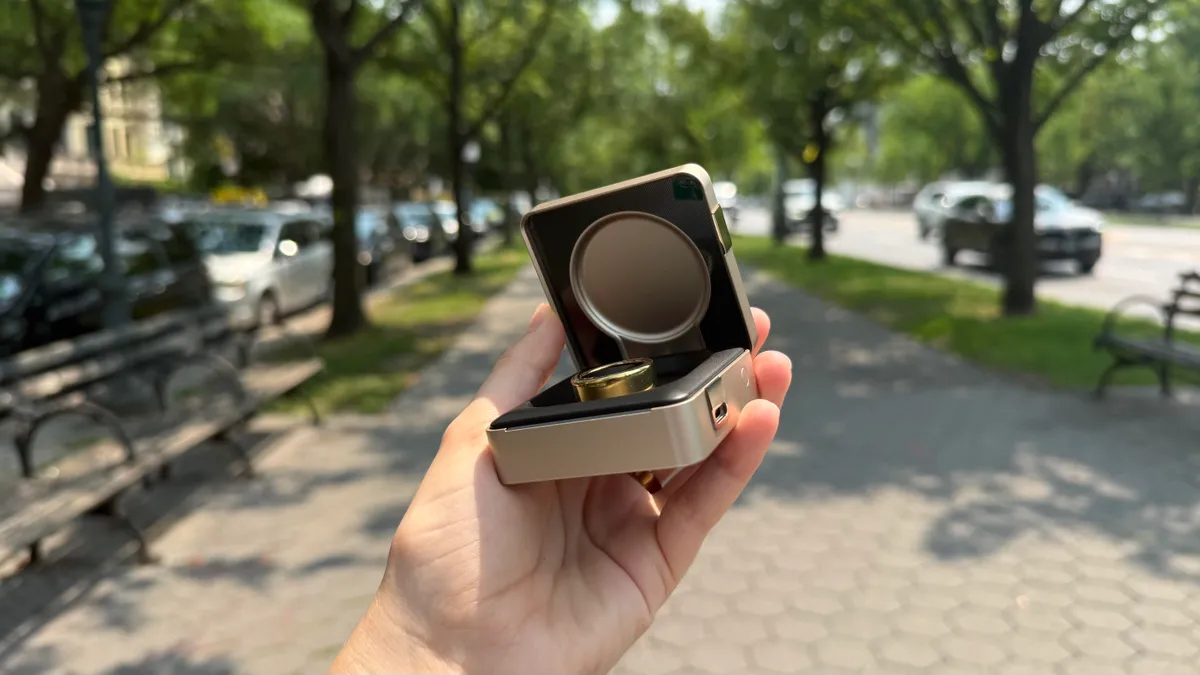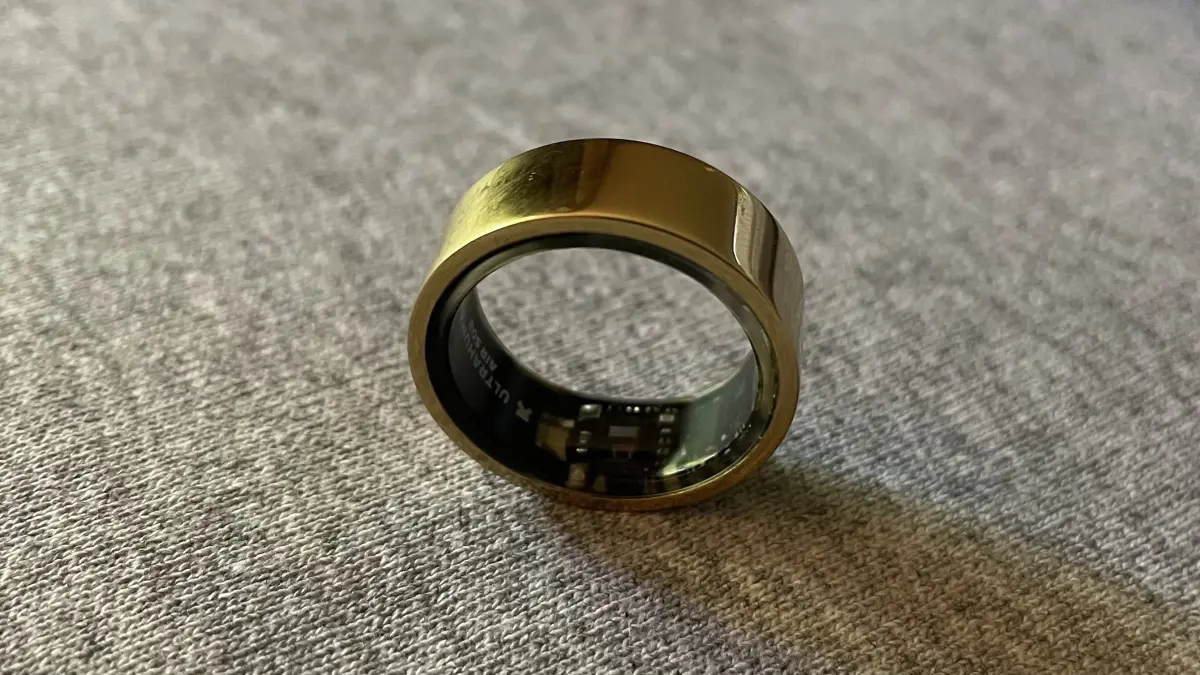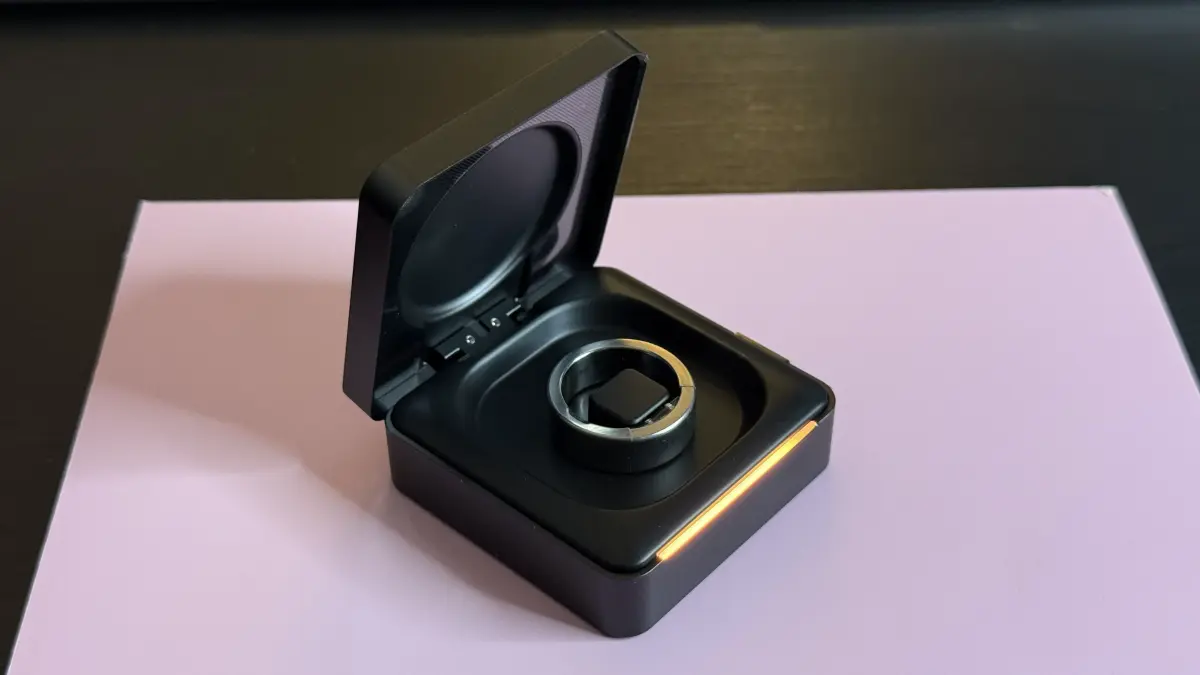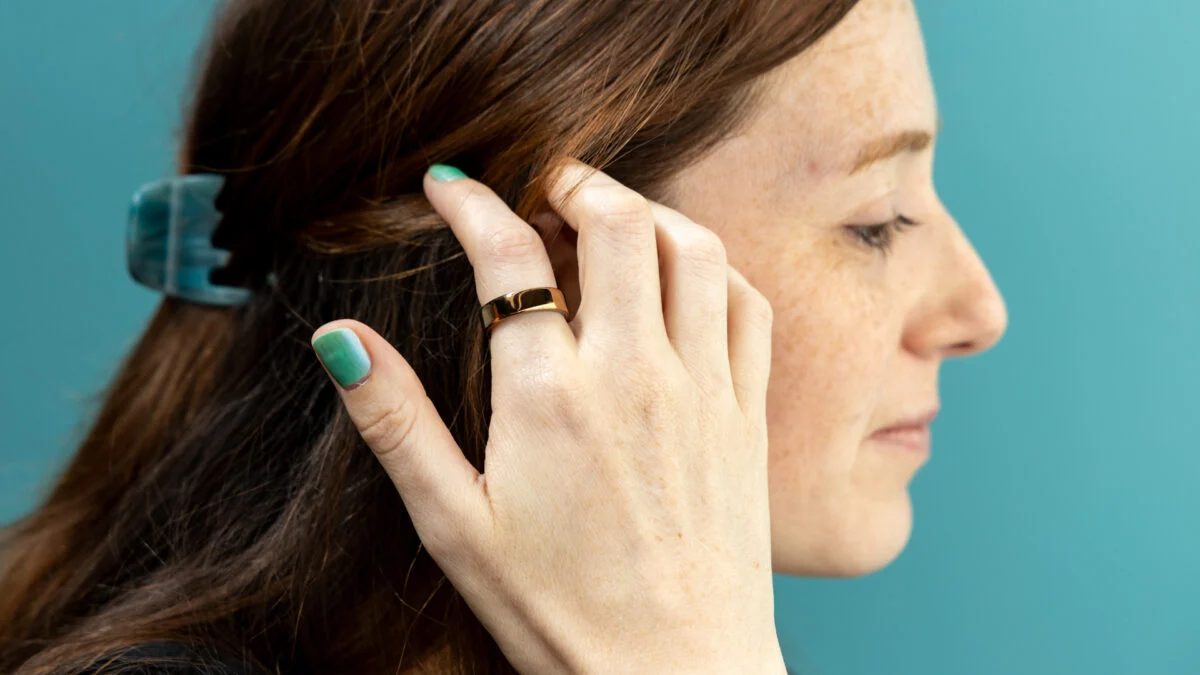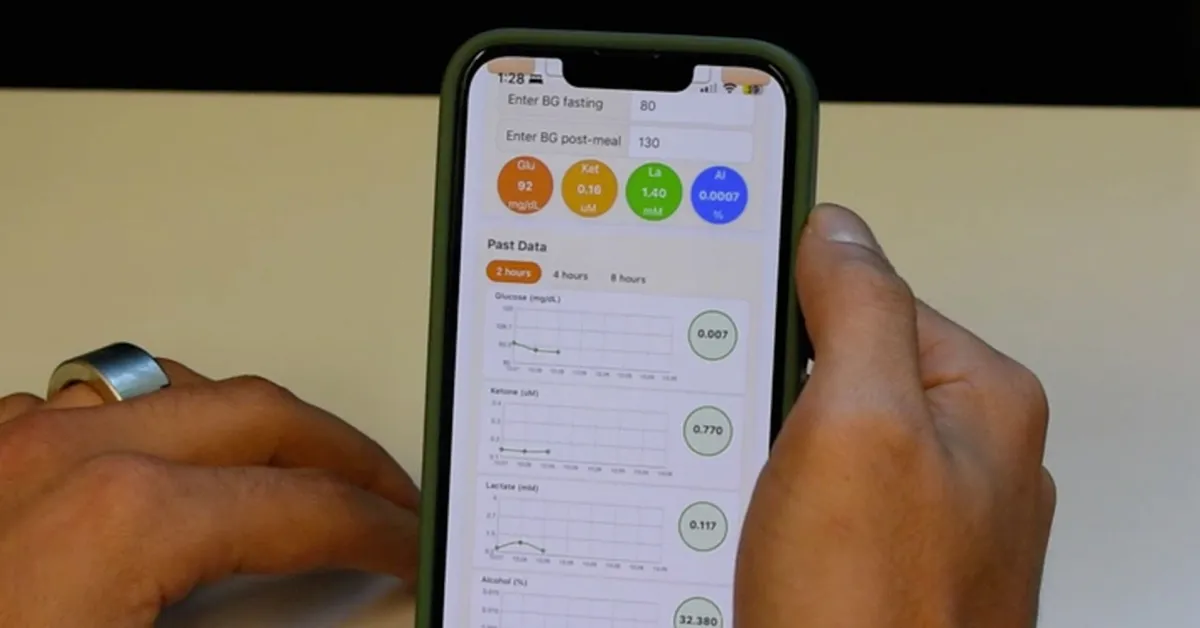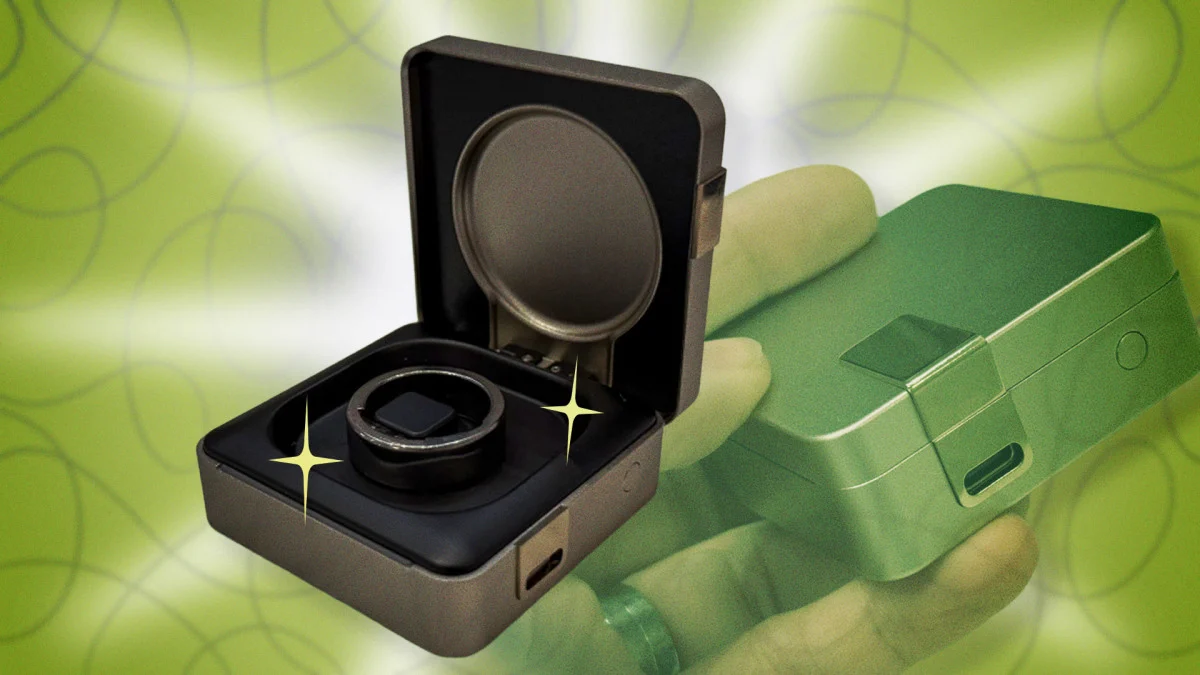
Ultrahuman rings, including the new Ring Pro, come with an extensive app. Even before you activate any PowerPlugs (add-on features), there are plenty of graphs and numbers to get lost in. Here are a few hacks you should know to navigate the data deluge and make sure you're getting the most out of its clever hidden features. I've used two of Ultrahuman's rings: the Ring Air, which I reviewed here (and which is no longer available in the U.S.), and the Ring Pro, which I wrote about a little here. Ultrahuman just came out with a new version of its app, so if anything here looks different from what you're used to (like the Longevity tab), make sure you have the latest version.Use the Ultrahuman ring's longevity tab, but not for longevity
Ultrahuman gives you an estimate of your biological age, which you may (correctly) think of as kind of a silly gimmick—but don't ignore the longevity tab altogether. It's actually a great summary of your long-term trends. If you think of the Ring tab as giving your day-to-day data and suggestions for what to do today, then the Longevity tab tells you what all those days have added up to.
This is where you'll find an estimate of your VO2max, which gauges your cardio fitness. You'll also see a card describing your sleep debt; mine tells me I'm one hour in debt, due to bedtimes creeping later over the past week, but it also tells me a few on-time bedtimes should wipe out the debt. Get better heart rate accuracy in Ultrahuman ring workouts by using a different device