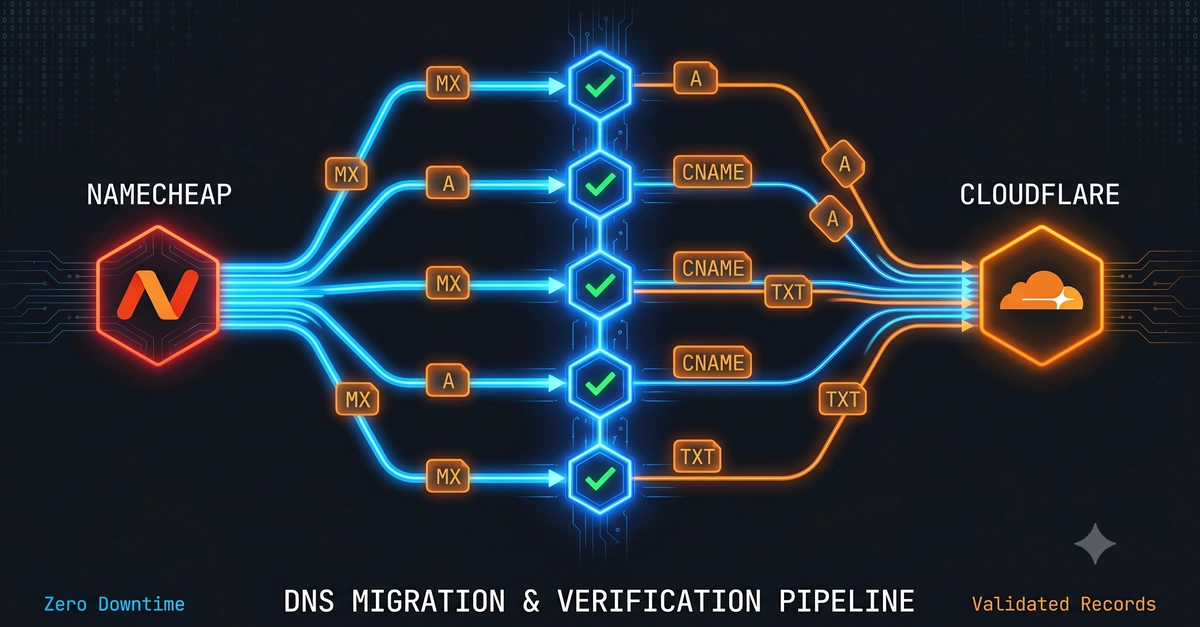
Every website migration has the same terrifying moment: you flip the DNS record, and for the next few hours you have no idea whether the new server is actually serving your site correctly — or quietly 500-ing for half the planet while it propagates.
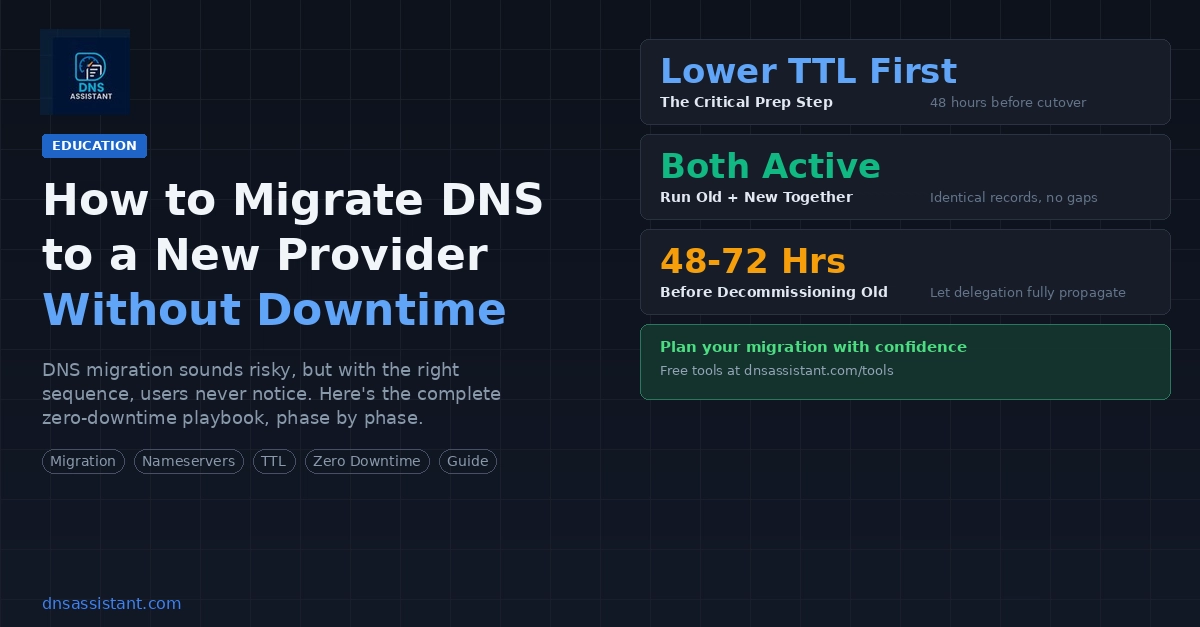
The fix is simple: test the new server before you change DNS. Here's how to do that properly, plus the checks I run on every migration so nothing breaks silently.
The old way: editing your hosts file
The classic trick is to point your machine at the new server by adding a line to your local hosts file:
203.0.113.10 example.com