The first time you wire up a game controller in a browser, the API will almost certainly appear broken. You plug in an Xbox pad, call navigator.getGamepads(), and get back an array of four null values. Nothing is wrong. The API is just quieter and stranger than most browser APIs, and almost none of that strangeness is obvious from the method signature.
This is a walkthrough of how the Gamepad API actually behaves: how polling works, what buttons and axes really contain, why dead zones exist, and why the same controller reports different data over USB than over Bluetooth. There is working code for each part, and a section at the end on the mistakes that cost me the most time.
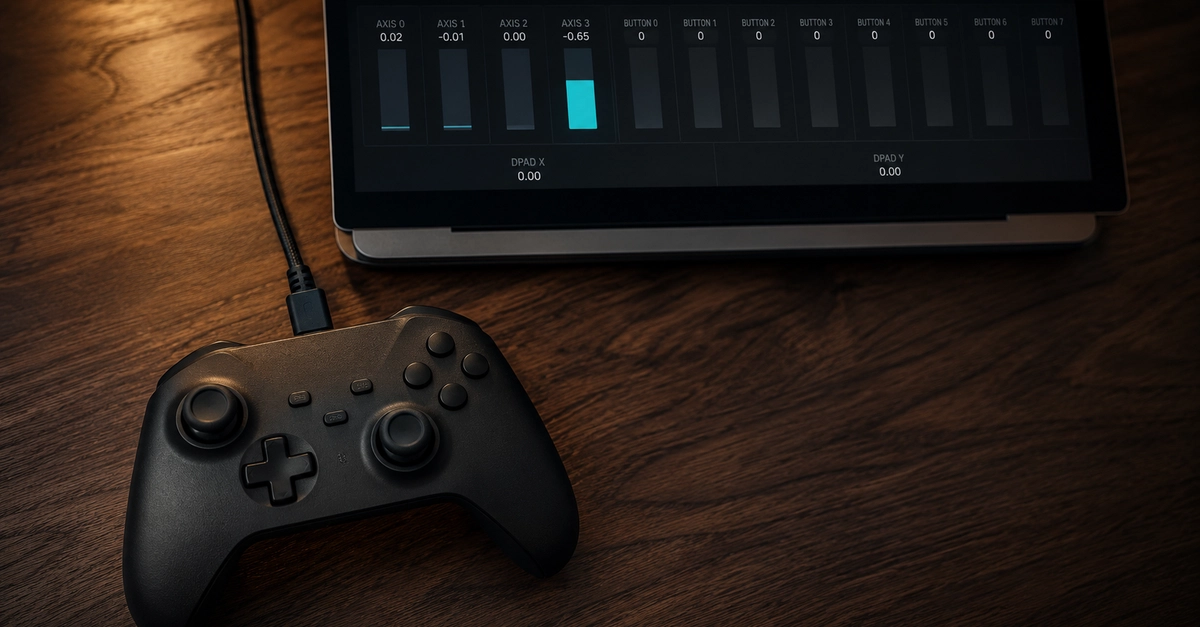
Browser-based controller testing is worth understanding for two separate reasons. The obvious one is that you want to build something with controller input: a WebGL game, a cloud gaming client, an accessibility control scheme, a kiosk. The less obvious one is diagnostics. A web page is the fastest way to inspect a piece of USB or Bluetooth hardware, because there is no installer, no driver, no signed binary, and no platform-specific build. You open a URL and the raw input is on screen. That property makes the browser a genuinely good place to answer questions like "is this stick drifting or is my game misconfigured?"