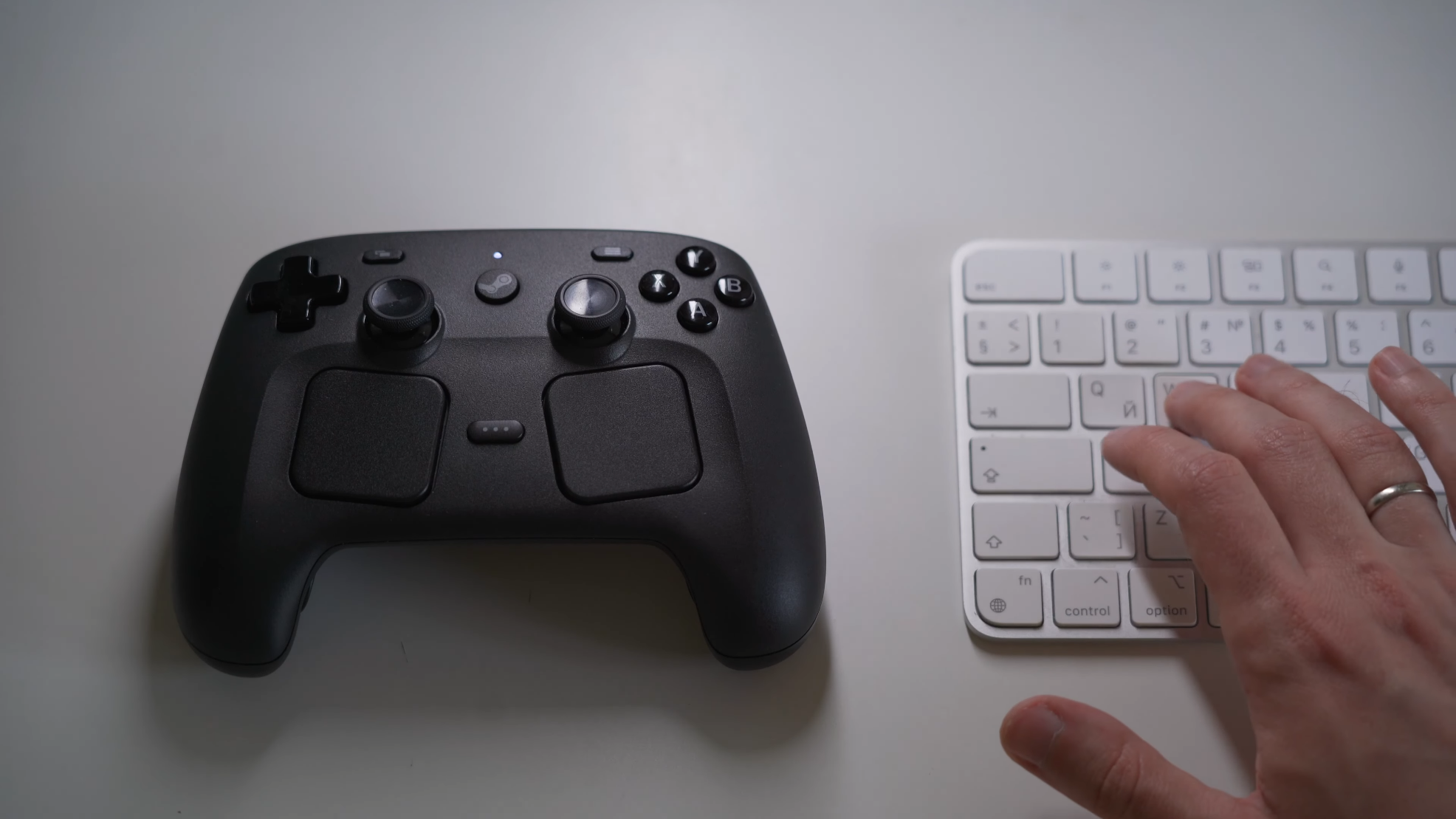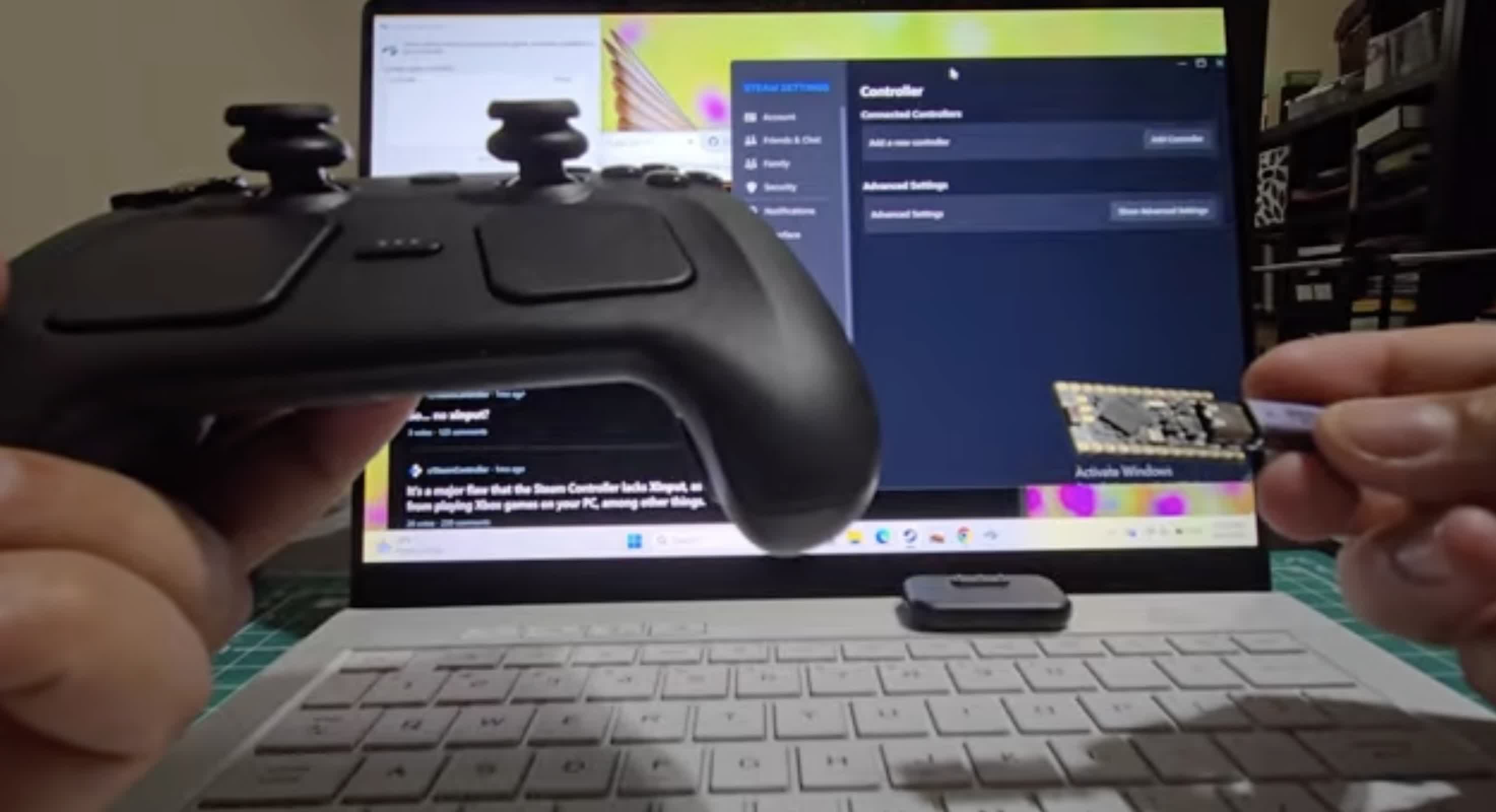
From a developer’s standpoint, creating a gamepad tester isn’t just about visualizing button presses — it’s about understanding how hardware communicates with software in real time. Modern browsers provide direct access to controller data through the Gamepad API, making it possible to build a fully functional gamepadtester using only JavaScript, HTML, and CSS.
The core of any browser-based gamepad testing tool starts with the navigator.getGamepads() method. This API allows developers to access connected controllers and retrieve their button states, axis values, and metadata.
A simple connection listener looks like this:
JavaScript
window.addEventListener("gamepadconnected", (event) => {