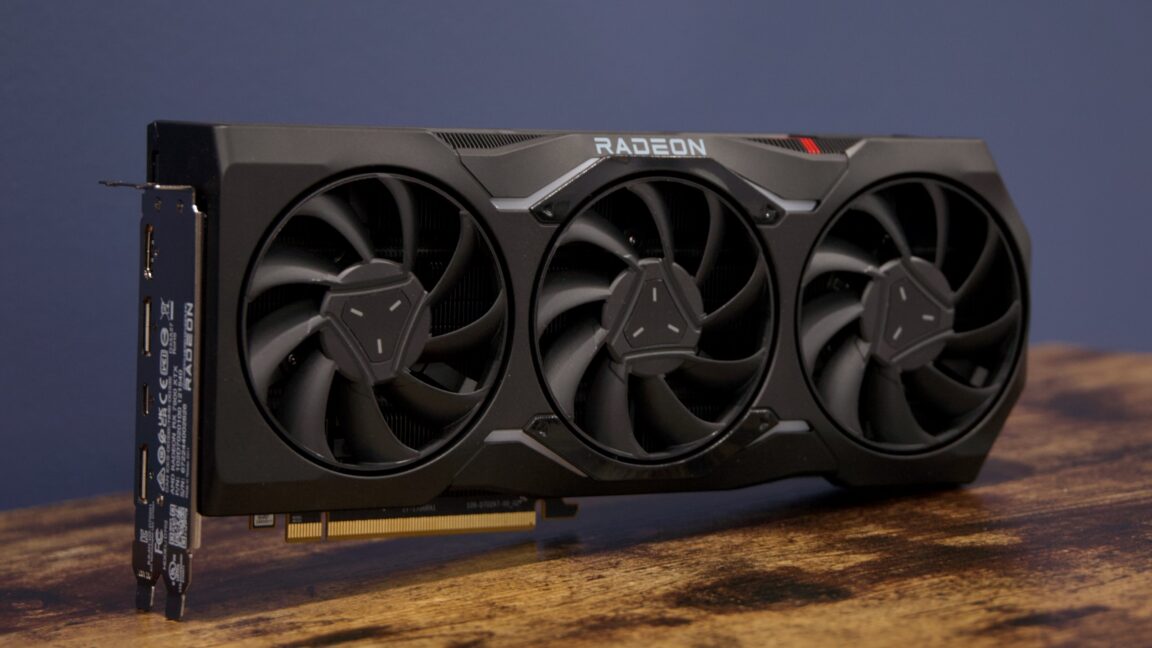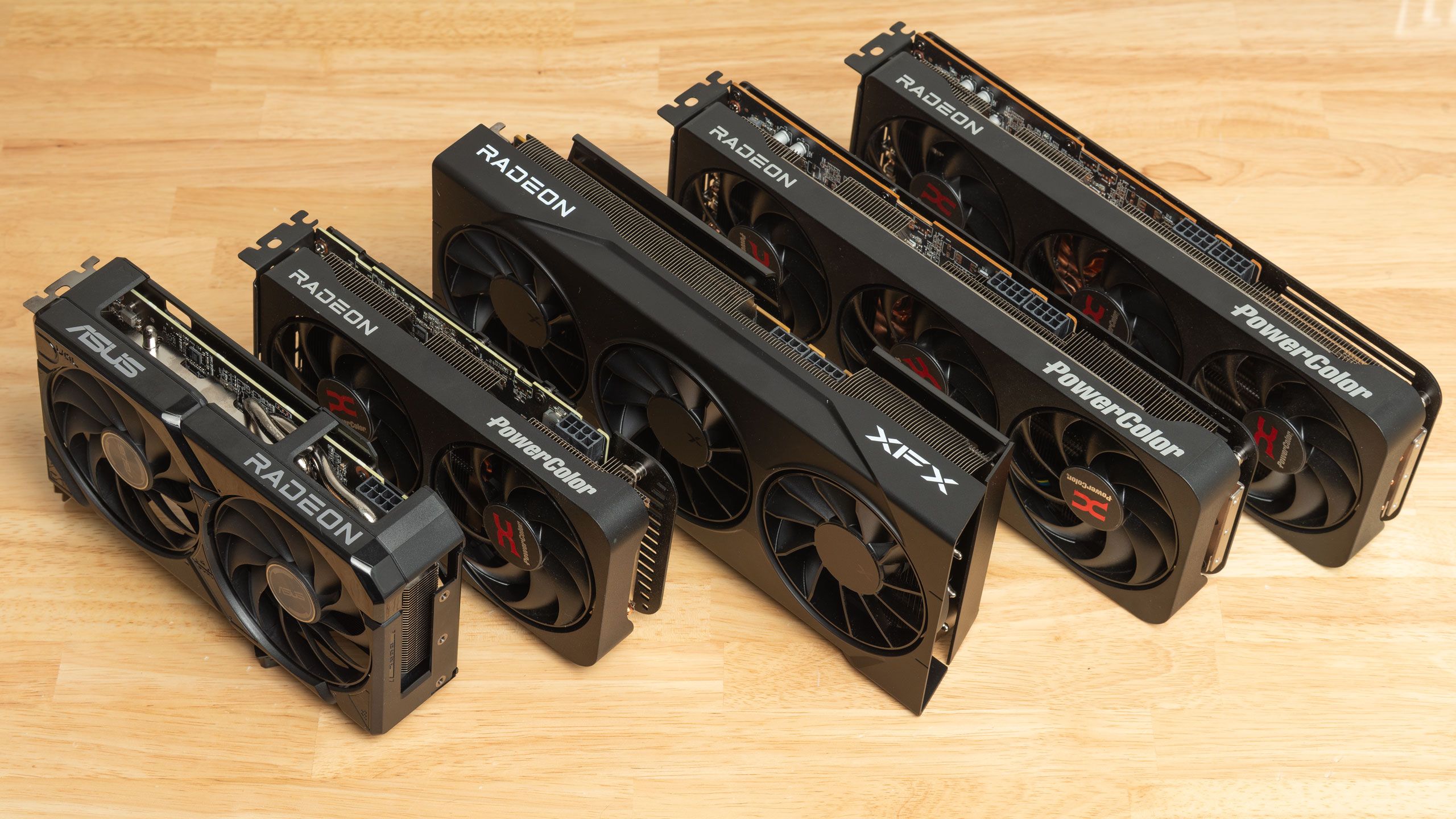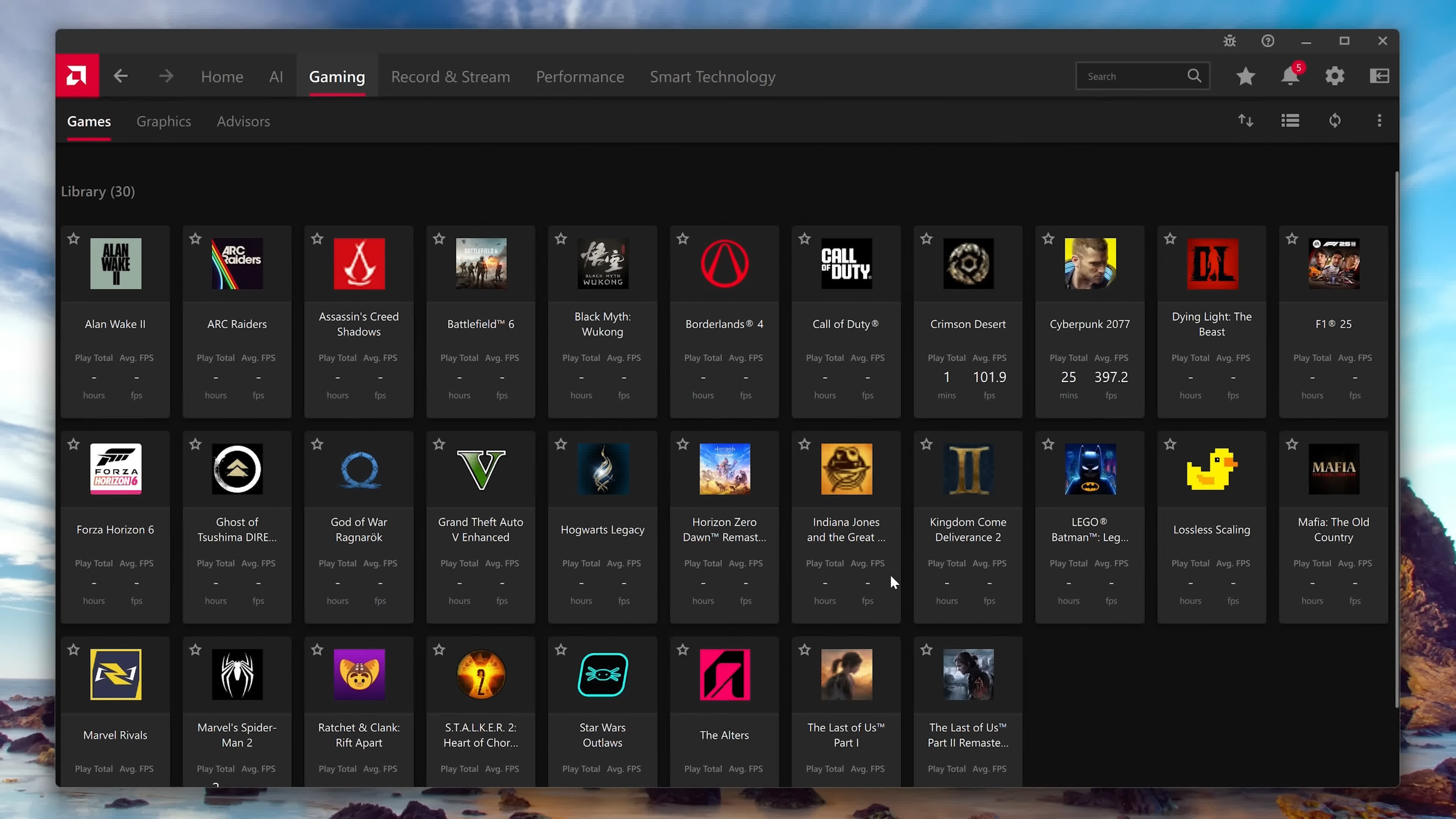
AMD Software has been the cornerstone of the Radeon GPU experience for years. It is packed with features, and AMD continues to add more with each major update. But which settings are actually worth changing, and what configuration provides the best overall experience on a gaming PC?
We've been testing Radeon graphics cards for a long time and have explored many of the features AMD offers. Based on that experience, we think there is a selection of settings that most Radeon owners should consider using on a daily basis.
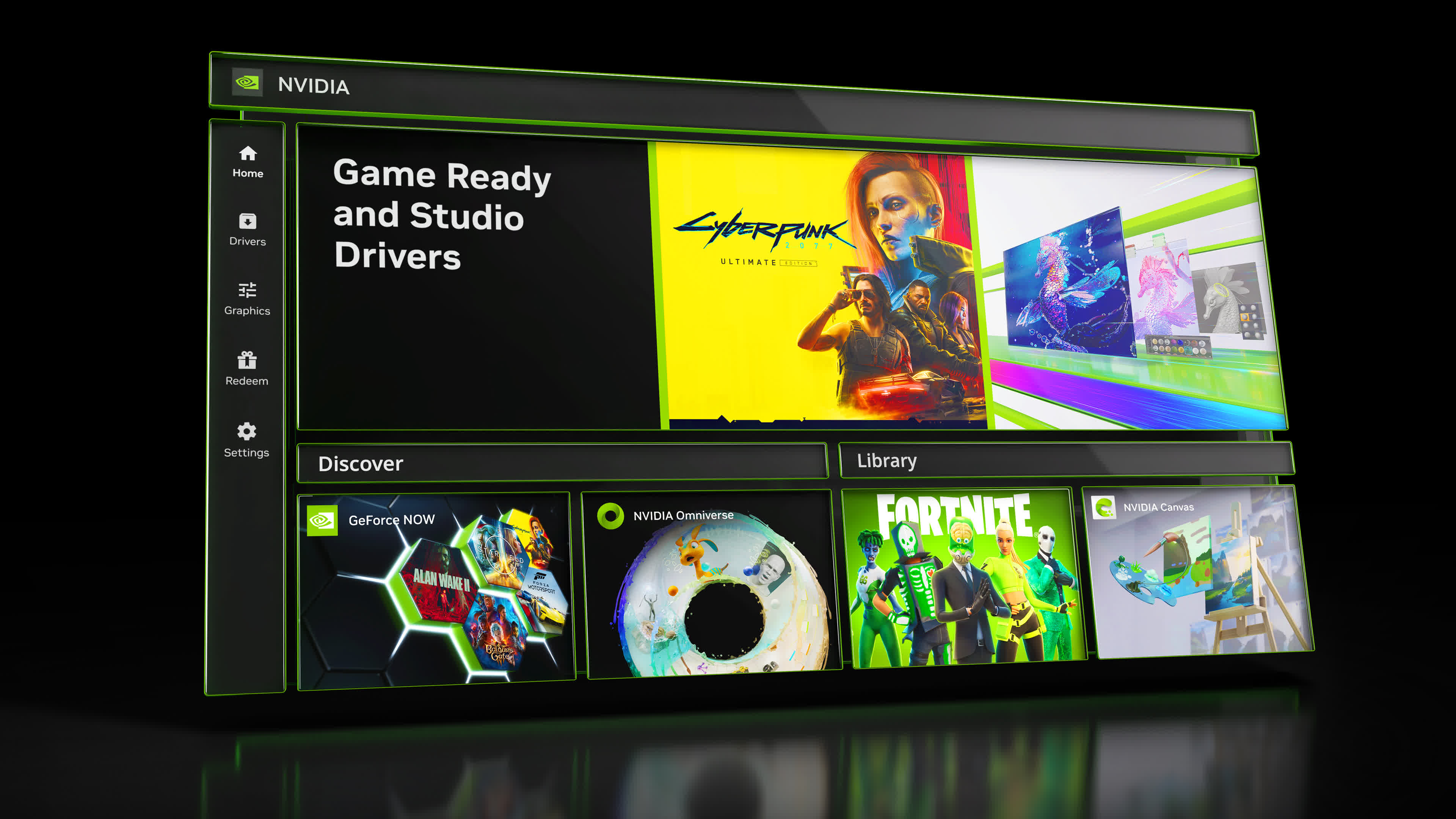
This is essentially the AMD counterpart to our recent guide for Nvidia GPU owners, which covered the best settings to use in the Nvidia App. Similarly, this guide is not aimed primarily at hardcore PC enthusiasts who already know AMD Software inside and out. Instead, it is designed for anyone who wants to understand its features, see the configuration we recommend, or become more familiar with the utility.
AMD's gaming software is officially called AMD Software: Adrenalin Edition, and it is installed alongside the company's Radeon graphics drivers. It was previously known as Radeon Software, but over time, the application has expanded to include additional features for other AMD products, including APUs and CPUs.