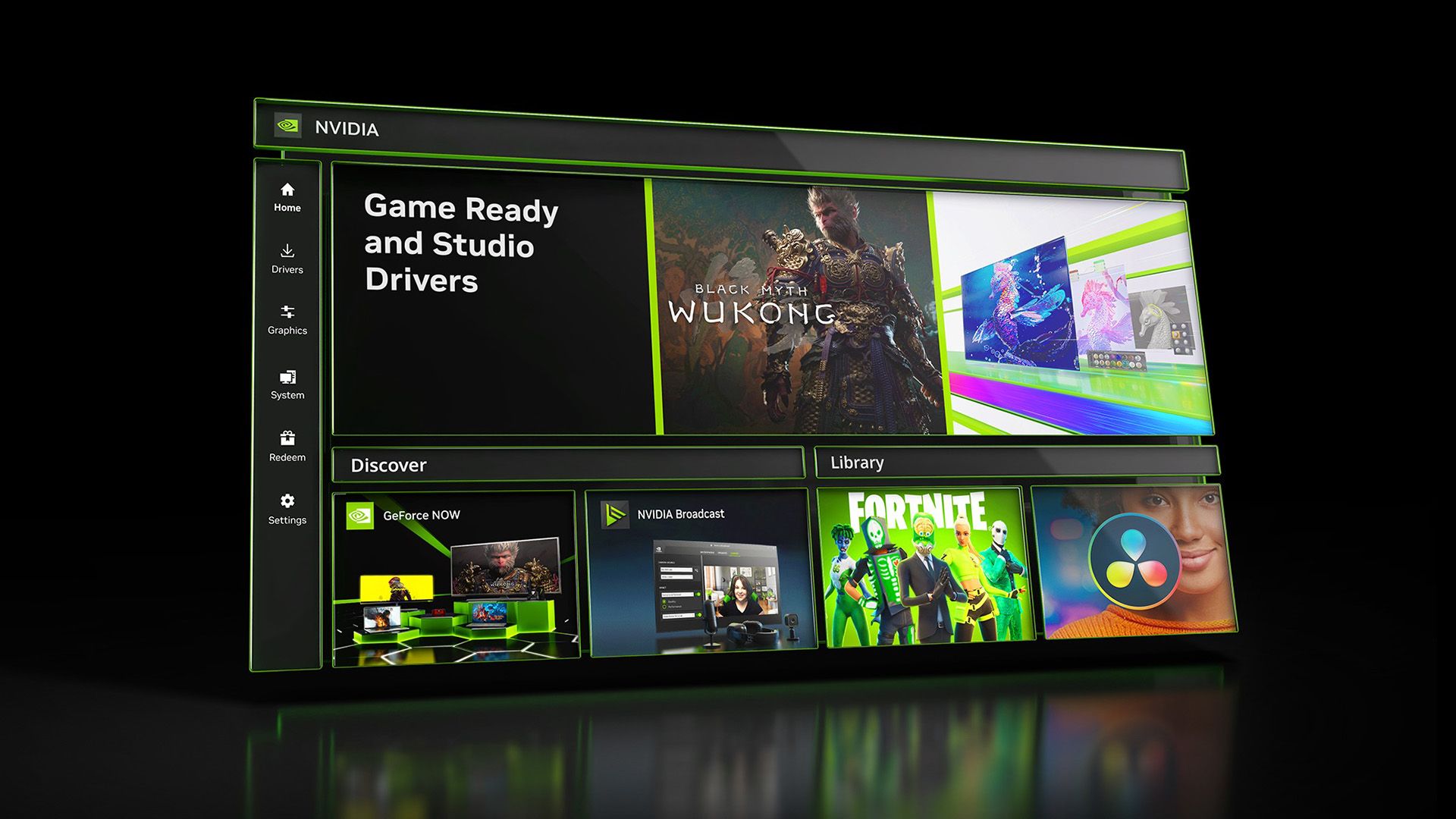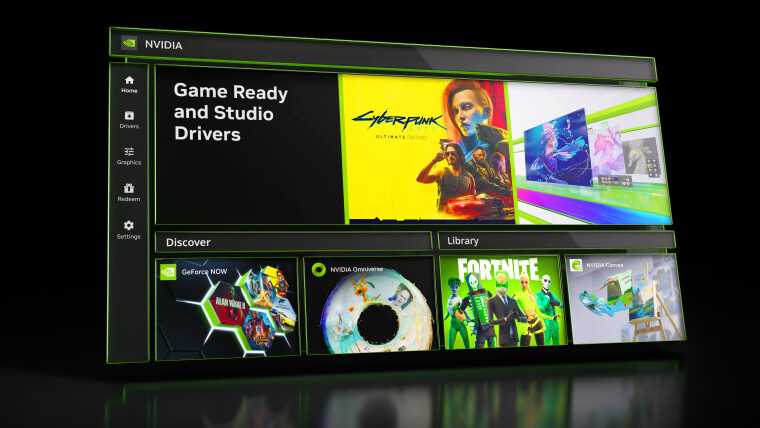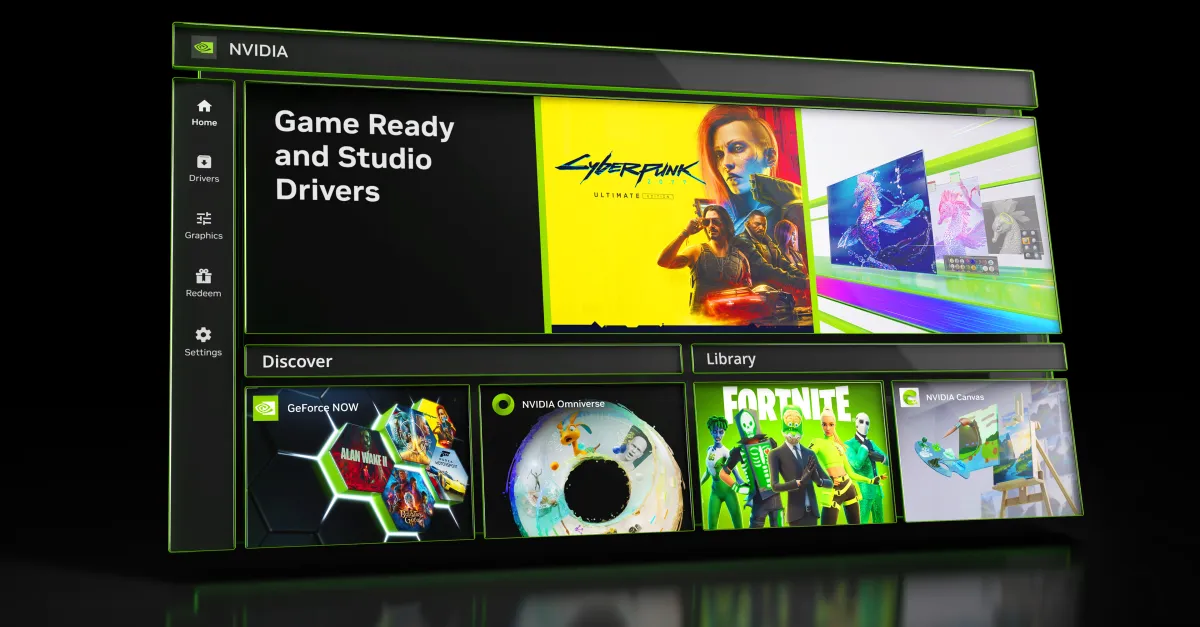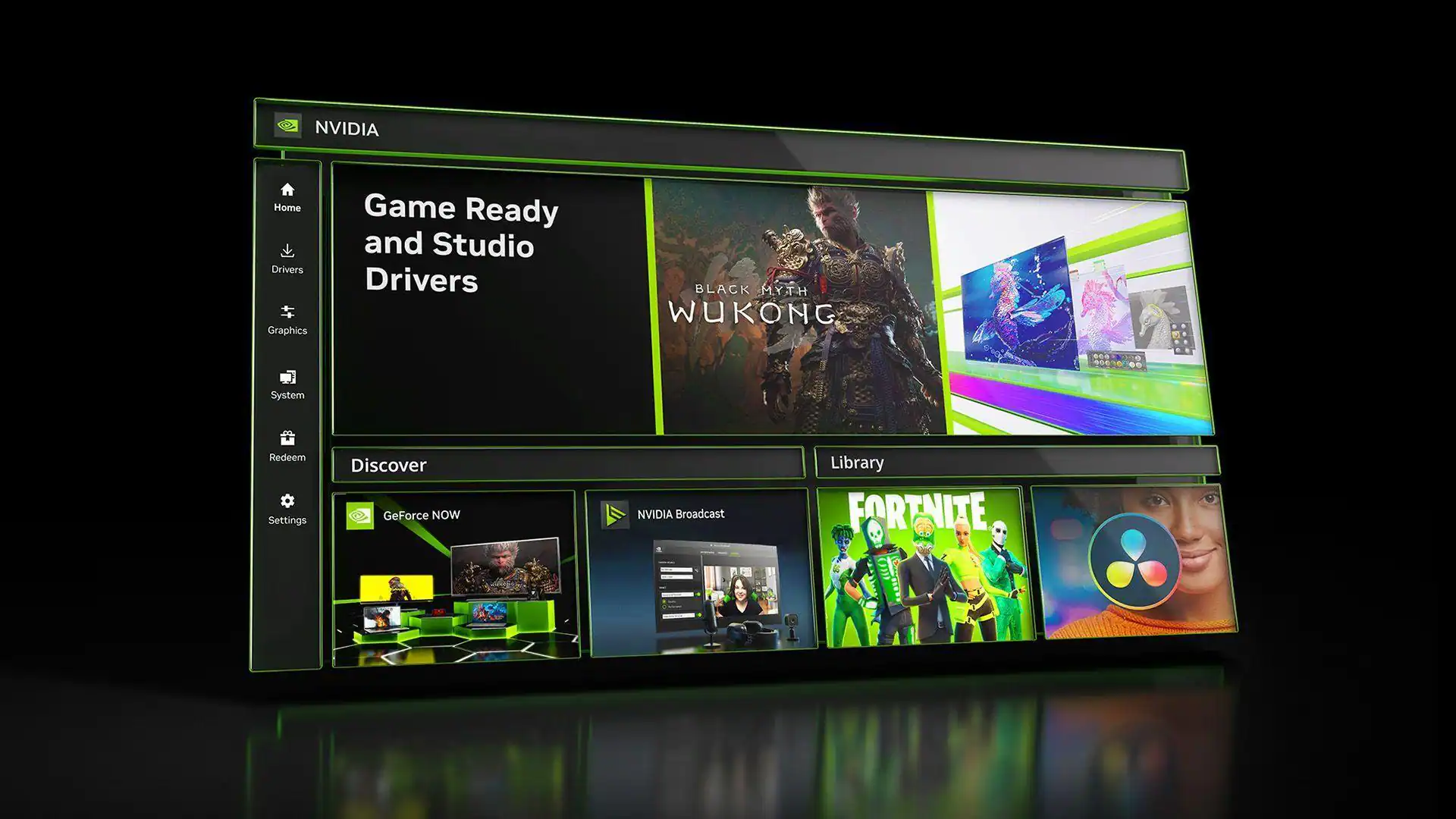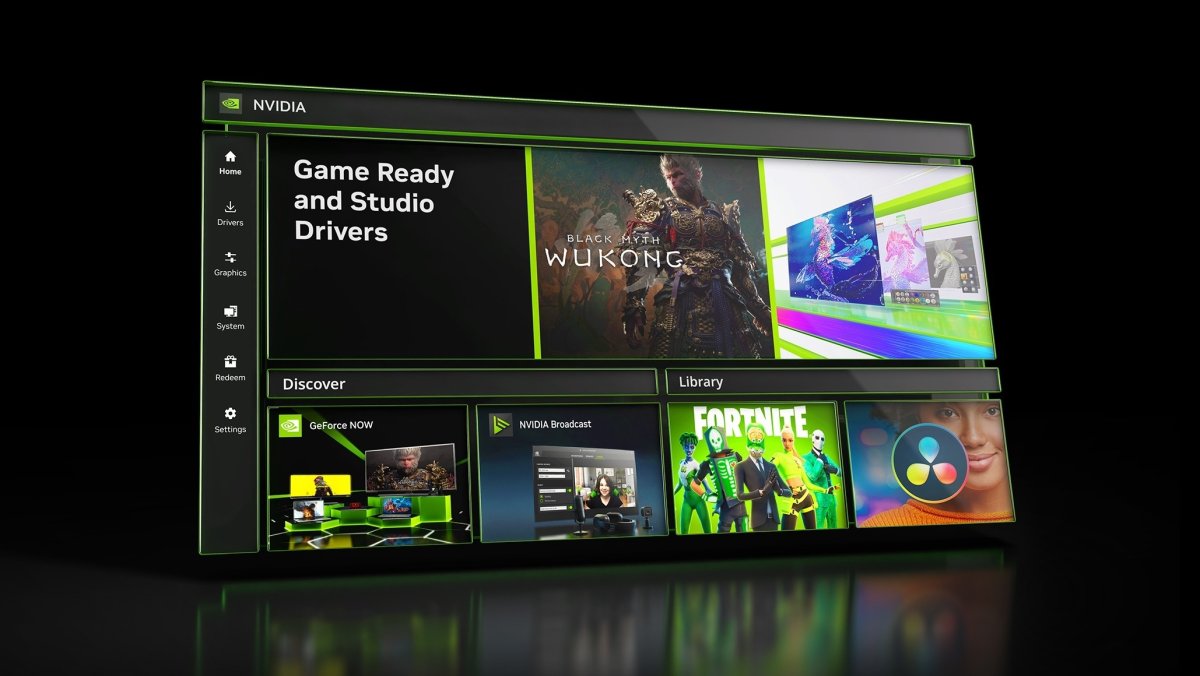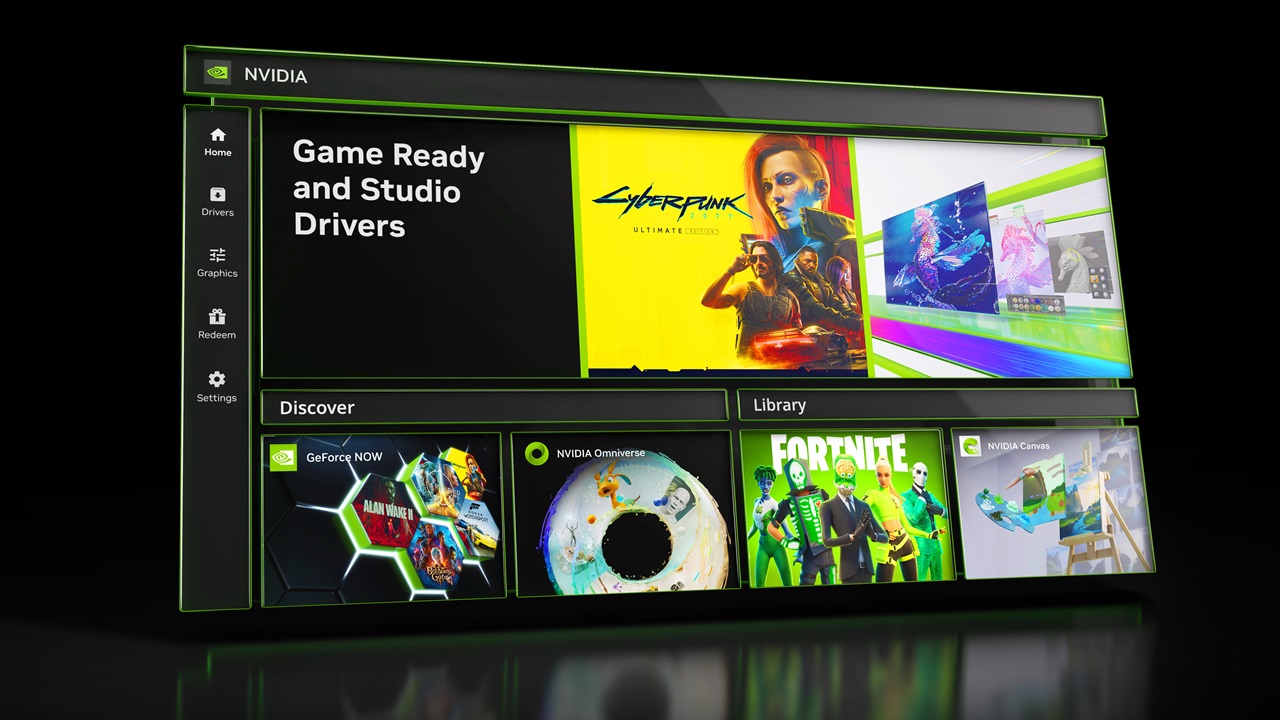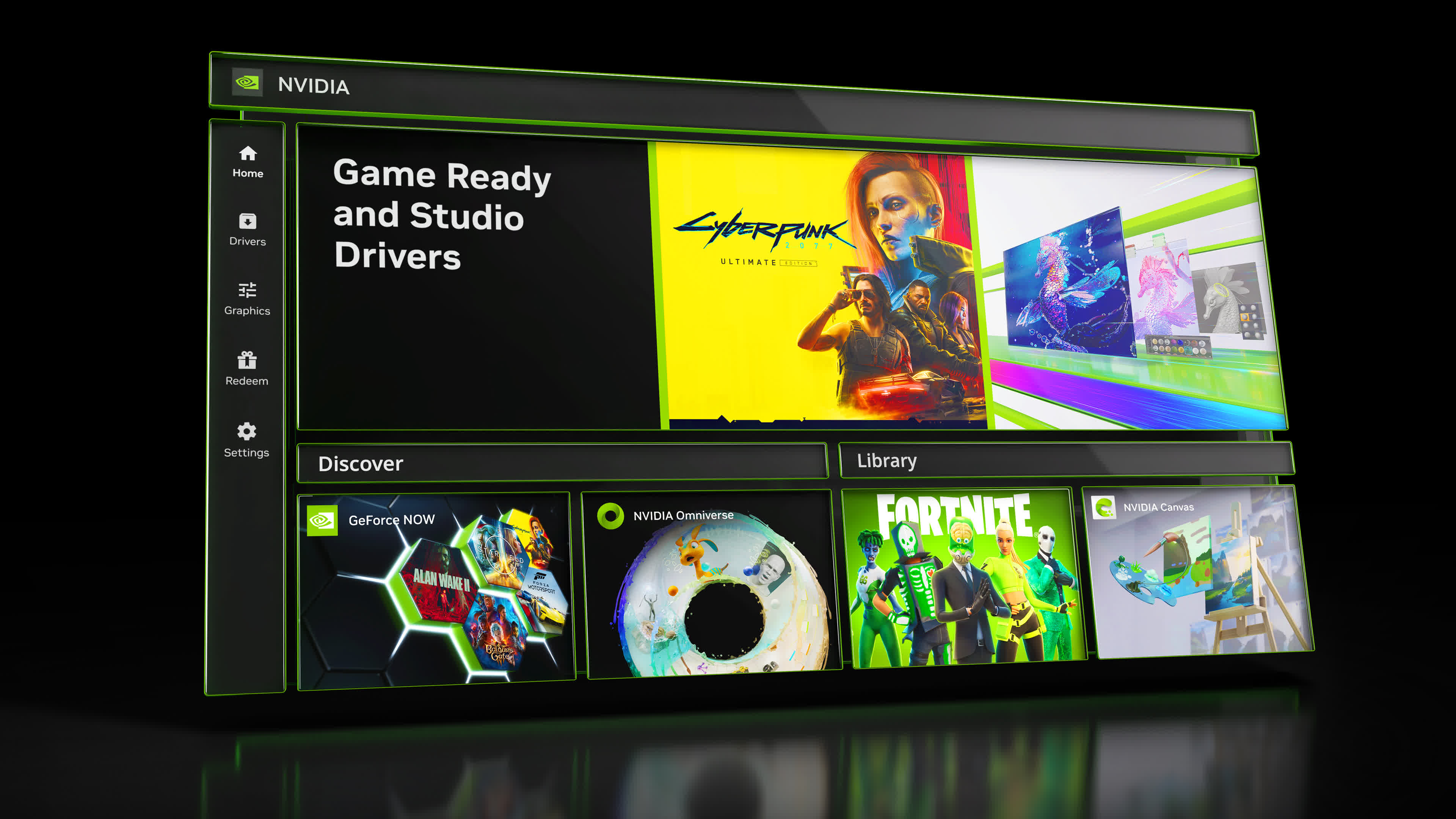
The Nvidia App keeps getting better and better, to the point where it now has a ton of configuration options. But what configuration is best? What settings are worth changing to get the best experience on PC? We've been testing GeForce graphics cards for a long time, and we've spent plenty of time exploring what the app has to offer, so we think there are several settings you should be using on a daily basis.
This guide isn't necessarily aimed at hardcore PC gaming enthusiasts who already know the Nvidia App inside and out. But if you want to learn more about the app's features, see the configuration we recommend, or simply aren't very familiar with the software, hopefully you'll pick up a few useful tips from this article.
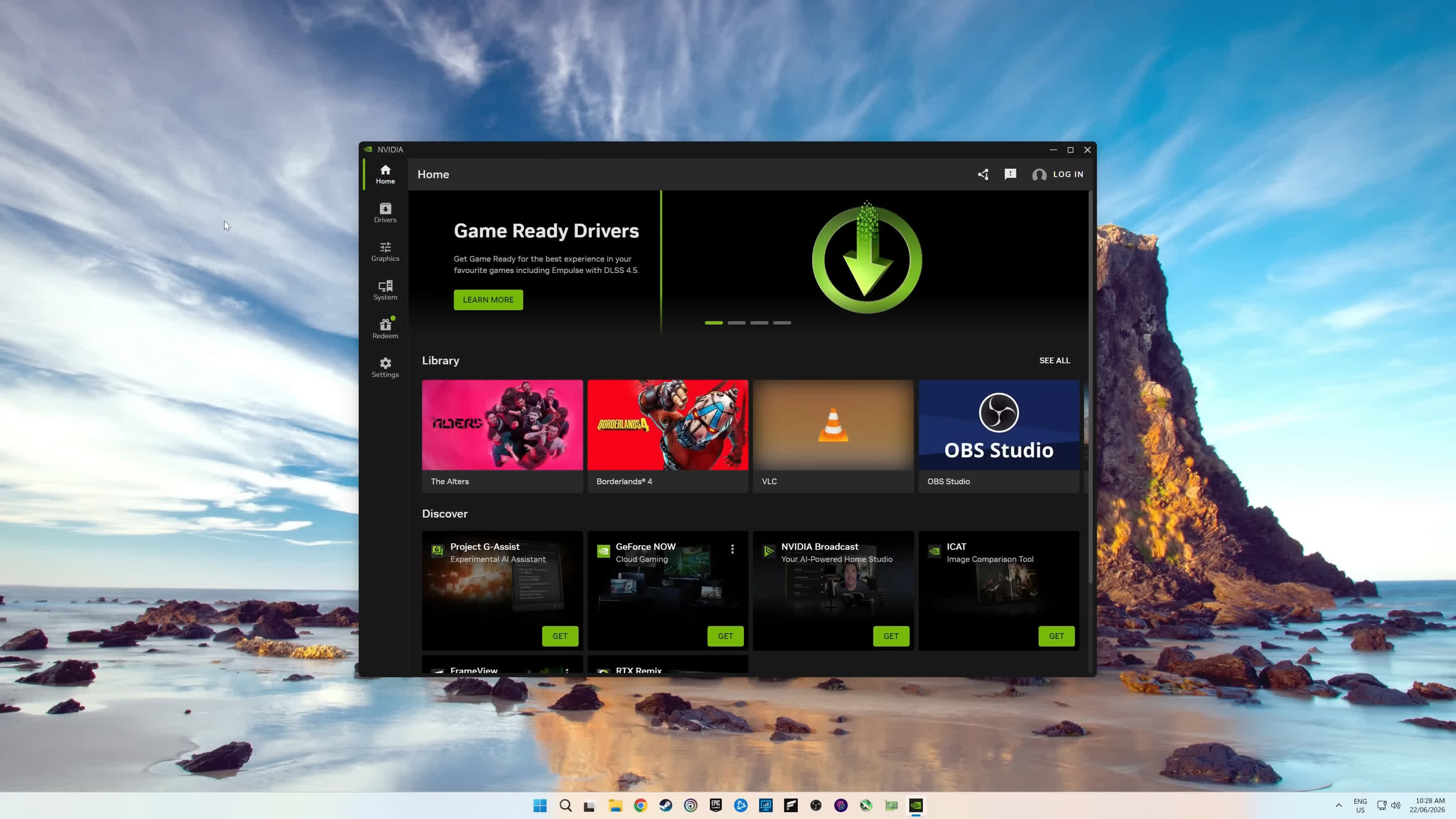
These days, the Nvidia App installs by default alongside GeForce Game Ready drivers. Once installed, it's accessed through the Windows system tray. On first launch, you'll see some initial setup options. For gamers, we recommend the Game Ready driver branch. After that, you'll be greeted with a toggle to optimize games. This applies Nvidia's recommended graphics settings to games in your library, so if you prefer tweaking in-game settings yourself, we'd recommend disabling this option.