Building the Ultimate Offline AI Development Stack: LM Studio, Ollama, and TormentNexus
Eliminate cloud dependency and build a fully local AI coding environment. This walkthrough integrates LM Studio, Ollama, and TormentNexus for secure, high-performance offline AI development.
The Cloud Dependency Problem and the Offline AI Solution
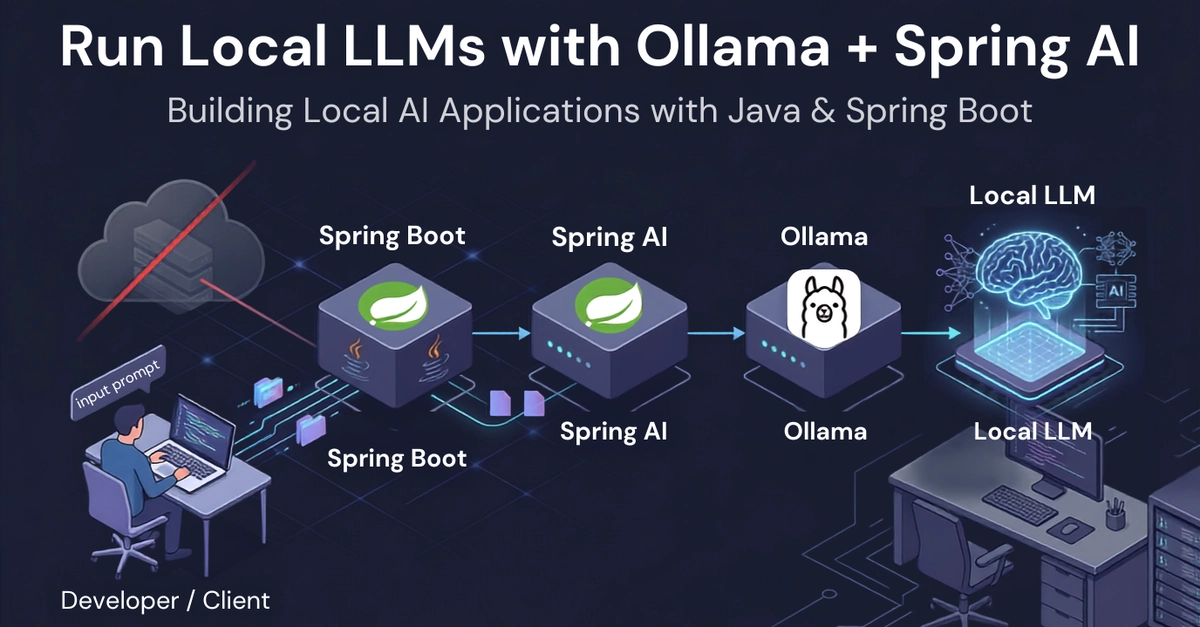
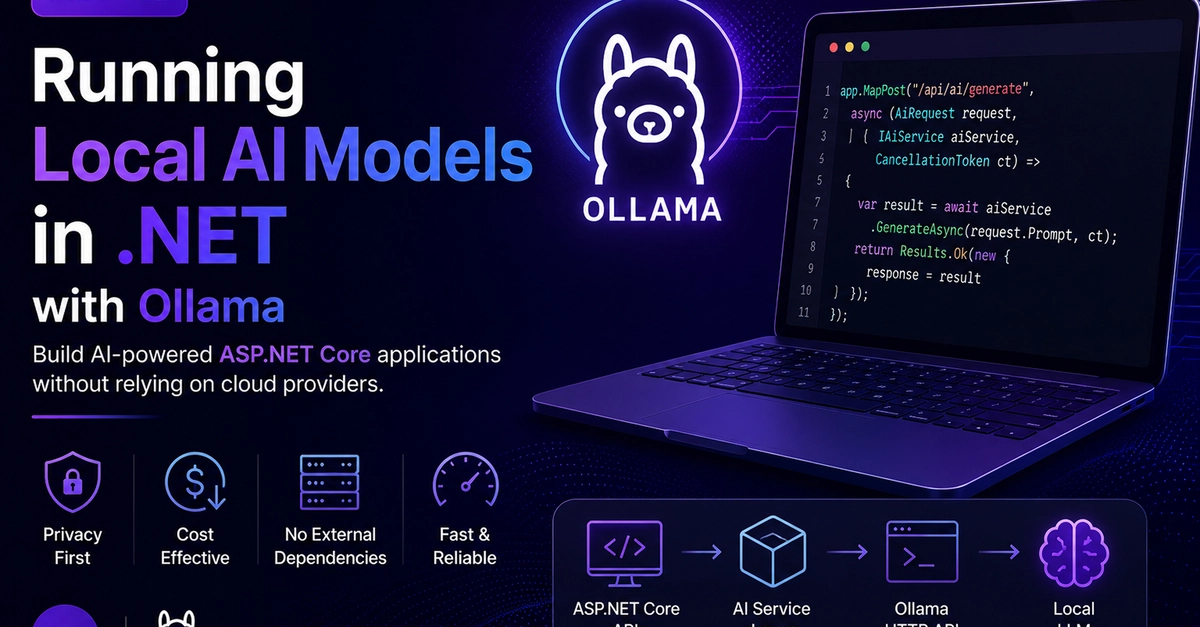
The modern AI development landscape is overwhelmingly cloud-centric. Every API call, every model interaction, and every iterative coding session typically routes through external servers, introducing latency, recurring costs, and significant privacy concerns. For developers working with sensitive codebases, proprietary datasets, or in air-gapped environments, this dependency is not just inconvenient—it's a fundamental blocker. The solution is to architect a complete offline AI development stack, placing powerful local LLM inference directly on your workstation. This guide presents a proven combination: LM Studio for GUI-driven exploration, Ollama for lightweight CLI-based model management, and TormentNexus as the critical orchestration layer that unifies them into a seamless air-gapped development environment.
The goal is to create a self-contained ecosystem where you can download, run, and chain multiple local LLM models without ever requiring an internet connection after the initial setup. We'll walk through each component's role, configure them to work in concert, and demonstrate the tangible benefits: sub-100ms response times for code completion, zero data egress, and complete cost control.