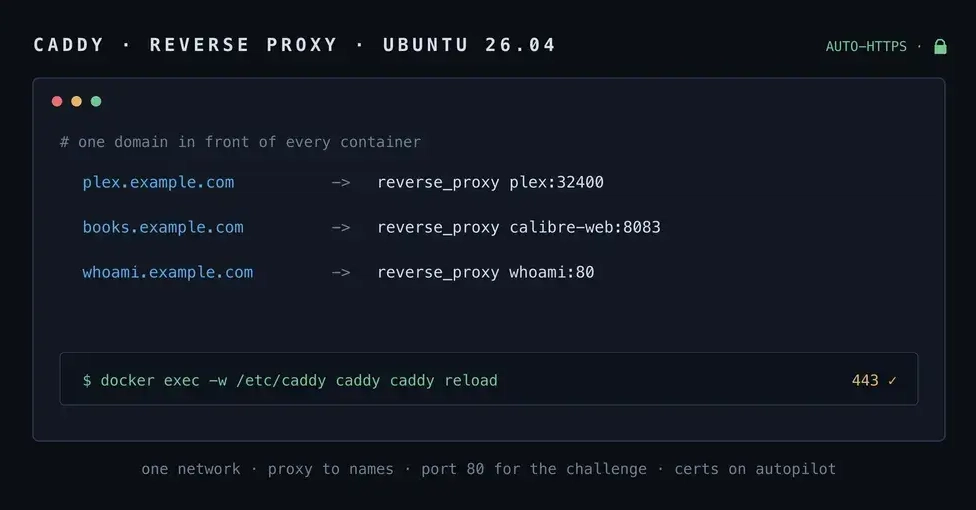
Once you have Docker running on 26.04 and a couple of containers up, you hit the wall everyone hits: your apps live on a pile of random ports. Plex on :32400, something else on :8080, a dashboard on :9000, and none of them speak HTTPS. You want plex.example.com and books.example.com to just work, with a real certificate, without hand-rolling Nginx configs or running certbot on a cron job.
Caddy is the boring, dependable answer to that, and it is short. A hostname in a Caddyfile is all it takes for Caddy to go get a Let's Encrypt certificate, serve it on 443, and renew it forever without you thinking about it again. This is the setup I use to front my own containers, and this post is where I keep the parts that are not obvious the first time.
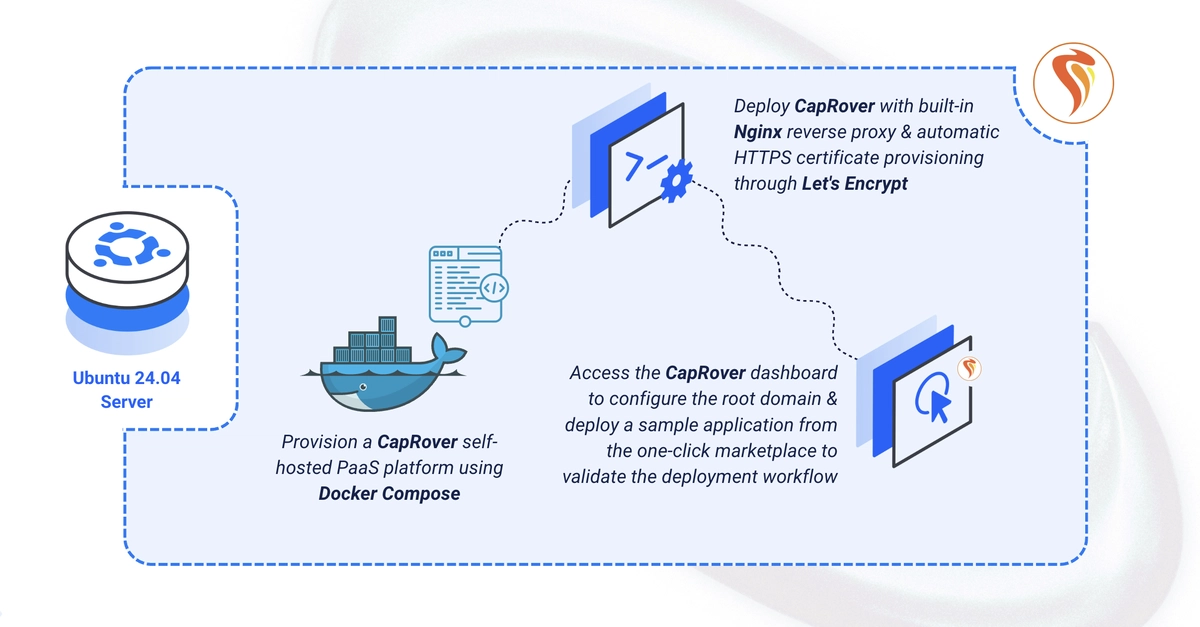
TL;DR Run Caddy in the same Compose project as your apps, put every container on one shared Docker network, and in the Caddyfile reverse_proxy to the container name and its internal port, never localhost. Caddy gets HTTPS automatically as long as your domain's DNS points at the box and ports 80 and 443 are reachable. While testing, set acme_ca to the Let's Encrypt staging endpoint so a broken config does not burn your weekly certificate quota.
Prerequisites