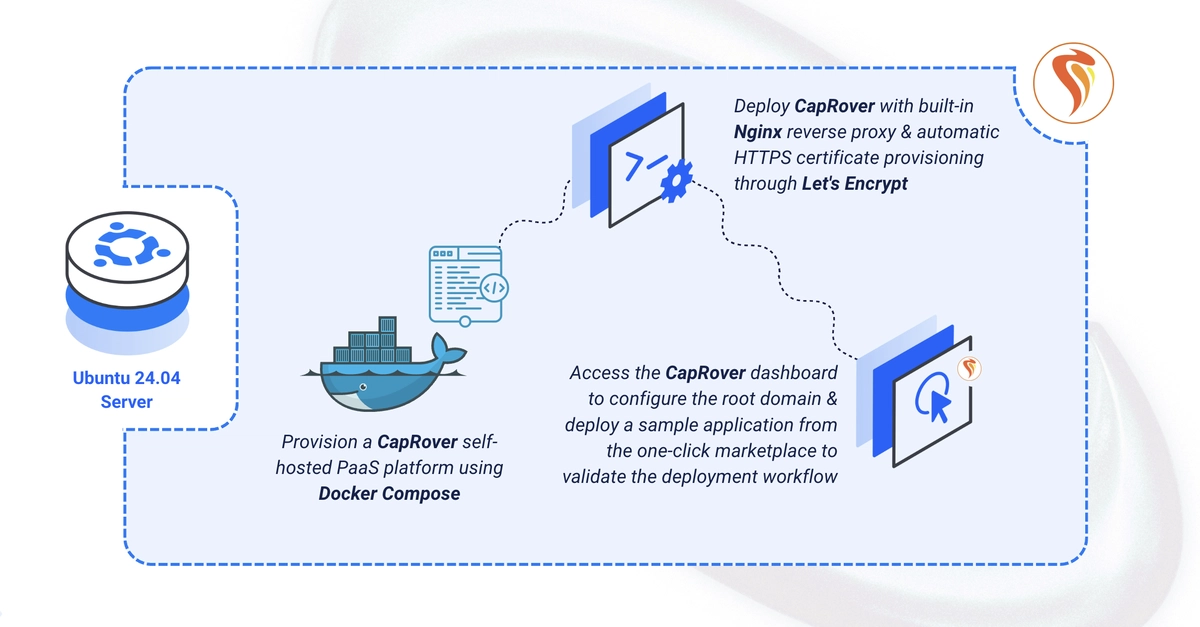
CapRover is an open-source, self-hosted Platform-as-a-Service that automates application deployment with Docker Swarm, Nginx, and automatic Let's Encrypt certificates. This guide deploys CapRover on Ubuntu 24.04 using Docker Compose, opens the required firewall ports, enables HTTPS for the dashboard, and deploys a sample app from the one-click marketplace. By the end, you'll have a CapRover PaaS running apps on subdomains of your wildcard root domain.
Prerequisite: A wildcard DNS A record (e.g. *.apps.example.com) pointing at the server's IP. Don't use a proxying DNS (Cloudflare orange-cloud), or the ACME challenge will fail.
Set Up the Directory Structure
1. Create the project directory:
$ mkdir -p ~/caprover