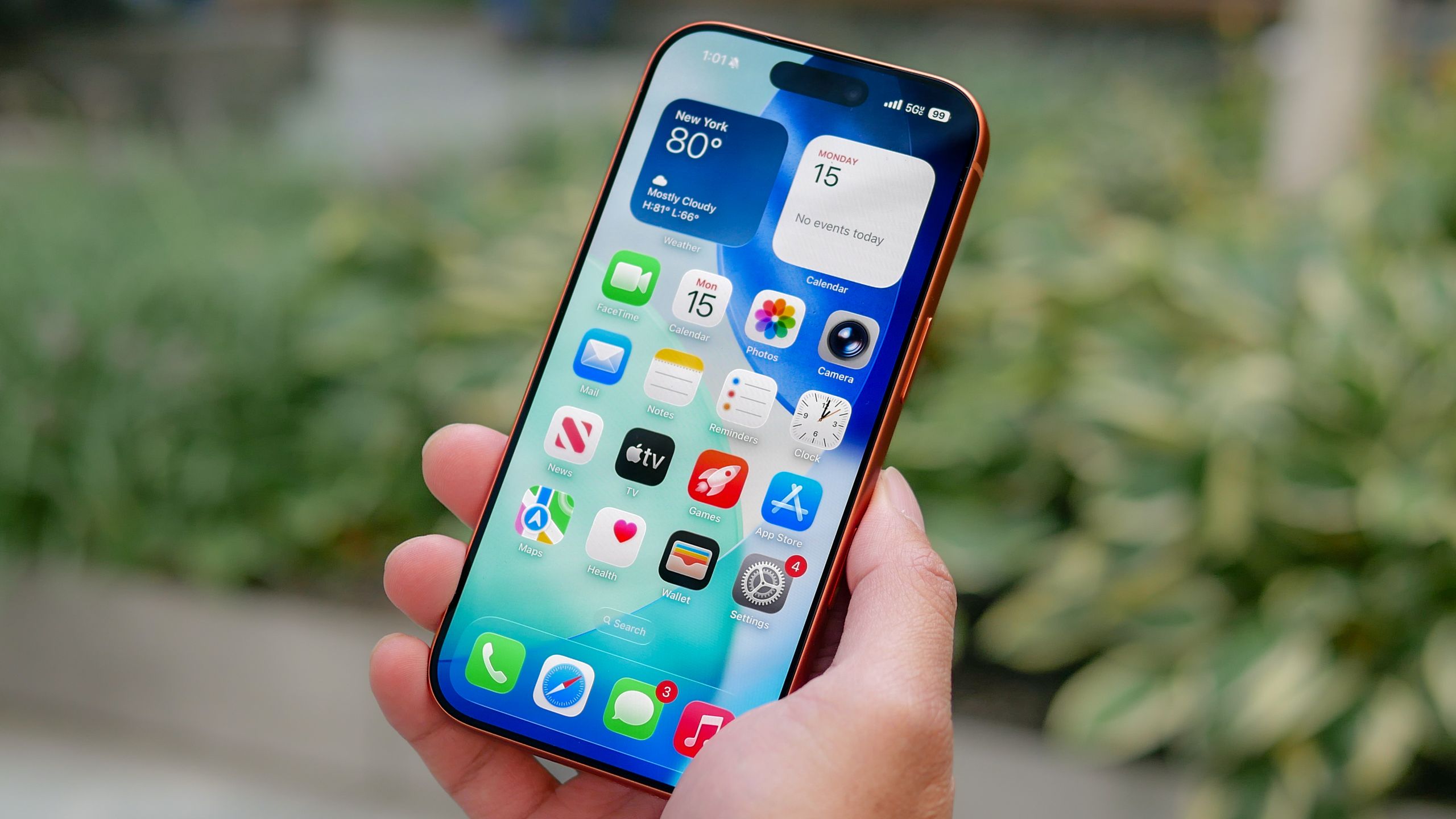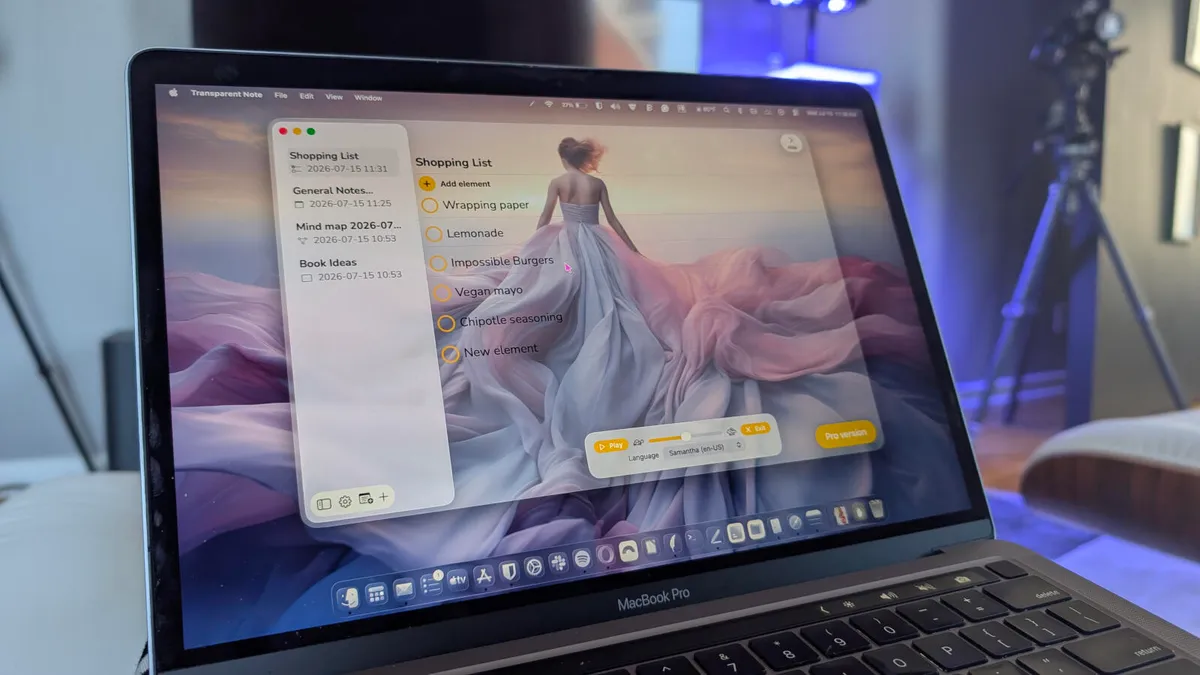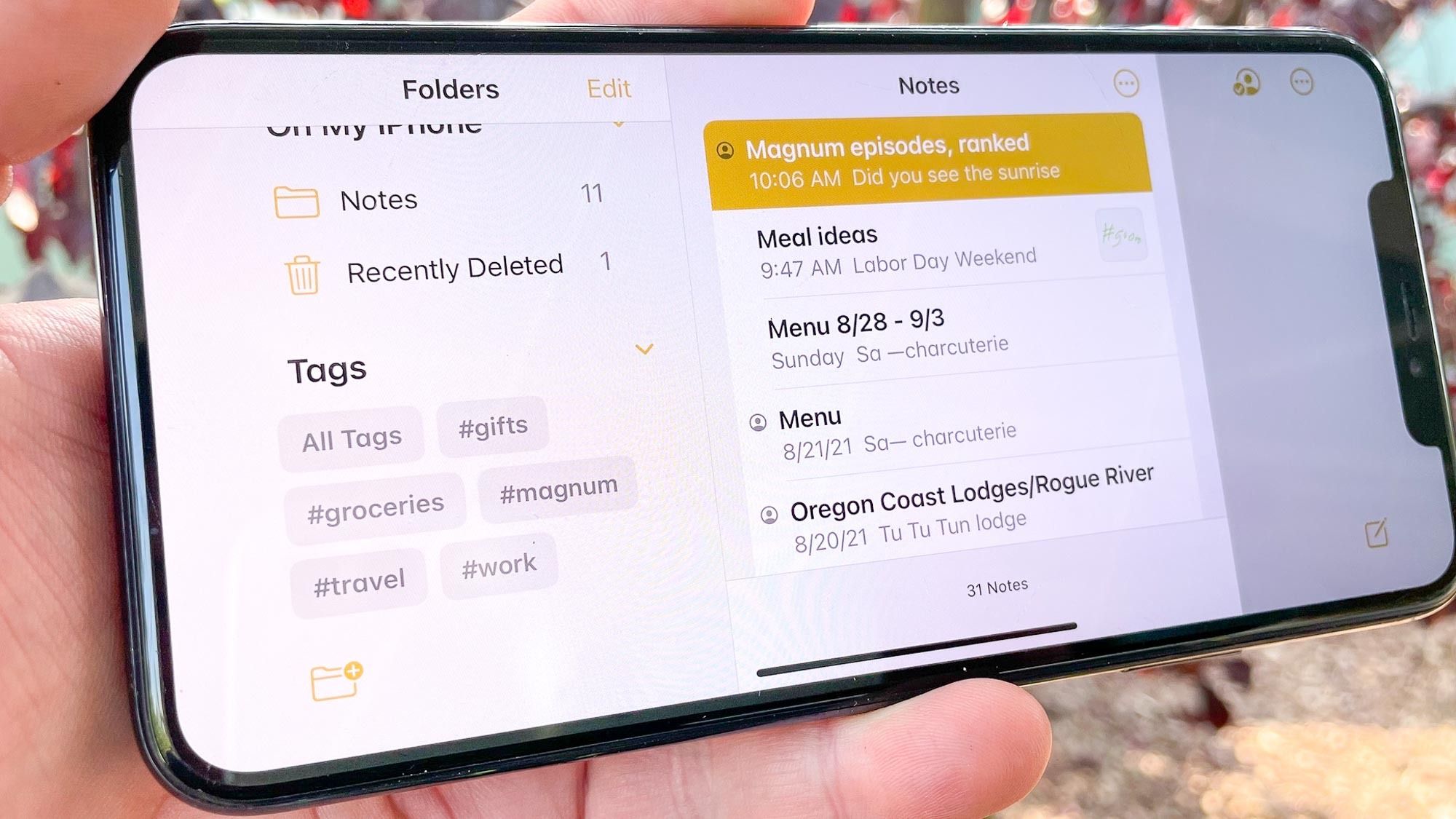
I've used Apple Notes for years. It's where I keep all my ideas, random thoughts and lists to stay organized. But like a lot of the Apple apps that come with the phone, I'd never really stopped to explore what it could do. So I decided to try something different. Instead of searching YouTube or scrolling through Reddit for tips, I asked ChatGPT one simple question:"How can I make Apple Notes more useful in my everyday life?"The suggestions were surprisingly practical. Rather than suggesting third-party tools, ChatGPT showed me how to unlock power features already sitting inside the app. Here are the eight changes that completely transformed my daily workflow.1. Create a 'Dashboard' note instead of dozens of random notes My biggest problem was finding notes after making them. What good was a brainstorm if the ideas were lost in my phone? To solve this, ChatGPT suggested building a single "Dashboard" note (essentially a Map of Content) using internal note links to connect everything I use regularly.This brilliant trick put a halt to endlessly searching through hundreds of flat notes. Now I open one main note and use it as the control center. It turns Apple Notes into a personal wiki.Mine now includes linked sections for:Work & ProjectsStory & Article IdeasGet instant access to breaking news, the hottest reviews, great deals and helpful tips.Family Reminders & Shared ListsTravel ItinerariesFrequently Used Links & Resources2. Pin the Notes you actually need
I asked ChatGPT to improve my Apple Notes app — here are the 7 changes I actually kept
My notes app just got significantly better with a few simple tricks
910 words~4 min read