(Image credit: Tom's Guide)
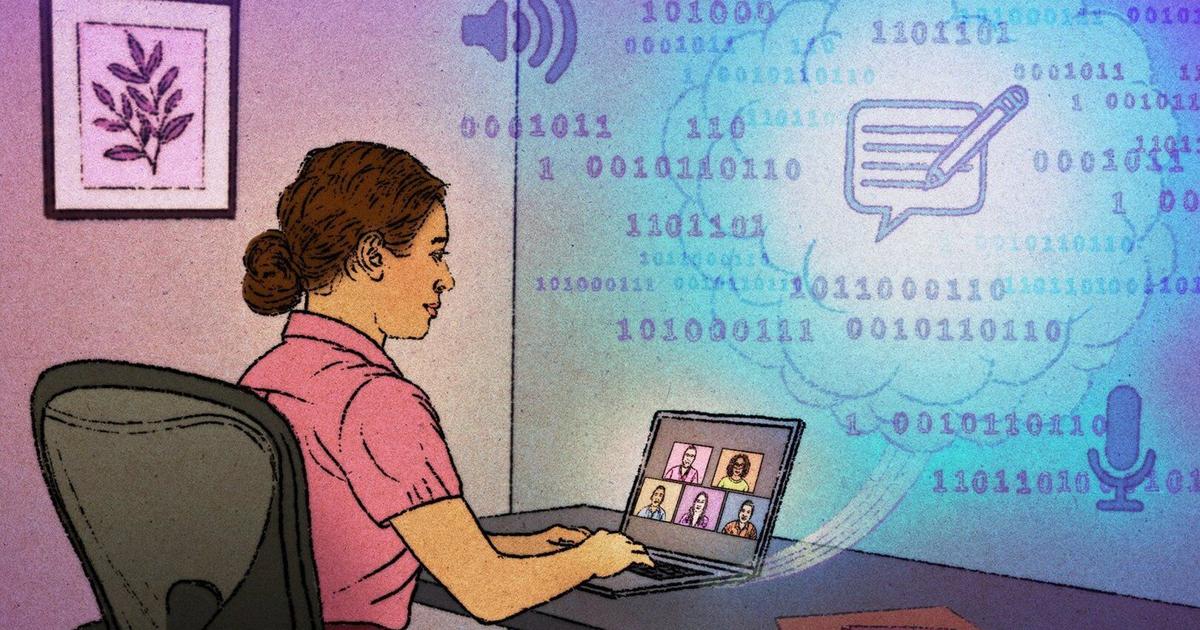
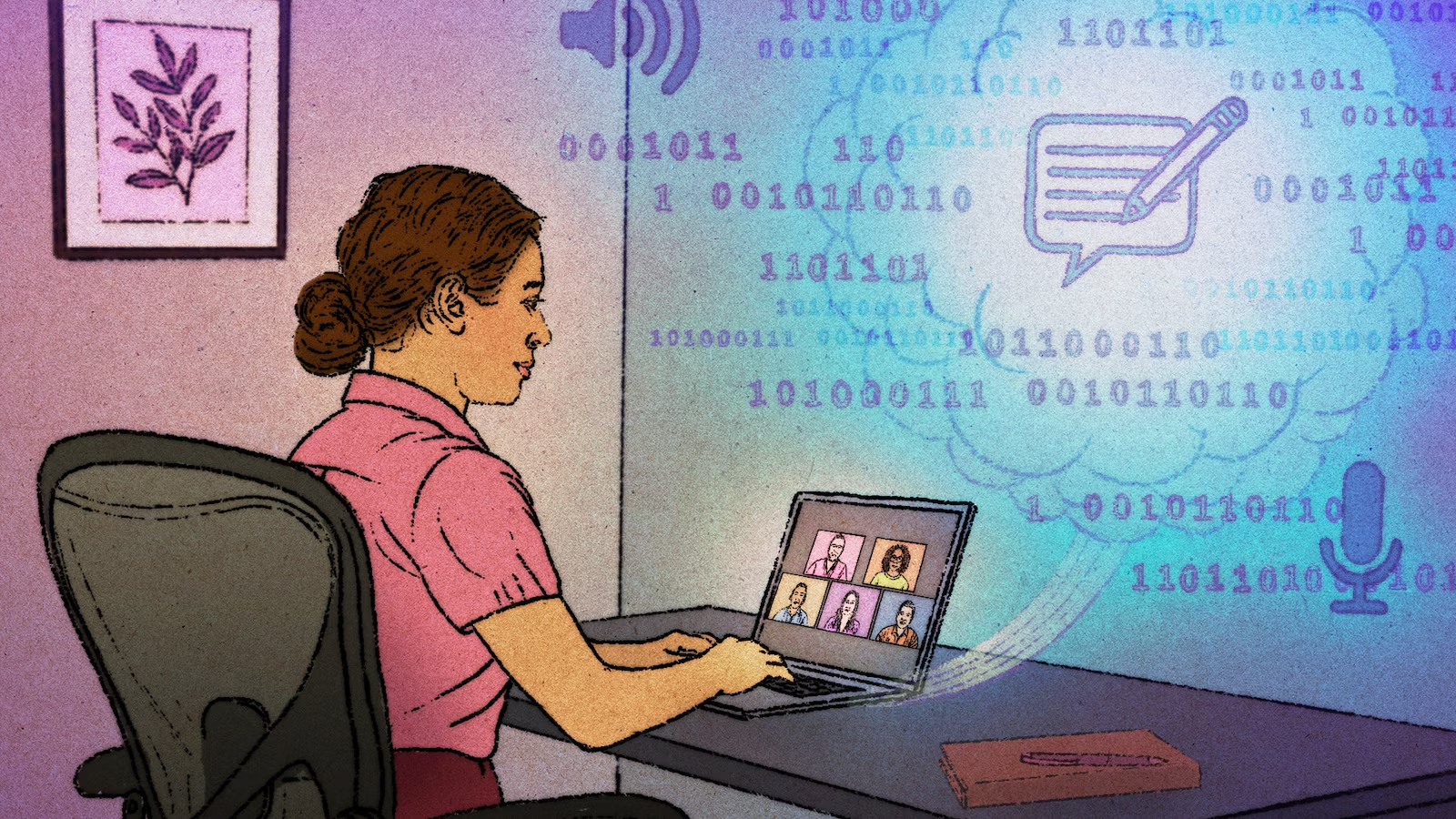
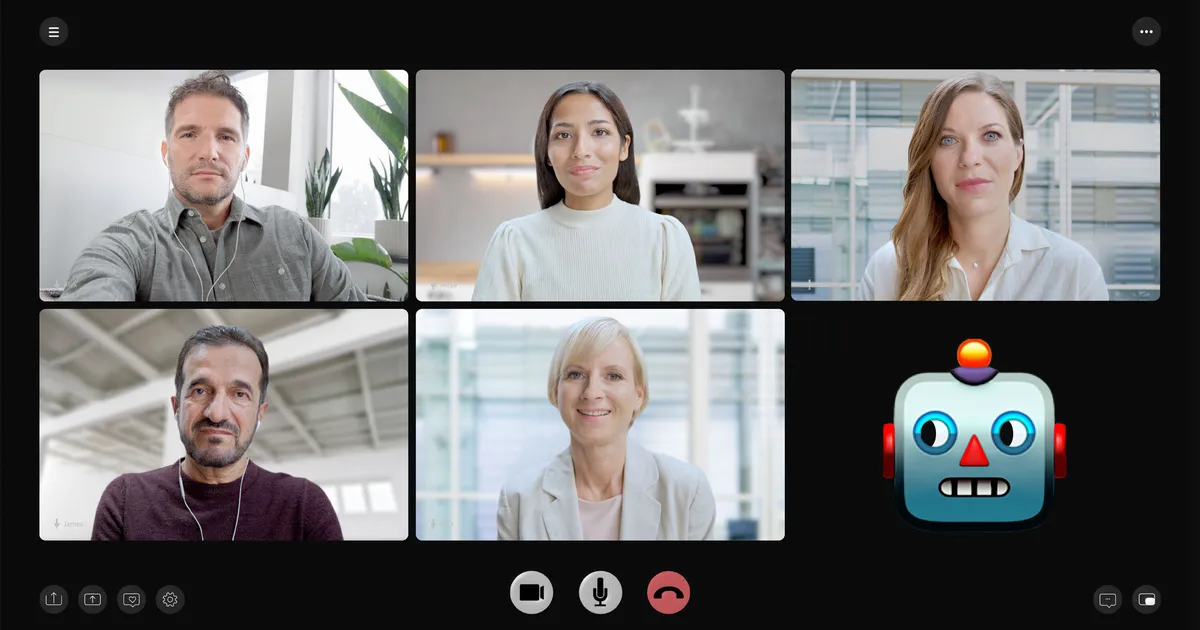
As soon as my work week starts, I prepare myself for days full of meetings.I don't mind them — in fact, they're often where my best article ideas come from. But after hours of back-to-back calls, it's easy for important details, follow-ups and action items to get buried. Even with AI meeting assistants like Gemini taking notes during Google Meet calls, I still find myself digging through transcripts trying to figure out what actually needs my attention.That's why I was intrigued by a device I've been testing for the past week. It's called the SecondBrain Note, and it's made by the team behind Genspark, the AI workspace that brings together multiple leading AI models in one place.Paired with the Genspark AI Workspace, the SecondBrain Note did more than just record my meetings. It turned conversations into organized summaries, surfaced the tasks I needed to tackle, and helped me turn a packed day of meetings into a clear, actionable to-do list. After using it for a week, it's become one of the most useful AI productivity tools I've tested.Taking audio notes and turning them into workday actions
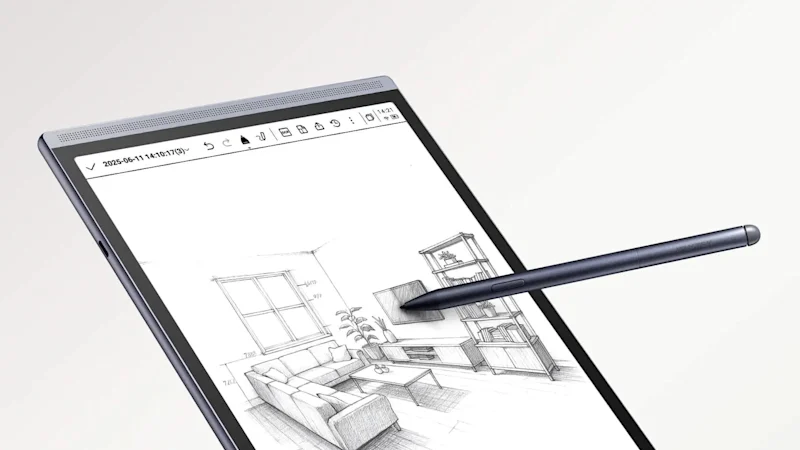
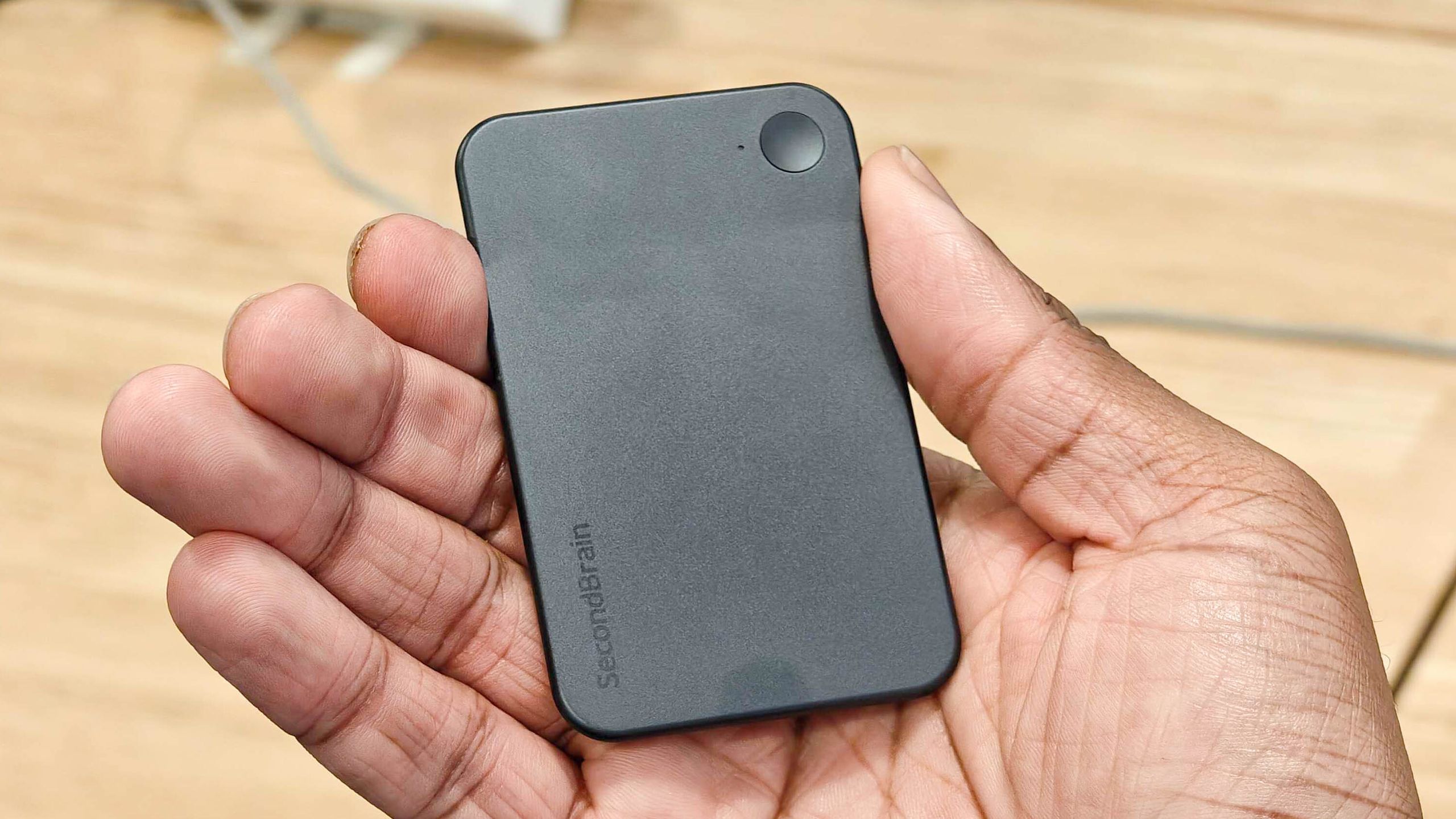
(Image credit: Future)Genspark's SecondBrain Note is a card-sized AI notetaker that slips into a magnetic case that attaches to the back of your phone. The setup doubles as a phone stand, making the device clearly visible during meetings while an RGB privacy light lets everyone know it's recording. One feature I quickly came to appreciate was the ability to press the record button at key moments to manually bookmark important parts of a meeting.Once my meetings began, I made sure everyone knew I was recording and let the SecondBrain Note do the rest. After each meeting, I turned it off and kept it near my phone while the recordings transferred to the Genspark app. What sets the SecondBrain Note apart from other AI notetakers is how it feeds everything into Genspark's SecondBrain memory system, turning meeting summaries into searchable context inside the Genspark AI Workspace.That meant I could quickly pull up a person's name, a project discussed during a meeting, decisions that were made or follow-up questions and answers simply by searching within the workspace. Instead of hunting through transcripts, the information I needed was already connected to the rest of my work.Get instant access to breaking news, the hottest reviews, great deals and helpful tips.Each recorded meeting was automatically downloaded into the Genspark app and organized into three sections: Notes, Transcript and Speakers, where I could manually identify participants if I wanted. I spent most of my time in the Notes section because it delivered exactly what I needed — a well-structured summary broken into clear sections, complete with speaker breakdowns, bolded names and key statistics, plus bullet points highlighting the most important takeaways. It made it much easier to identify the action items that applied to me as the week went on.I also liked that every meeting transcript was emailed to me automatically, giving me a second place to reference my notes whenever I needed a refresher. Better yet, those meeting notes became part of Genspark's memory, so I could ask the Spark Agent to pull information directly from them. That makes it easy to create prompts that reference previous meetings or even work with third-party apps like Slack and Notion. Some examples include:Summarize my emails from today.Draft an email and meeting invite for [name].Summarize last week's meetings into a weekly report.Find the slides I made last week on [topic] and add a new page.What to-dos did [partner] leave me in Slack today?Pull this quarter's numbers from my HubSpot and turn them into a deck.Find everything in my Notion docs about [topic].