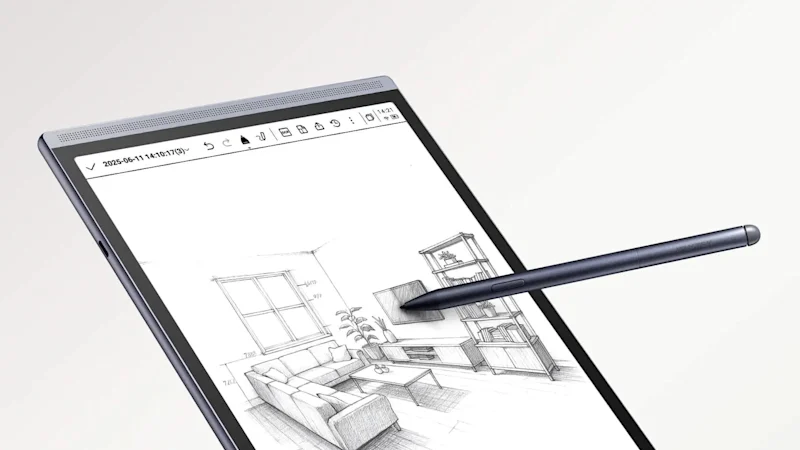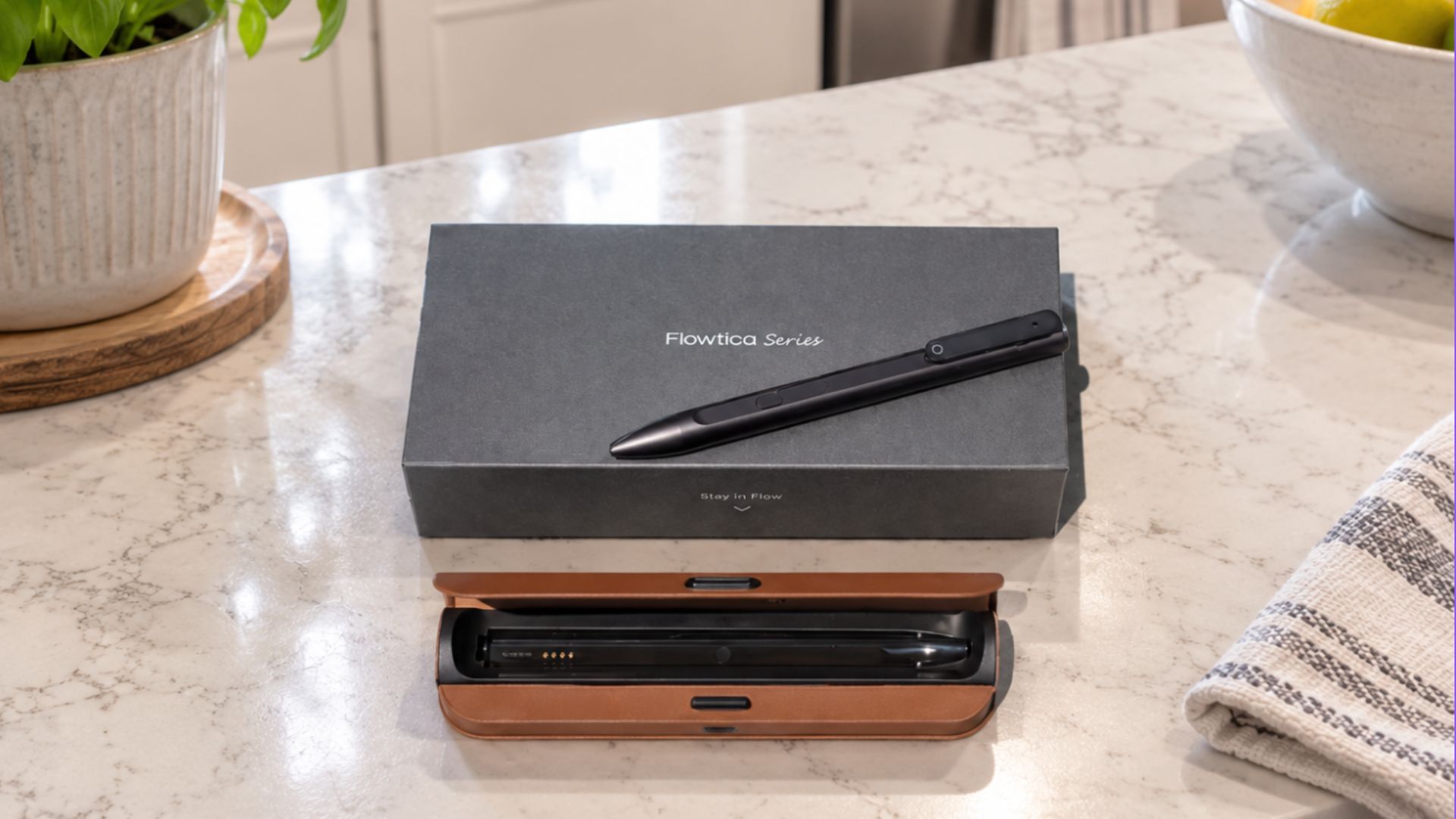
(Image credit: Future)
I've tried just about every AI productivity tool you can imagine. From chatbots that help me research to wearables that act like an external brain, I lean into AI for productivity often. But when it came to AI note-taking devices, I was on the fence. I've tried several, like Otter.ai and Gemini for notetaking, but to be completely honest, nothing could beat my physical notebook and pen. That is, until the Flowtica AI pen caught my attention.Rather than changing how I work, this real-working pen allowed me to keep writing with pen and paper while quietly recording the conversation, then let AI organize everything afterward. It sounded almost too simple, here are my thoughts after using Flowtica AI pen for a month.What is the Flowtica AI pen?
Snap Anything Into Your Meeting Notes — Flowtica Understands Photos, Not Just Text - YouTube
Watch On
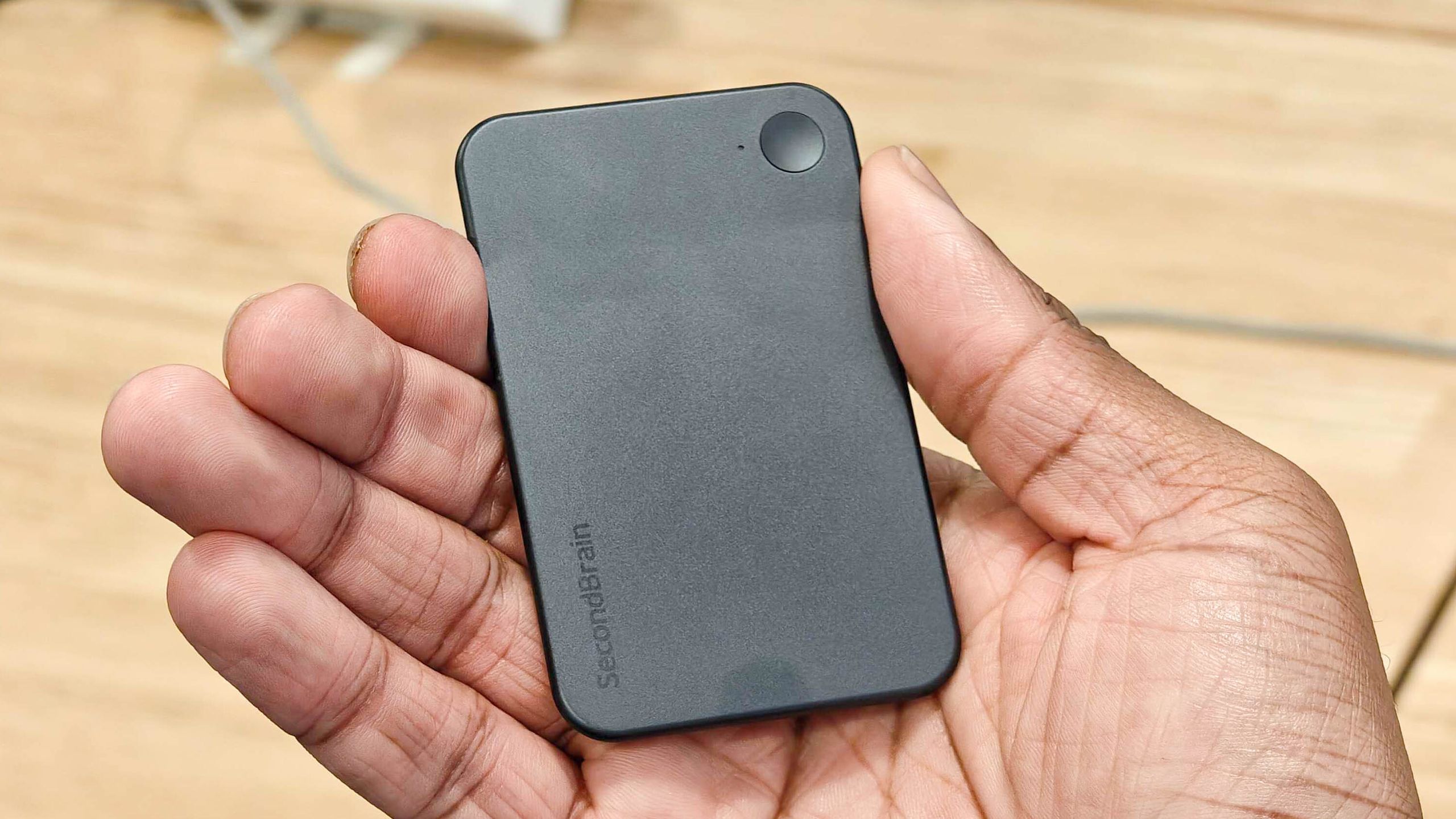
At first glance, you'd never guess the Flowtica AI pen was AI hardware at all. It simply looks like a cool metal pen that writes on ordinary paper. But what's great about it is, with a quick tap on the button, it also records conversations while you take notes, syncing everything to a companion app that can generate transcripts, meeting summaries and action items. Talk about a productivity game-changer! Now as I write, I don't have to worry about catching everything. Flowtica will always pick up the slack. One feature I found especially interesting is something Flowtica calls FlowMark. If someone says something important, you press a button on the pen to create a marker. The idea is that the AI pays extra attention to those moments when it builds your summary later.There's also a feature called Snap It, which lets you photograph notebook pages or whiteboards so the AI can combine your handwritten notes with the transcript.What surprised me most