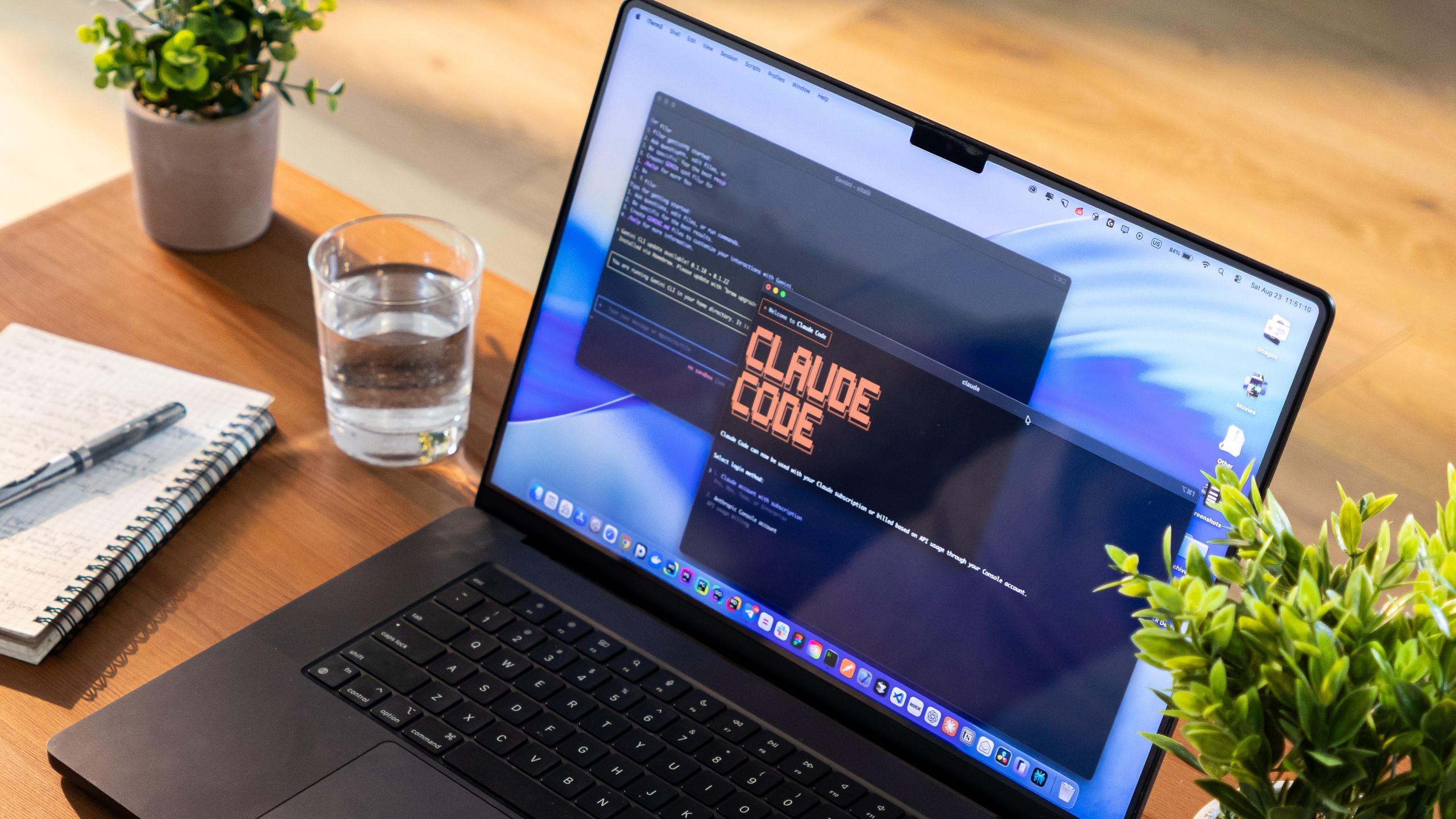
The more I explore what Claude Code can do, the more it becomes clear that Anthropic has built one of the best AI development tools on the market. It doesn't just generate code snippets; it can build full apps from scratch, debug complex errors, explain unfamiliar repositories, and completely automate your repetitive workflows.But even after spending dozens of hours testing it, I realized I’d barely scratched the surface of what it can do.Many of Claude Code's most useful features aren't immediately obvious. They're tucked away in technical documentation or designed for software engineers who live in the terminal.Whether you're building your very first coding project, experimenting with AI-assisted workflows, or just looking to reclaim hours of your work week, here are the hidden Claude Code features you should start using right now.1. Inject permanent project memory with a CLAUDE.md file
(Image credit: Pixabay)One of the single biggest time-savers in Claude Code is creating a CLAUDE.md file in your project's root folder. Think of it as a permanent onboarding manual. Instead of reminding Claude during every single chat session to use TypeScript, write unit tests, or follow a specific naming convention, you can bake those rules right into your project.Claude automatically scans this file the moment you launch a session.This is Ideal CLAUDE.md Architecture:Project Overview: Tells Claude exactly what the app does. Example: "A Next.js dashboard for tracking personal finance."Get instant access to breaking news, the hottest reviews, great deals and helpful tips.Tech Stack: Locks down languages and frameworks. Example: TypeScript, TailwindCSS, PostgreSQLCommands: Fast-tracks how Claude builds and tests. Example: npm run dev, npm run testCode Style: Sets strict architectural rules. Example: "Always write dry code and include concise inline comments."Pro-Tip: Don't turn this file into a textbook. Claude reads it at the start of every session, which uses up your token window. Keep it under 200–300 lines of highly concentrated project constraints.2. Time-travel through your mistakes with CheckpointsWe’ve all had that heart-stopping moment where a single line of bad code completely breaks an application. Claude Code removes that anxiety entirely with its built-in checkpoint system.As Claude works, it takes snapshots of your codebase. If an experimental feature goes sideways or a bug spirals out of control, you can instantly roll your project back to a pristine, earlier state.How to use it: Type /rewind in the terminal (or hit Esc twice to bring up the history menu) and visually select the exact moment in time you want to jump back to.3. Supercharge your workflow with Custom 'Skills'