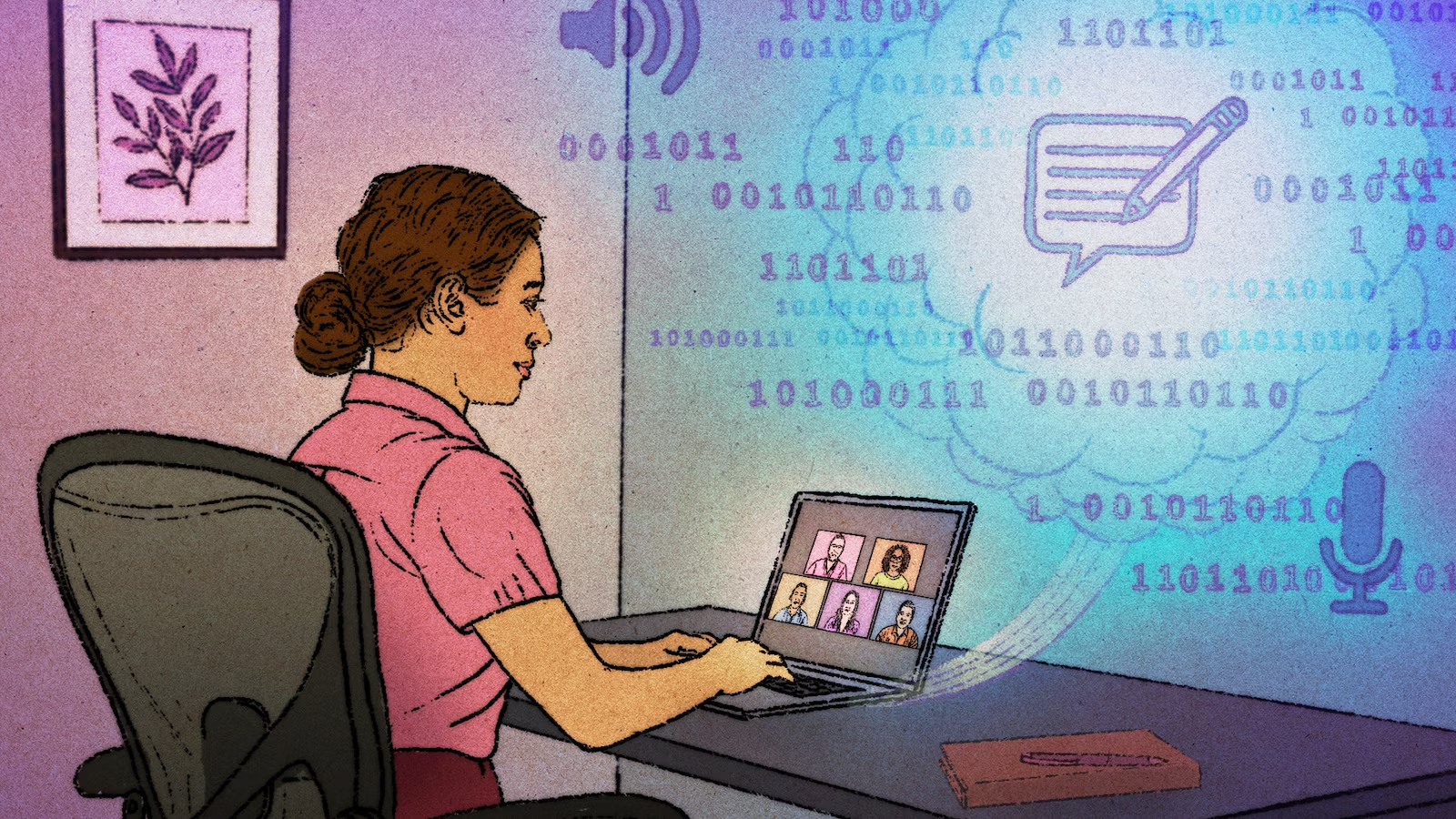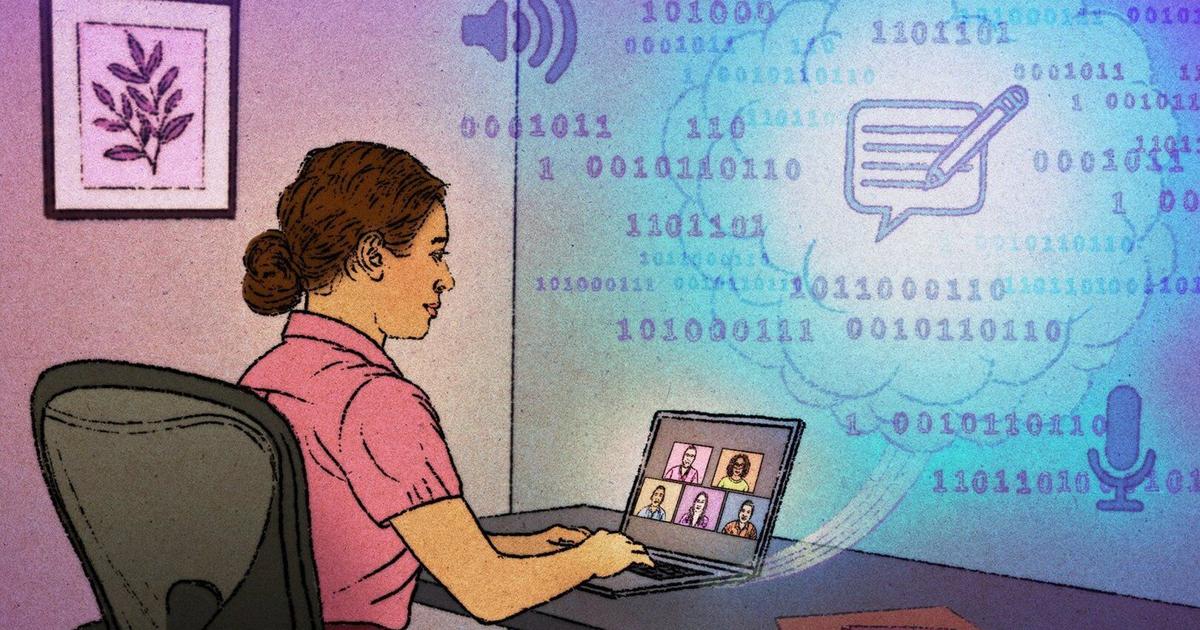
Building meeting recording yourself is a project: a bot that joins Zoom or Google Meet, captures the audio and video, runs it through transcription, then summarizes the result and pulls out action items. That's a media pipeline, a transcription service, and a bot framework before you've shipped anything. Nylas Notetaker collapses all of it into an API call. You send a bot to a meeting link, and it joins, records, transcribes, and hands you back the recording, transcript, summary, and action items. This post drives the whole flow with the API and the CLI.
It's a worked use case rather than an endpoint tour, covering Notetaker from two angles: the HTTP API your backend calls and the nylas CLI for sending a bot from the terminal. I work on the CLI, so the commands below are the ones I reach for when I want to record a call right now.
What Notetaker does
A Notetaker is a bot that joins a video meeting on your behalf and captures it. It works with the three meeting providers most teams use, Zoom, Google Meet, and Microsoft Teams, and from a single meeting link it can record video, record audio, generate a transcript, write a summary, and extract a list of action items. You don't run any of that infrastructure; you make a request with the meeting link and collect the results when the bot is done.