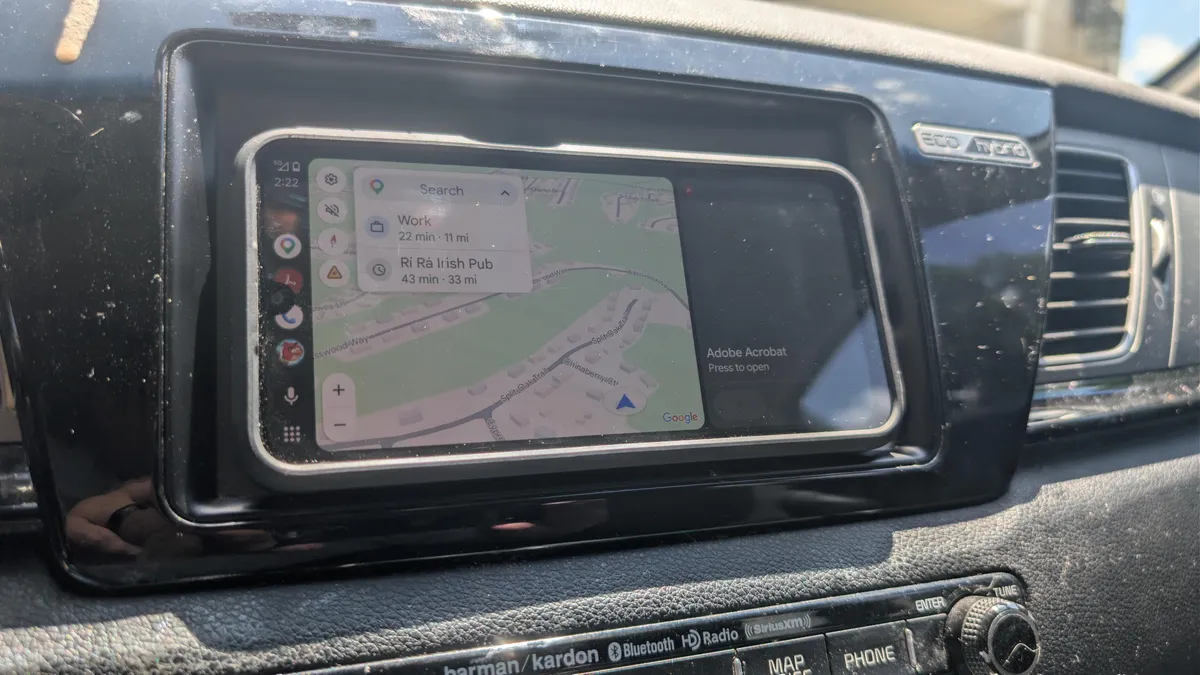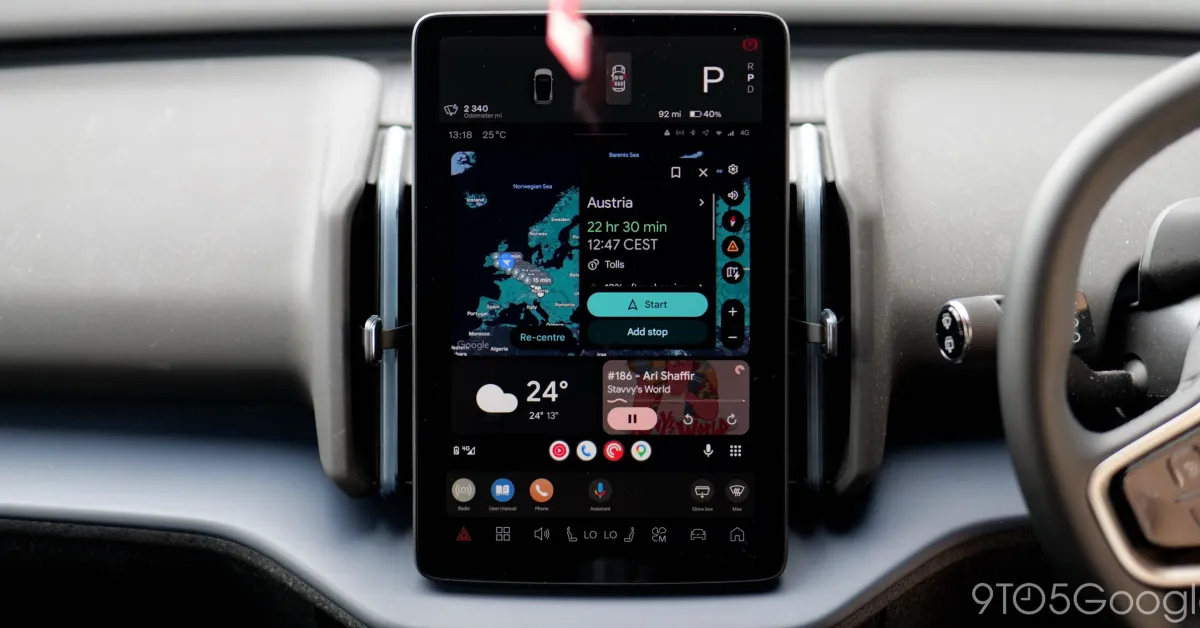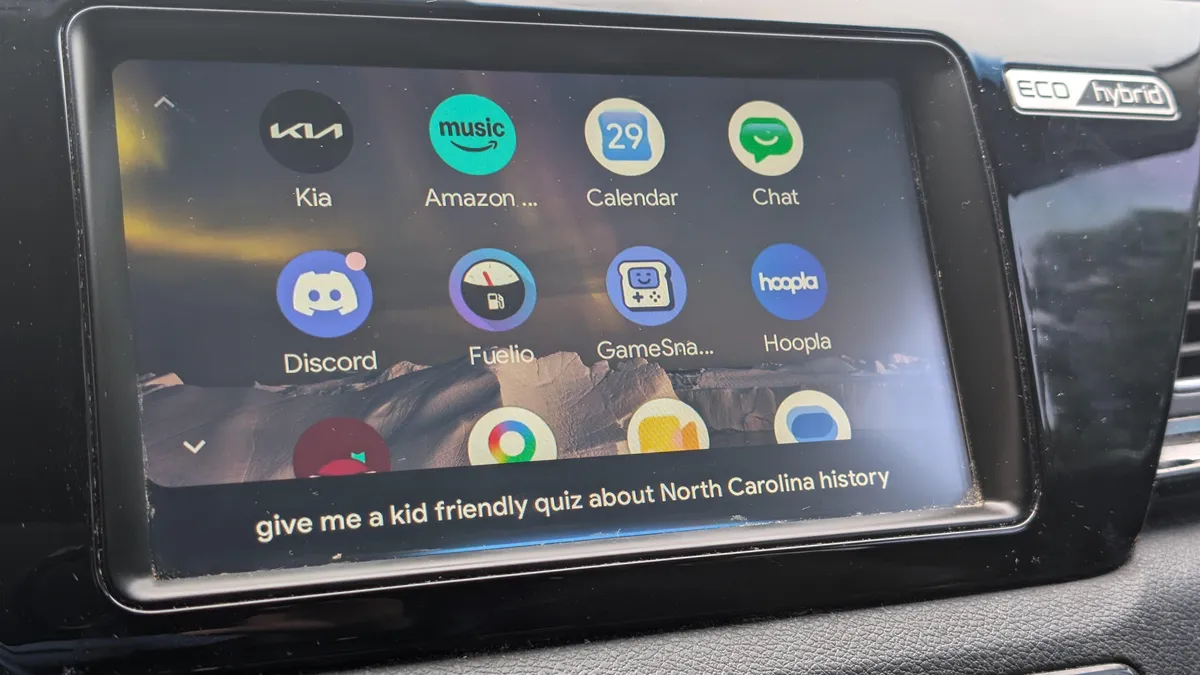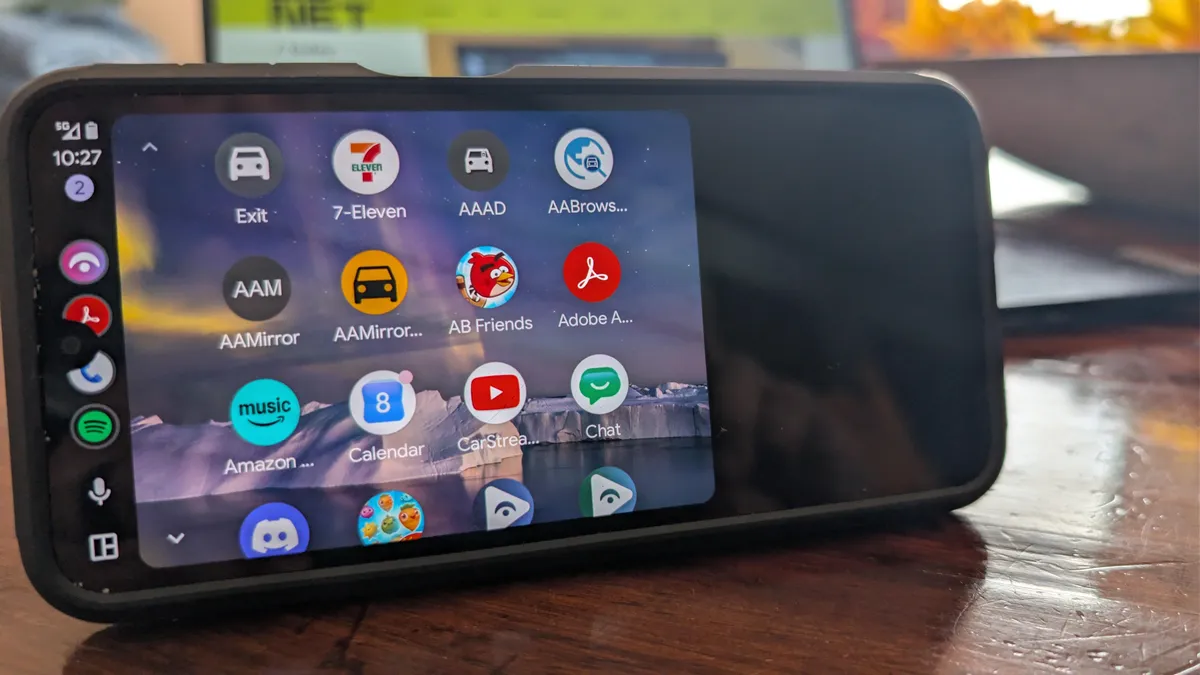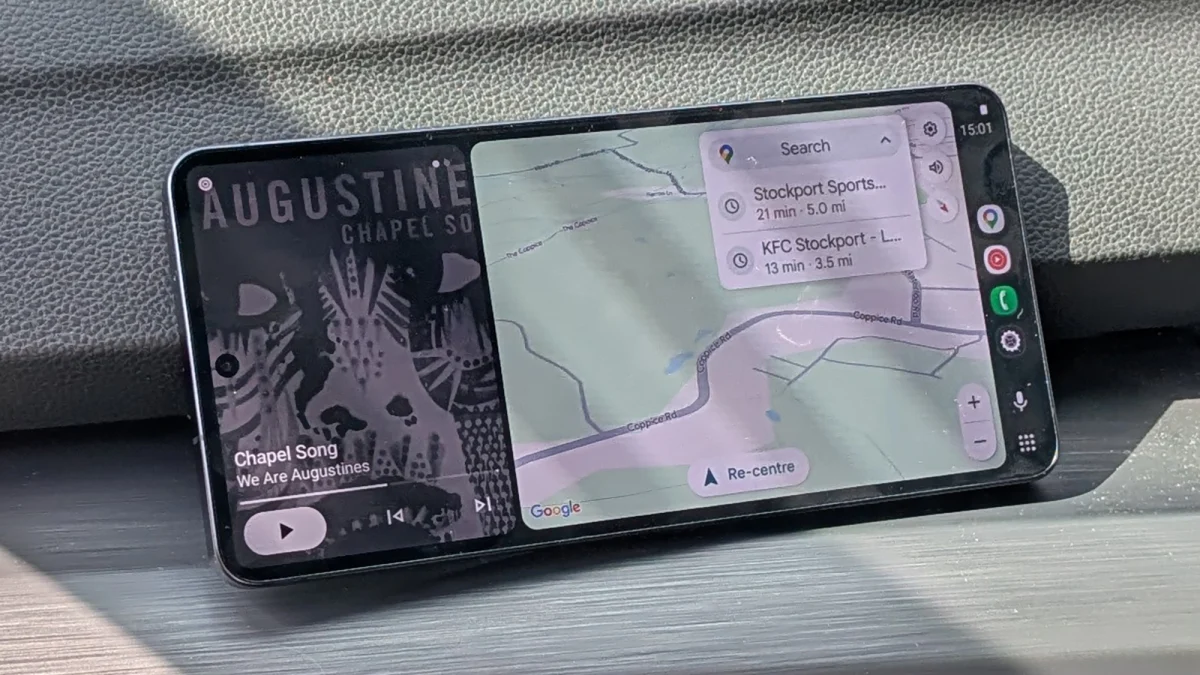
A Galaxy phone running Android Auto.
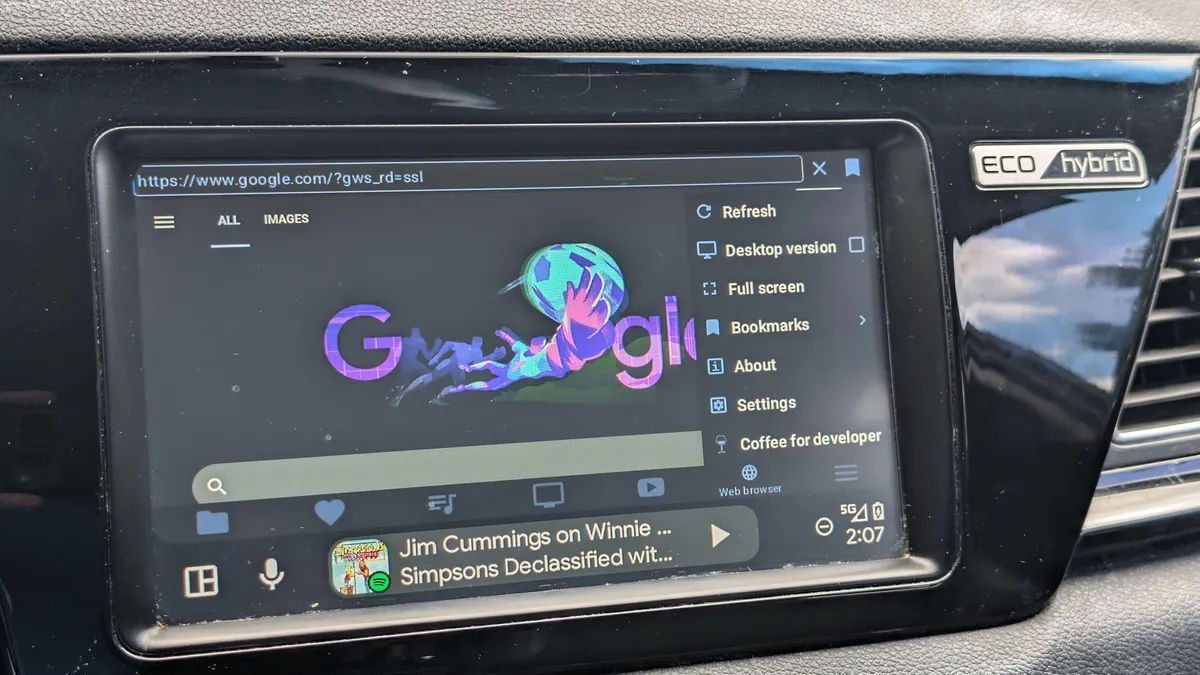
The driving experience with Android devices has been a bit hit-and-miss down the years, it's fair to say, with features and modes appearing and then disappearing, and Android Auto going through a few changes as well since its 2014 launch. Android Auto was originally available on both phone screens and vehicle dashboards, before being replaced by Google Assistant Driving Mode on handsets. As Gemini emerged, Driving Mode disappeared as well, which means there's now no customized interface for driving on Android devices themselves—everything gets handed off to Android Auto.However, with the help of Headunit Reloaded Emulator (an app I found thanks to How-To Geek), you can override Google's decision and get Android Auto back on your phone. You can also beam the Android Auto interface to another Android phone or tablet. It's a $4.99 purchase, but it works as advertised—or at least it did with the Pixel and Galaxy phones I was using. If you don't have an Android Auto-compatible dashboard in your car, you can use this to get the same experience on your main handset or on a spare phone or tablet you've got.I should note that there are some bad reviews of this app on the Play Store, though it worked perfectly fine for me. Users complain about about flaky performance and difficulties with certain phones—so it's worth reading through to see if your handset is mentioned—although others give the app a full five-star rating and seem happy with how it worked.