I'm the lead developer on a WooCommerce/Divi/LearnDash membership platform. Like most mature WordPress sites, it runs a lot of plugins — page builder, LMS, membership gating, marketing automation, forms, SMTP — and when something breaks, the failure usually surfaces as a vague member complaint days later, not as an actionable error with a stack trace.
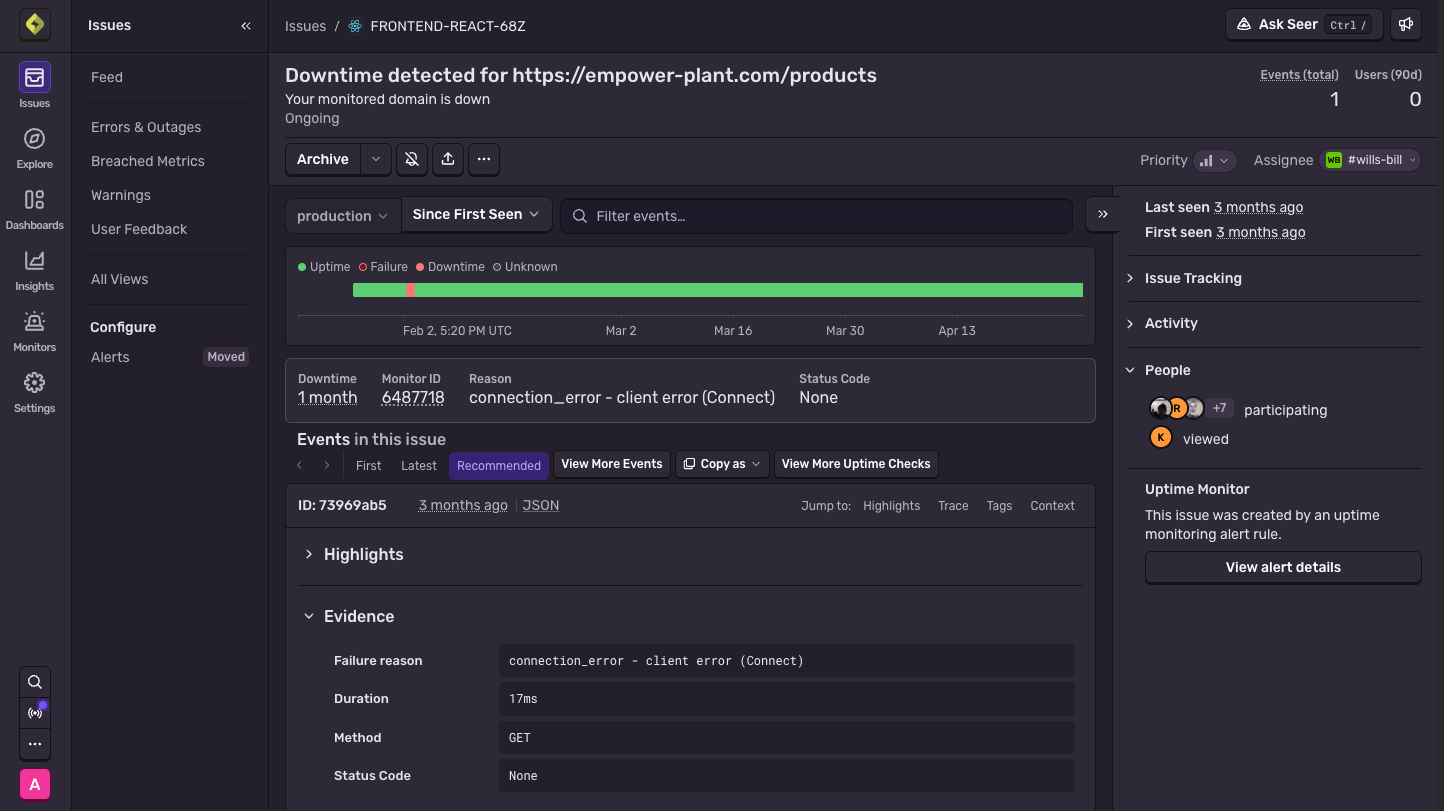
I finally fixed that by wiring up Sentry with the WordPress Sentry plugin (wp-sentry-integration). Setup took about twenty minutes. The first real bug showed up in the feed within the hour — an error loop that had been silently firing on every hit to a REST endpoint, and that nobody would ever have reported, because it never broke anything a user could see.
This post covers the setup, the gotchas, and the first catch.
Why the wp-sentry plugin and not the raw SDK snippets
When you create a Sentry project, the onboarding page hands you a \Sentry\init() snippet for PHP and a loader <script> tag for the browser. You don't want either of them on a WordPress site.