(Image credit: Tom's Guide)
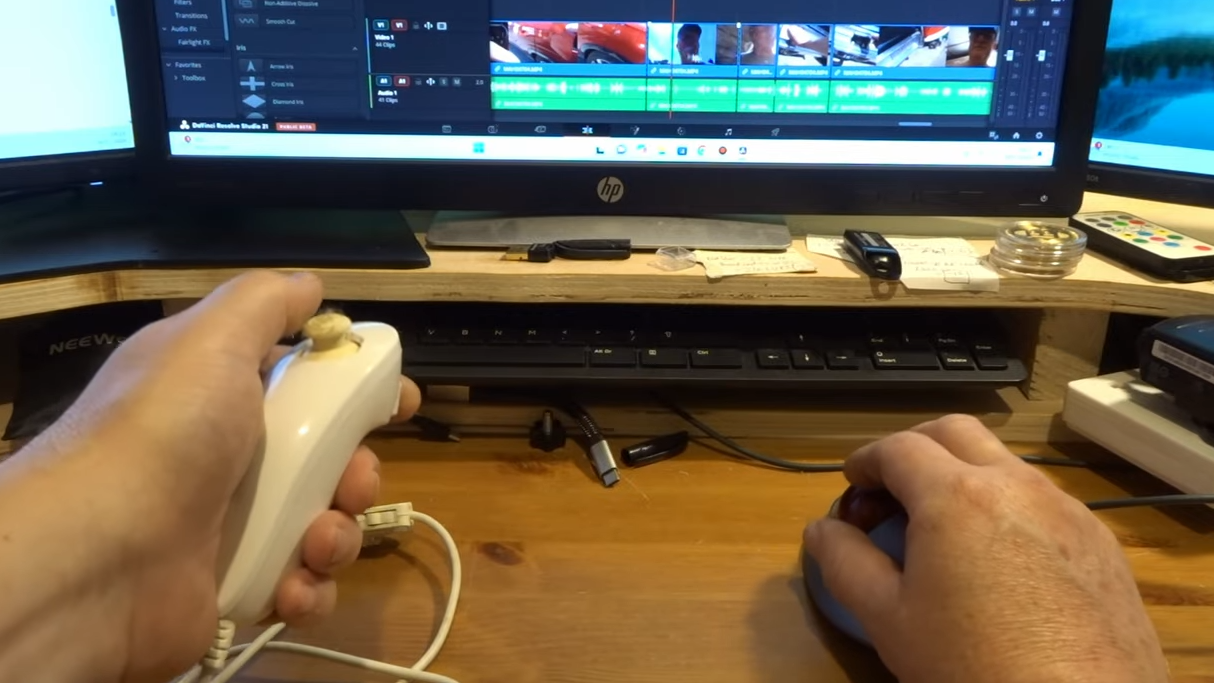
There comes a time when doing things easier and faster becomes your sole motivation and the driving force behind learning new things on your computer.Whether that’s doing complex Photoshop edits in fewer clicks or mastering even the most obscure keyboard shortcuts, once you fall down that rabbit hole, it seems like you’ll never reach the bottom.Like with most people, this started small for me. A keyboard shortcut here and a keyboard shortcut there, until I was outright remapping them to buttons on my mouse. Then I took things a step further and did so with a tiny controller from 8BitDo and even a foot pedal connected to my PC. However, there was an easier way: macropads.
The Best Gaming Keyboards for 2026: Hall Effect, Wireless, Full Size, and More! - YouTube
Watch On
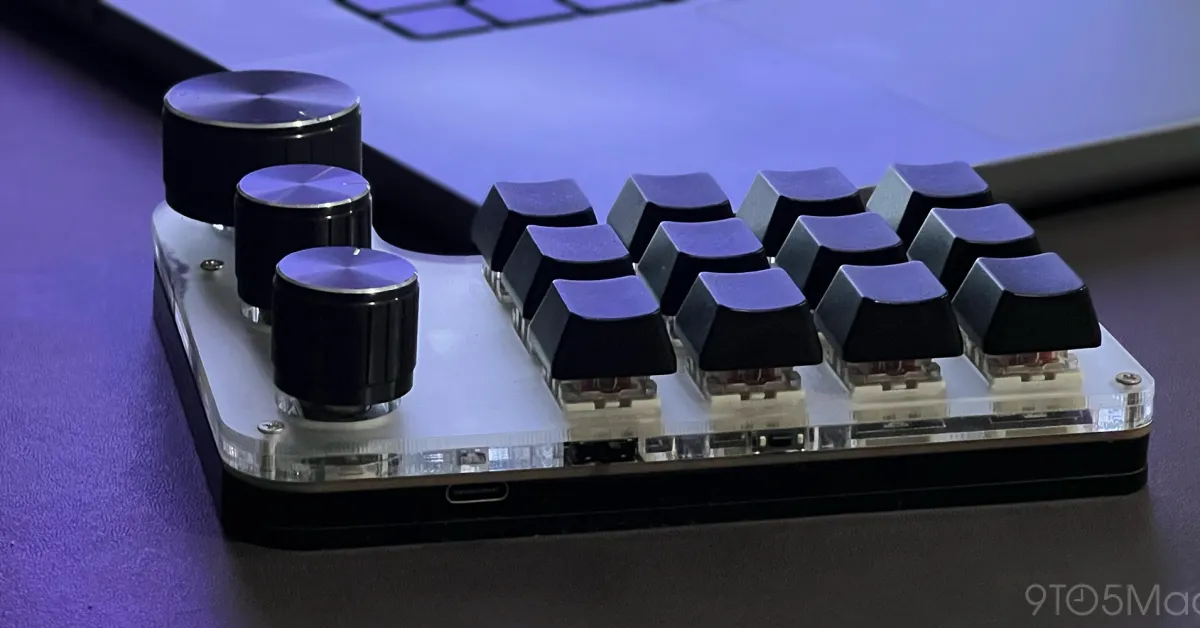
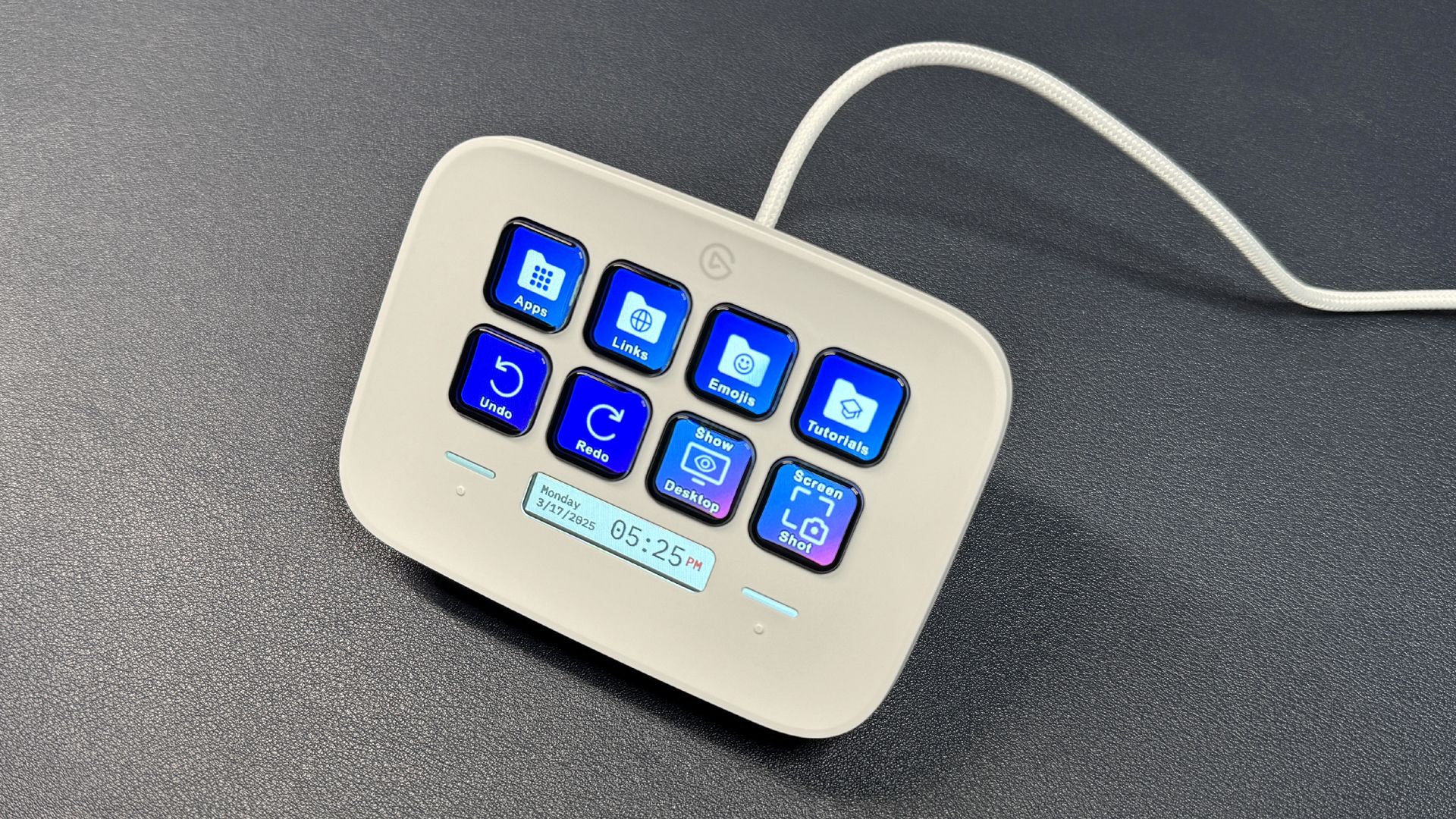
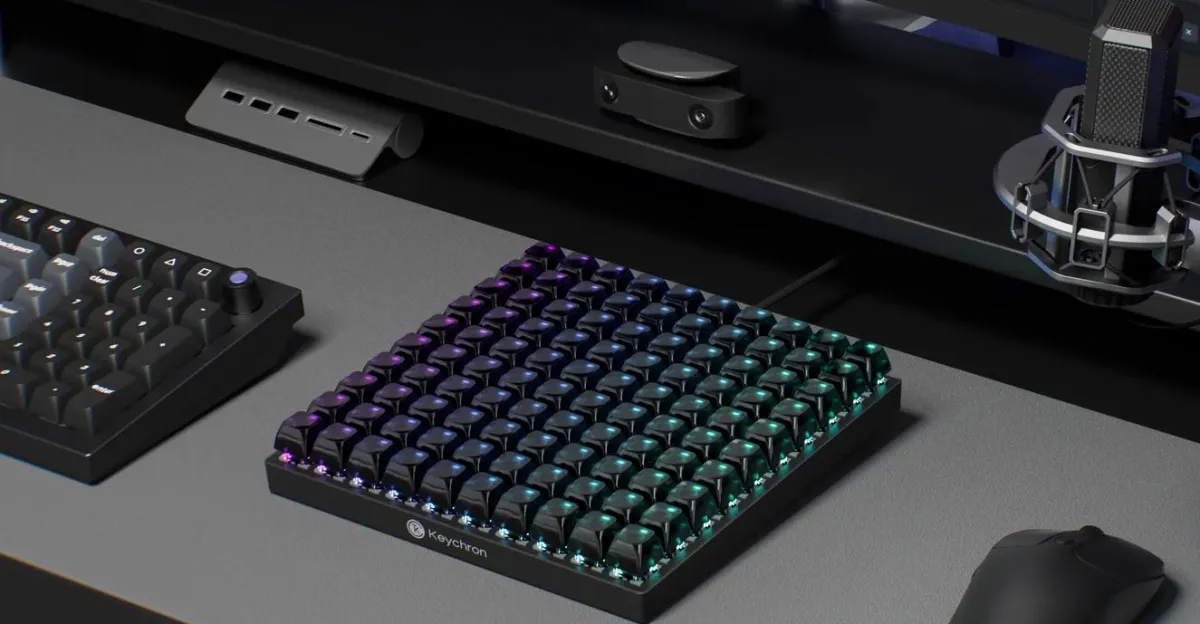
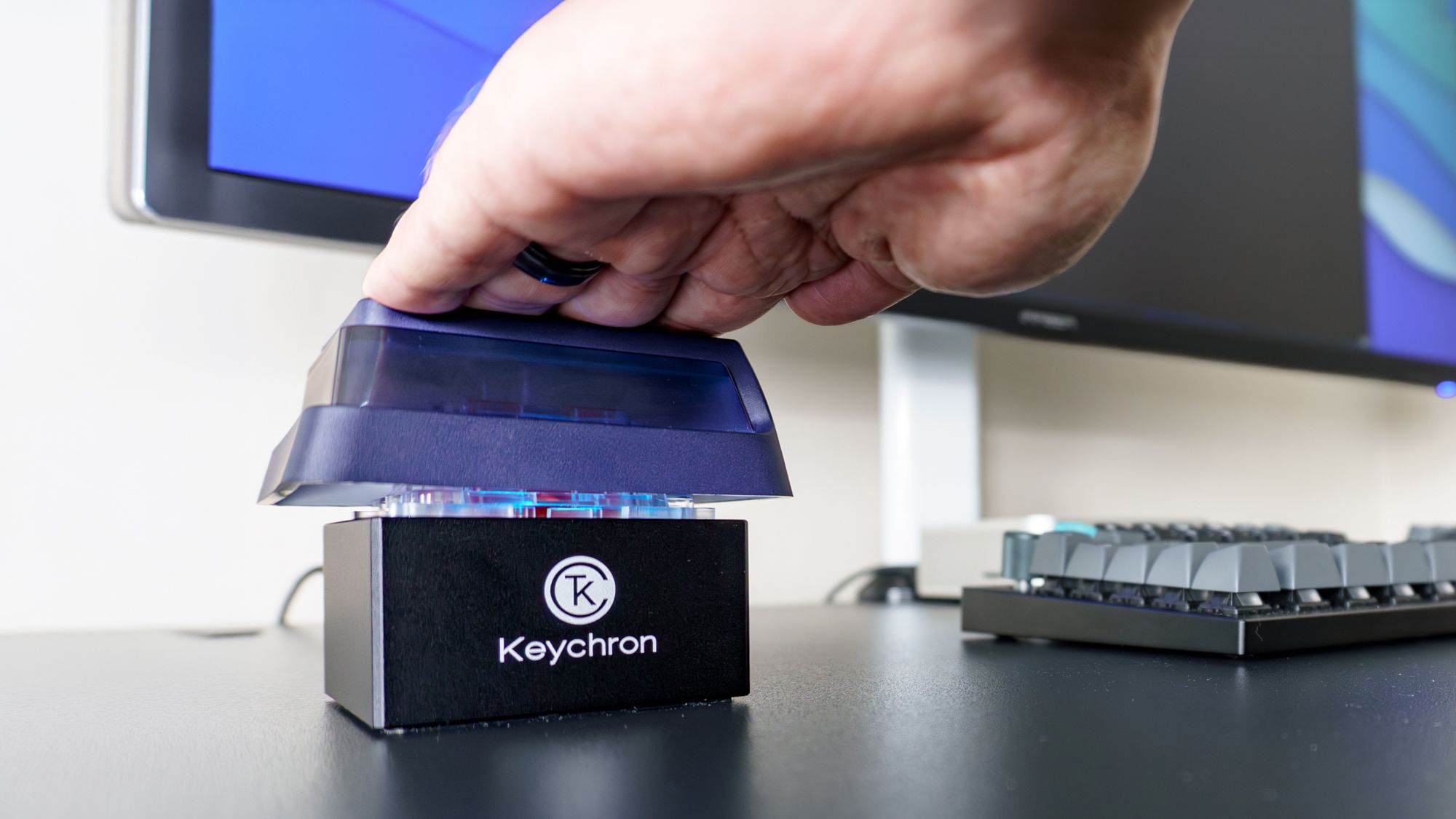
Designed to work alongside your keyboard and mouse, macropads are fully customizable accessories where you can map whatever you want to each key. From simple things like copy and paste to full-on commands, the possibilities are truly endless. However, what if you only had a single, comically large key to work with?Well, that’s exactly the position I found myself in when I decided to add Keychron’s Q0 Mini 8K Action Key to my desk setup. While a traditional macropad certainly would have been more useful, reaching over to slam this one down throughout my workday has been a whole lot more fun.Not your typical Keychron keyboard