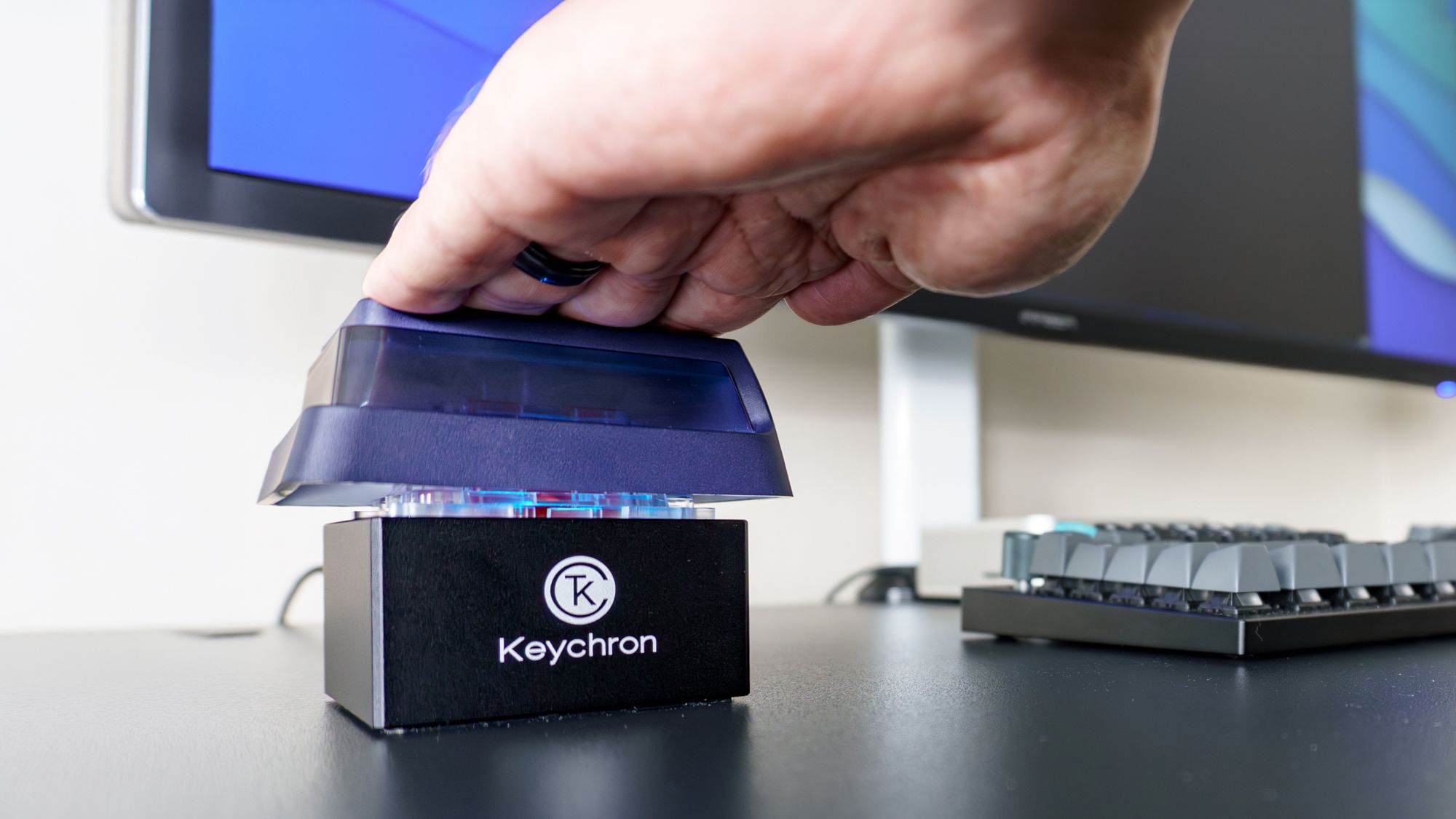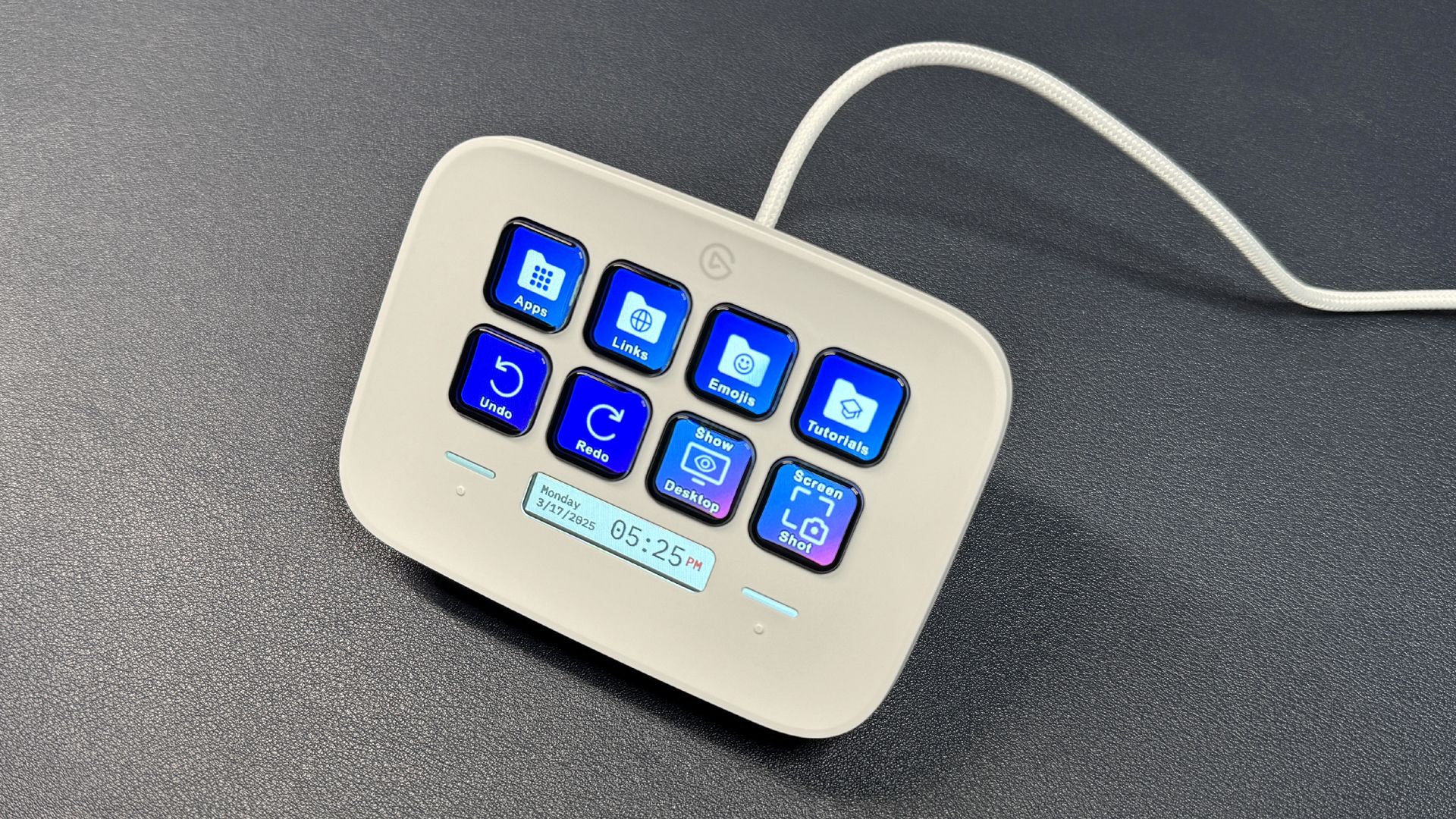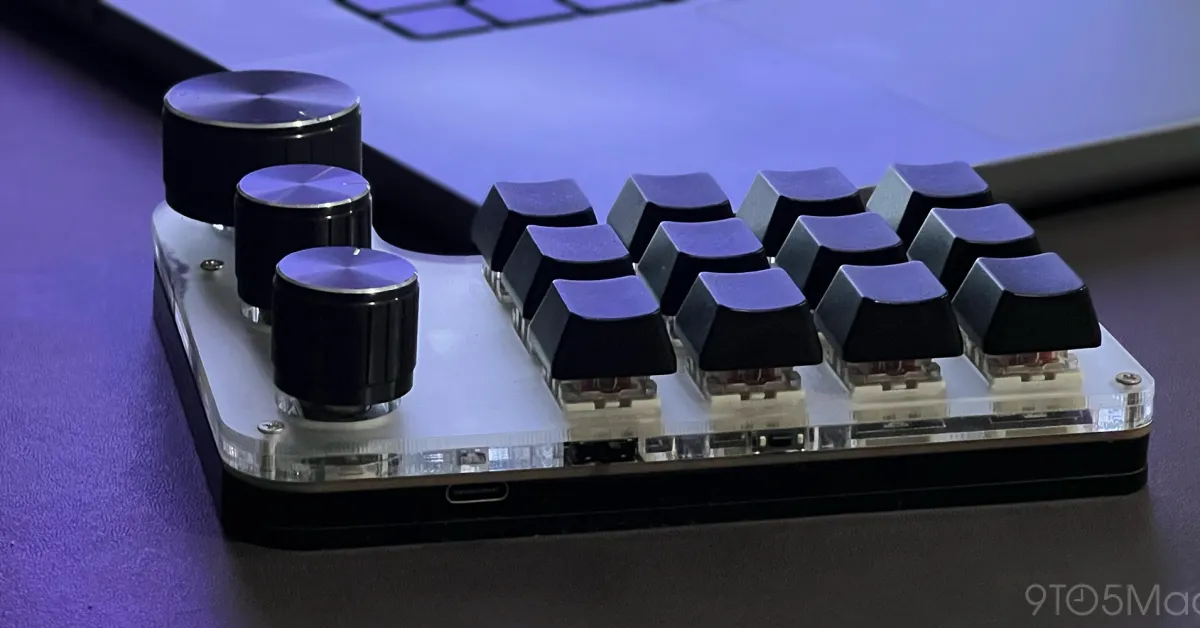
Offloading keyboard shortcuts to a programmable macro keypad is the best productivity hack I’ve ever done.
Down the keyboad shortcut rabbit hole
I first got into keyboard shortcuts with simple macOS triggers, such as @@ for my primary email address, and similar ones for my full name, home address, phone number, zip code, and so on.
Then, I decided to take things up a notch with Keyboard Maestro and started setting keyboard shortcuts to open a few of the folders and programs I used more often.
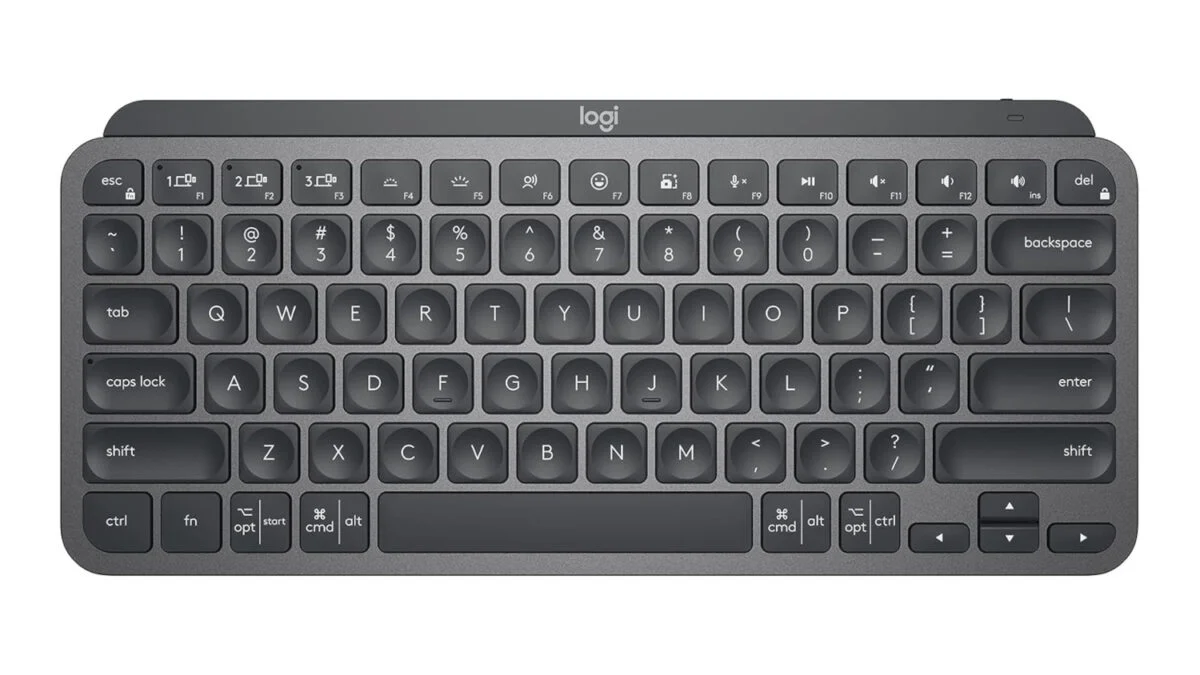
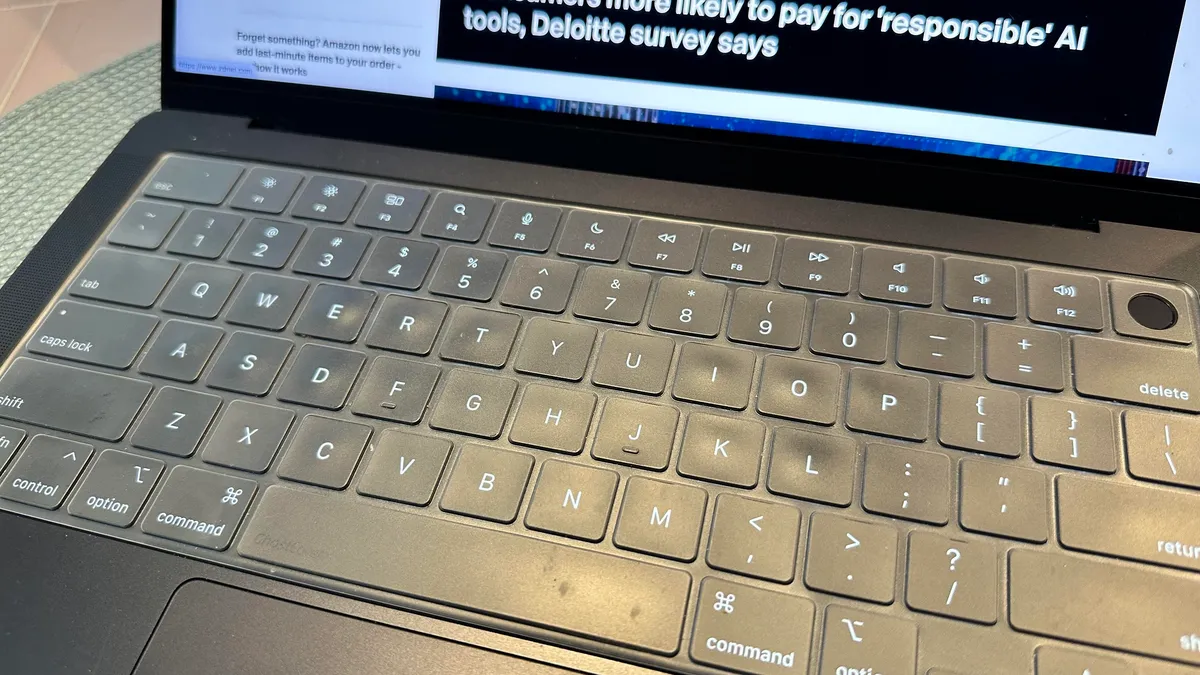
From the Desktop to Downloads to folders related to work, it became pure muscle memory to press Fn+F1 all the way to Fn+F6, to instantly land where it used to take me a few clicks before. The other function buttons were dedicated to opening frequent programs and websites, as well as accessing Keyboard Maestro’s Clipboard History Switcher.