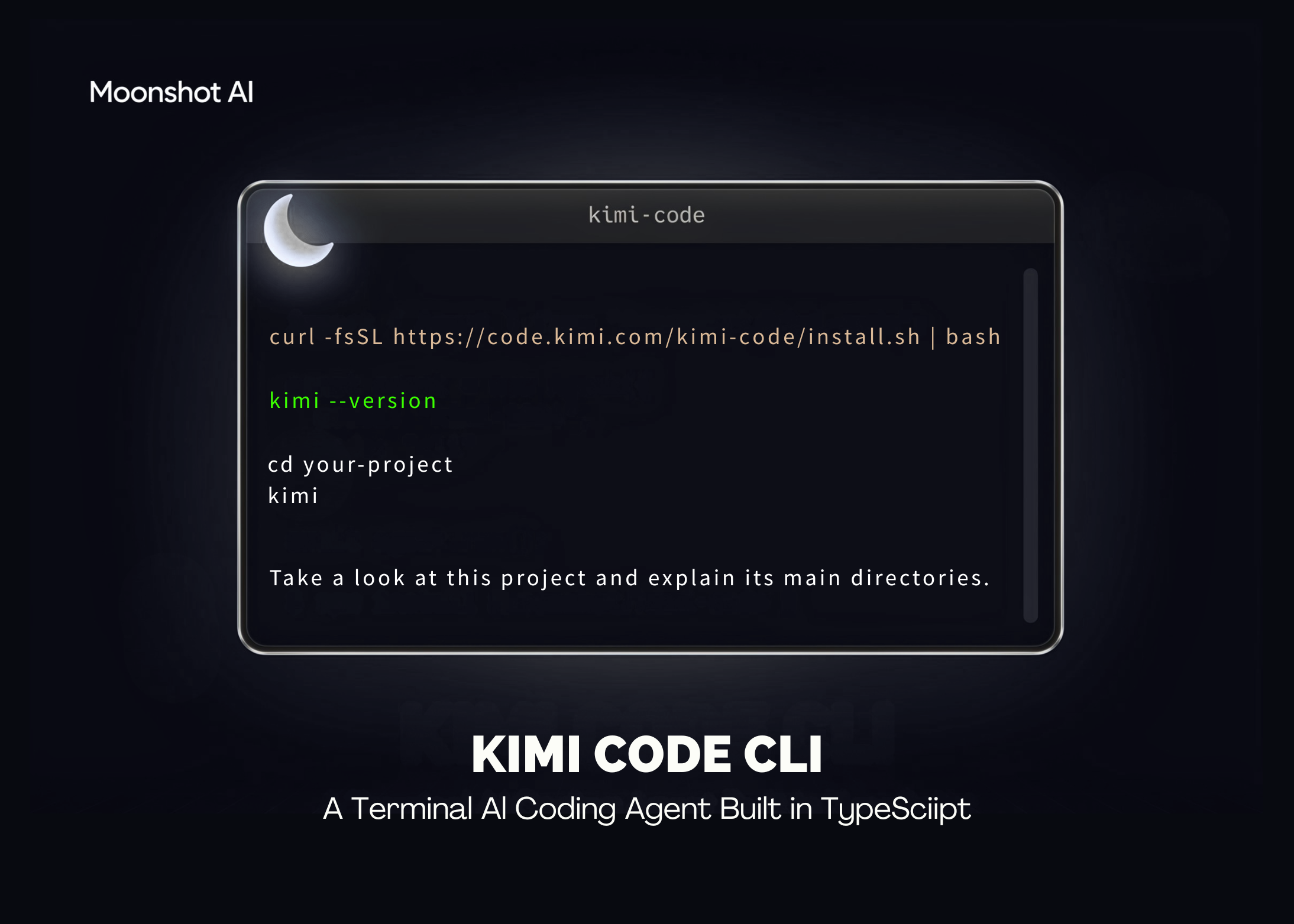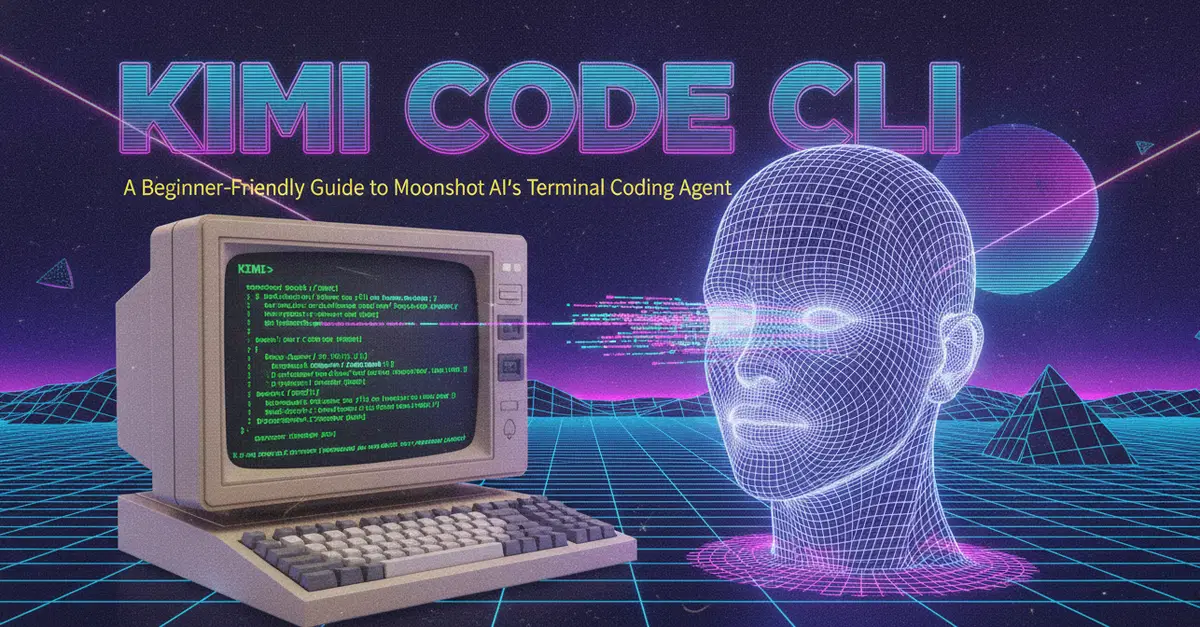
If you have used tools like Claude Code or similar terminal-based AI agents, Kimi Code CLI will feel familiar. It is Moonshot AI's open-source coding agent that lives in your terminal, reads and edits your code, runs shell commands, and works through tasks step by step based on the results it gets back.
This post explains what Kimi Code CLI is, why it might be useful to you, and walks through installing and using it for the first time.
What is Kimi Code CLI
Kimi Code CLI is an AI coding agent that runs directly in your terminal. Instead of copying code back and forth between a chat window and your editor, you describe a task in plain language, and the agent:
Reads and edits files in your project