When you are deep in a coding session, the most expensive part of “just checking something” is often not the search itself — it is leaving the editor, opening a browser, scanning results, and then rebuilding context in your head.
What you can do
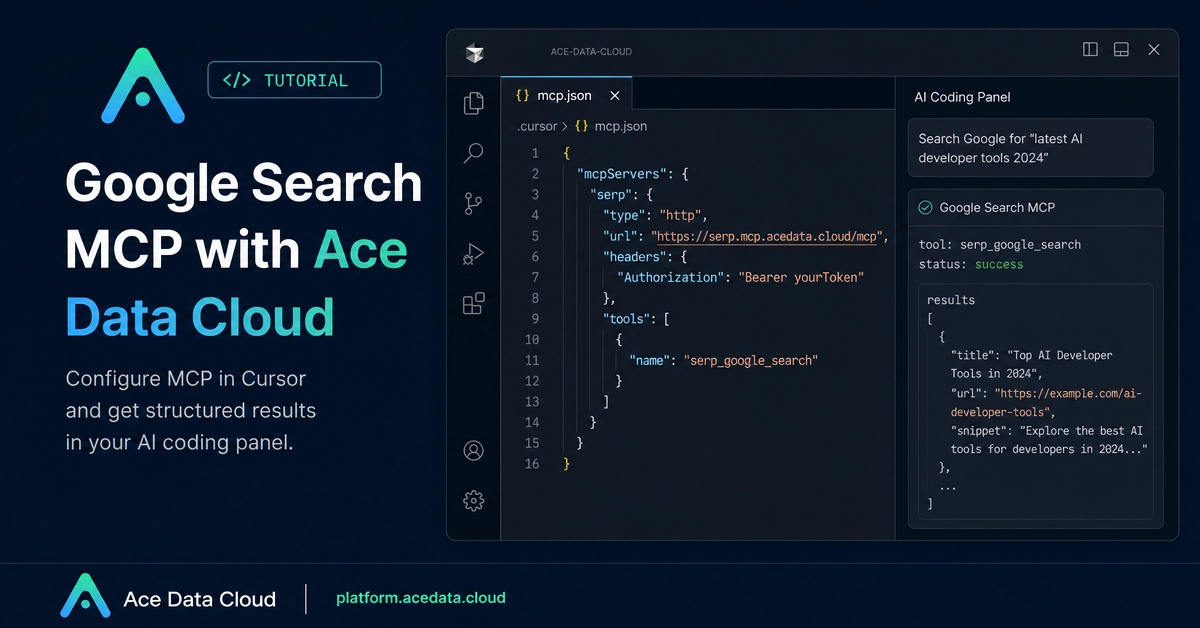
Cursor already gives you an AI coding panel, but by default the assistant may not have live web context. A Search MCP server changes that: it lets the assistant call a search tool while you stay inside the project.
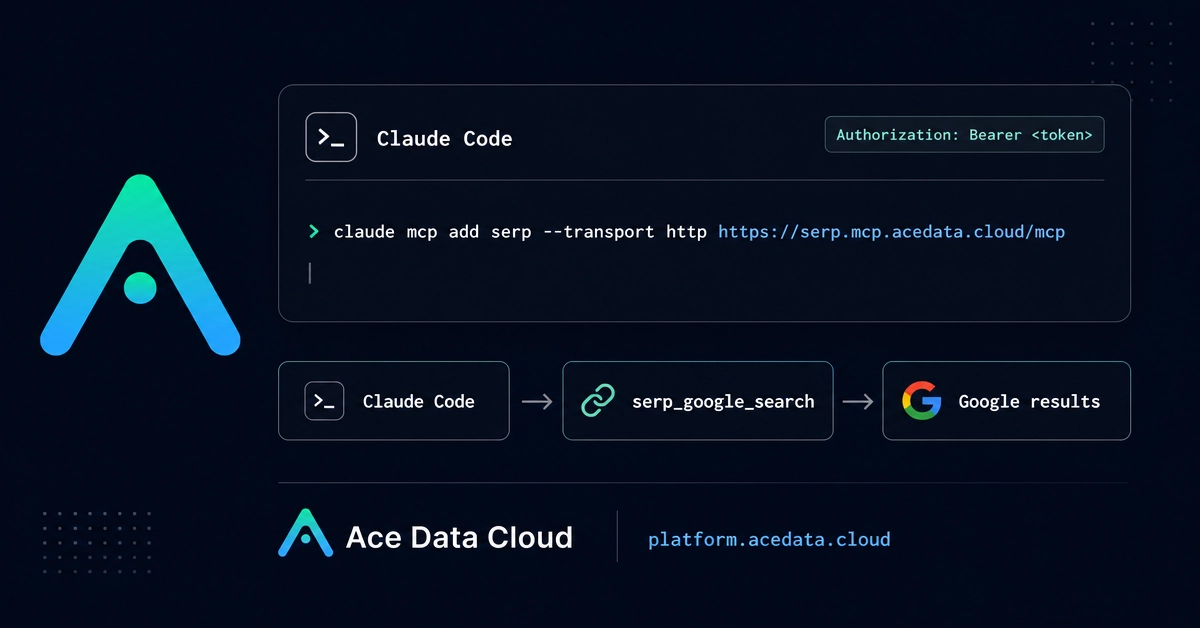
The document this guide is based on uses Serp MCP from Ace Data Cloud. The setup is small: add one MCP server to your Cursor project, pass an API token through the Authorization header, restart Cursor, and then ask the AI panel to search.
The documented server details are: