Some apps are never done. Bare Bones Software’s BBEdit first appeared in 1992, and it would be fair to ask—after 34 years of updates and 15 major versions—what new features could possibly be added to one of the most foundational of apps: a text editor. Happily, Rich Siegel and the team at Bare Bones continue to find new areas to explore within the text editing space, and BBEdit users continue to suggest new capabilities. Thus, we now have BBEdit 16, with a grab bag of improvements.
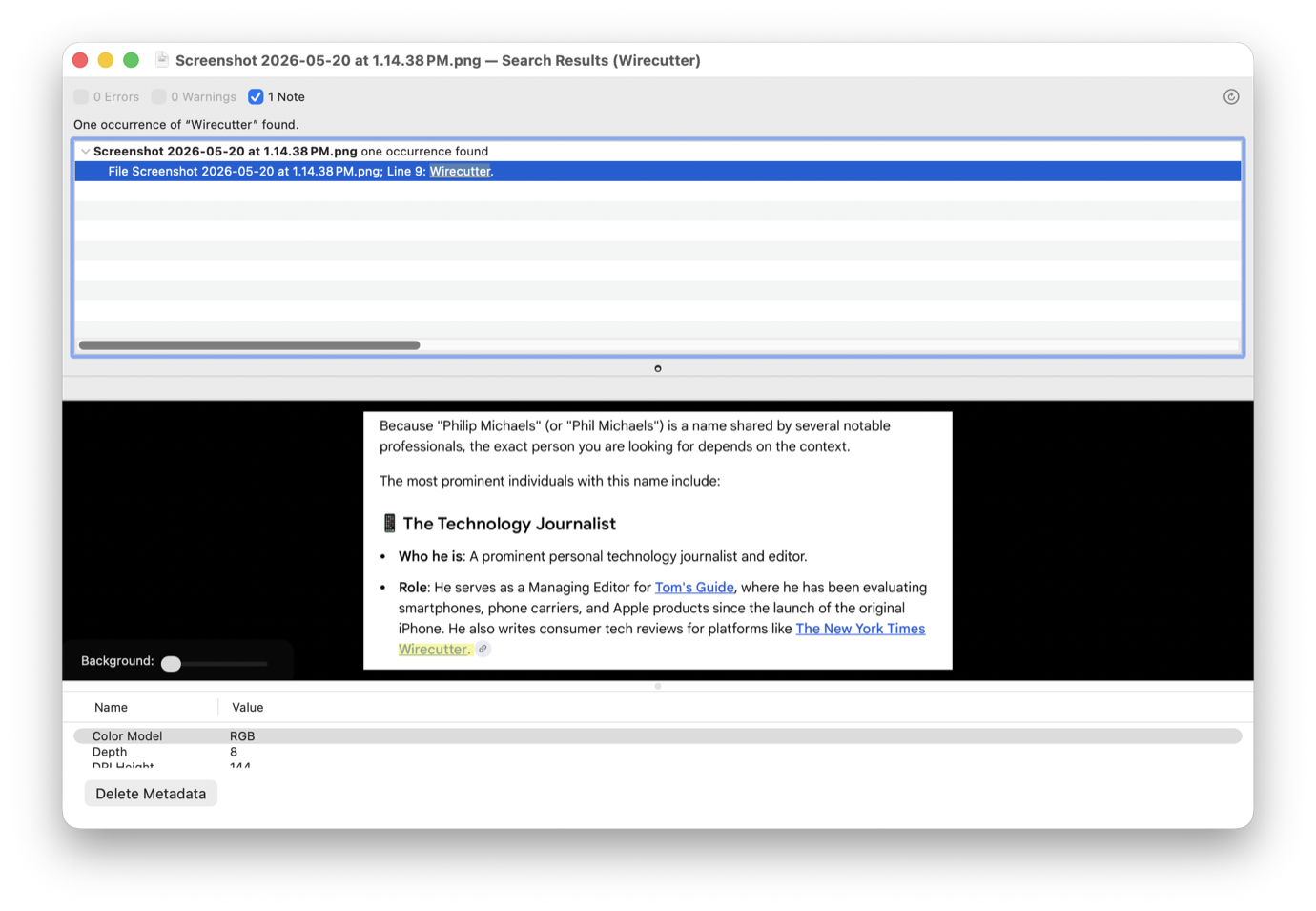
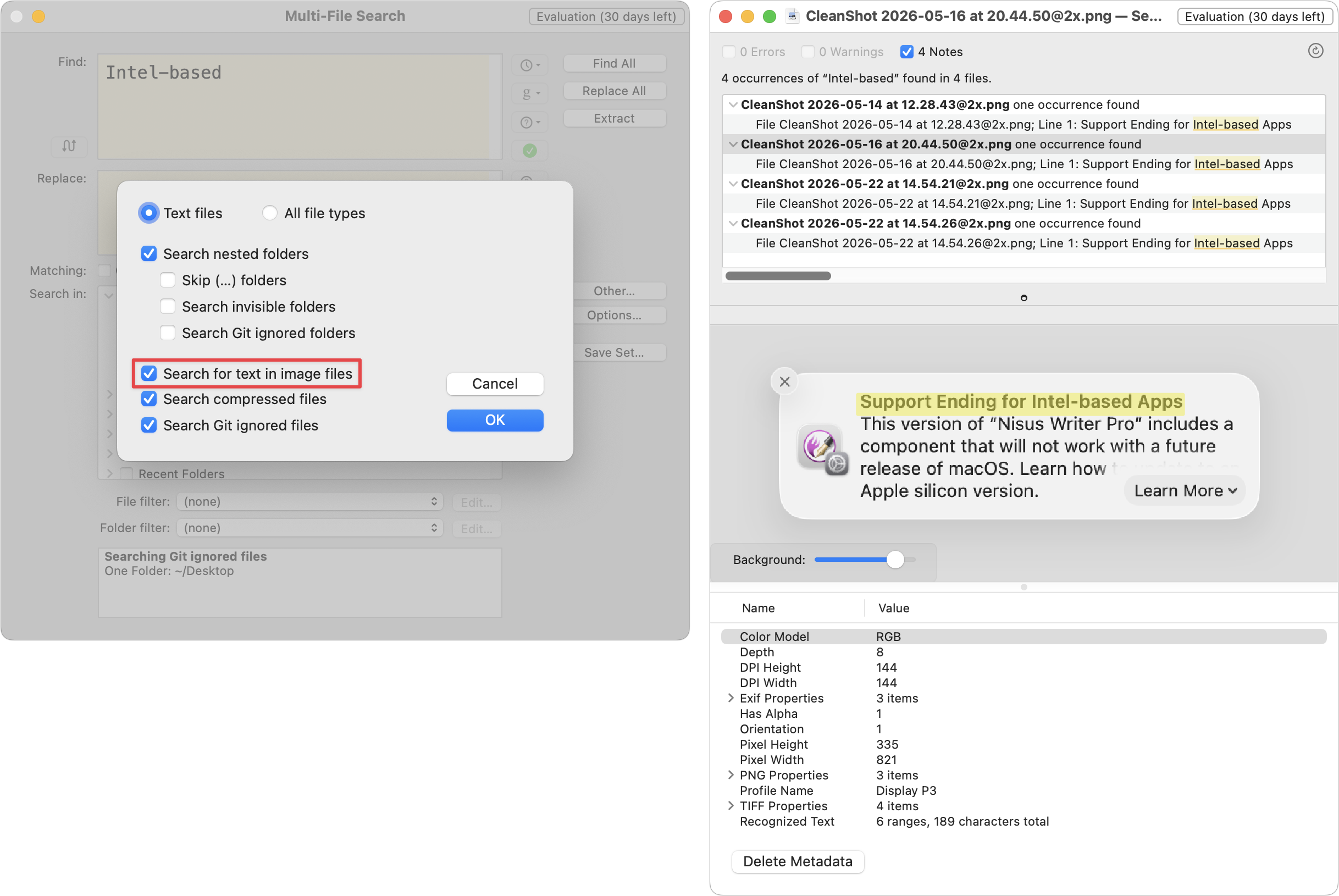
Search for Text in Images: BBEdit is known for its searching prowess, but version 16 extends that in an unexpected direction: images. Thanks to Apple’s VisionKit, which enables apps to perform optical character recognition on the text within images, BBEdit can now find text within images on disk. To use this feature, open the Multi-File Search window, click Other to select a folder containing images, click Options to enable “Search for text in image files,” then run the search. When you select an image result, a preview of the found image appears, with the line containing the search string highlighted.
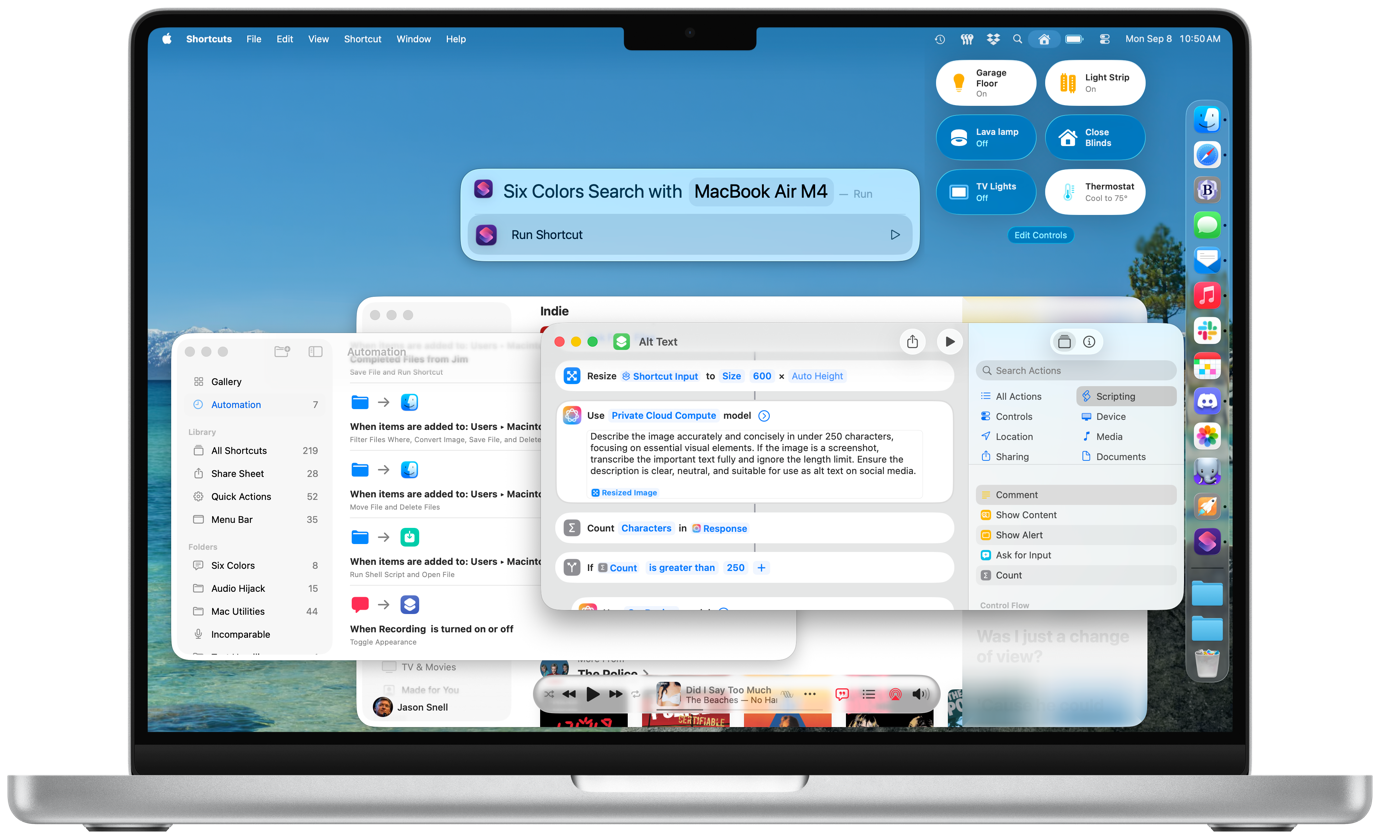
Expanded Shortcuts support: BBEdit’s text transformation capabilities are so useful that longtime users often want them in other apps as well. BBEdit 16 introduces a comprehensive set of text transformation actions in Shortcuts that let you work with document text, replace all, process lines, and a slew of additional capabilities (in Transform Text) taken from BBEdit’s Text menu.