I’ll show you how to get an ai agent python ollama up and running on your laptop, expose it through FastAPI, test it automatically, and push it to production. You can have a working endpoint in under an hour if you follow the steps carefully.
How do I install and configure Ollama for local LLM inference?
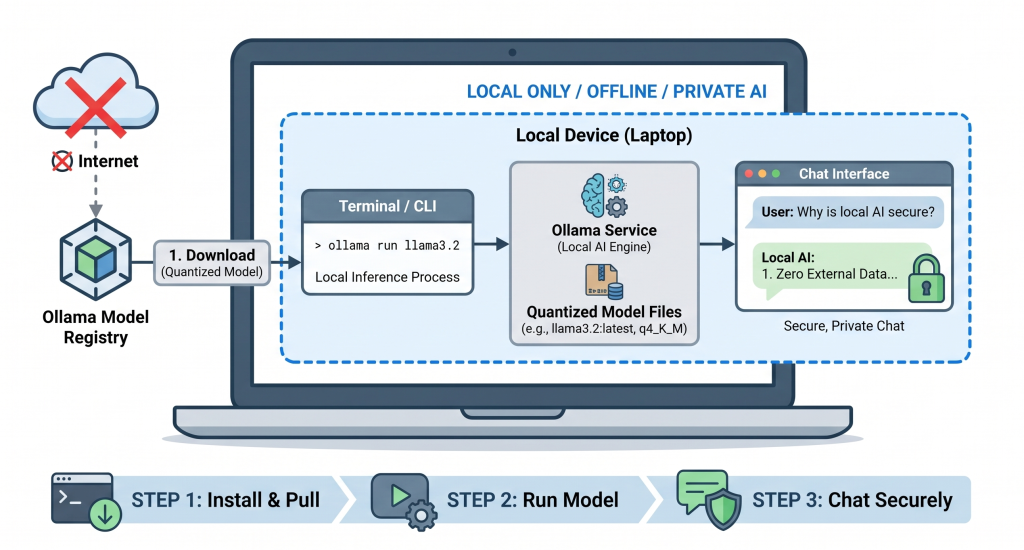
The first thing you need is a running Ollama server. It ships as a single binary for Linux, macOS, and Windows, so there are no heavyweight dependencies.
# Download the latest release (replace with the version you need)
curl -L https://ollama.com/download/ollama-linux-amd64 -o ollama