Build a Local LLM Chatbot with Ollama and Python
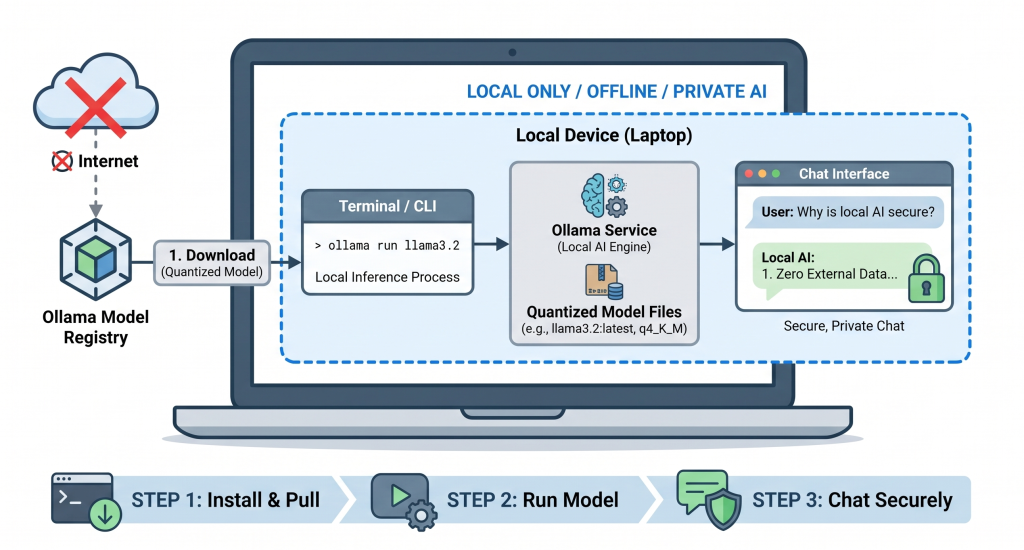
Imagine typing a question into your chatbot and getting a response in milliseconds, completely offline, with zero data leaving your machine. No API keys, no monthly subscription fees, and no privacy concerns about your data being sent to a cloud server. This isn’t a futuristic dream—it’s the reality of running a Local Large Language Model (LLM) on your own computer. With the rise of tools like Ollama, building a private AI chatbot in Python has become as simple as installing a few packages and writing a short script. Let’s dive in and build one together.
Why Go Local?
Before we write any code, it’s worth understanding why running an LLM locally is a game-changer. Cloud-based AI services like OpenAI or Anthropic are powerful, but they come with trade-offs: you pay per token, your data is processed on their servers, and you’re dependent on their uptime. A local LLM flips this model. You download the model once, run it on your hardware, and you have full control.
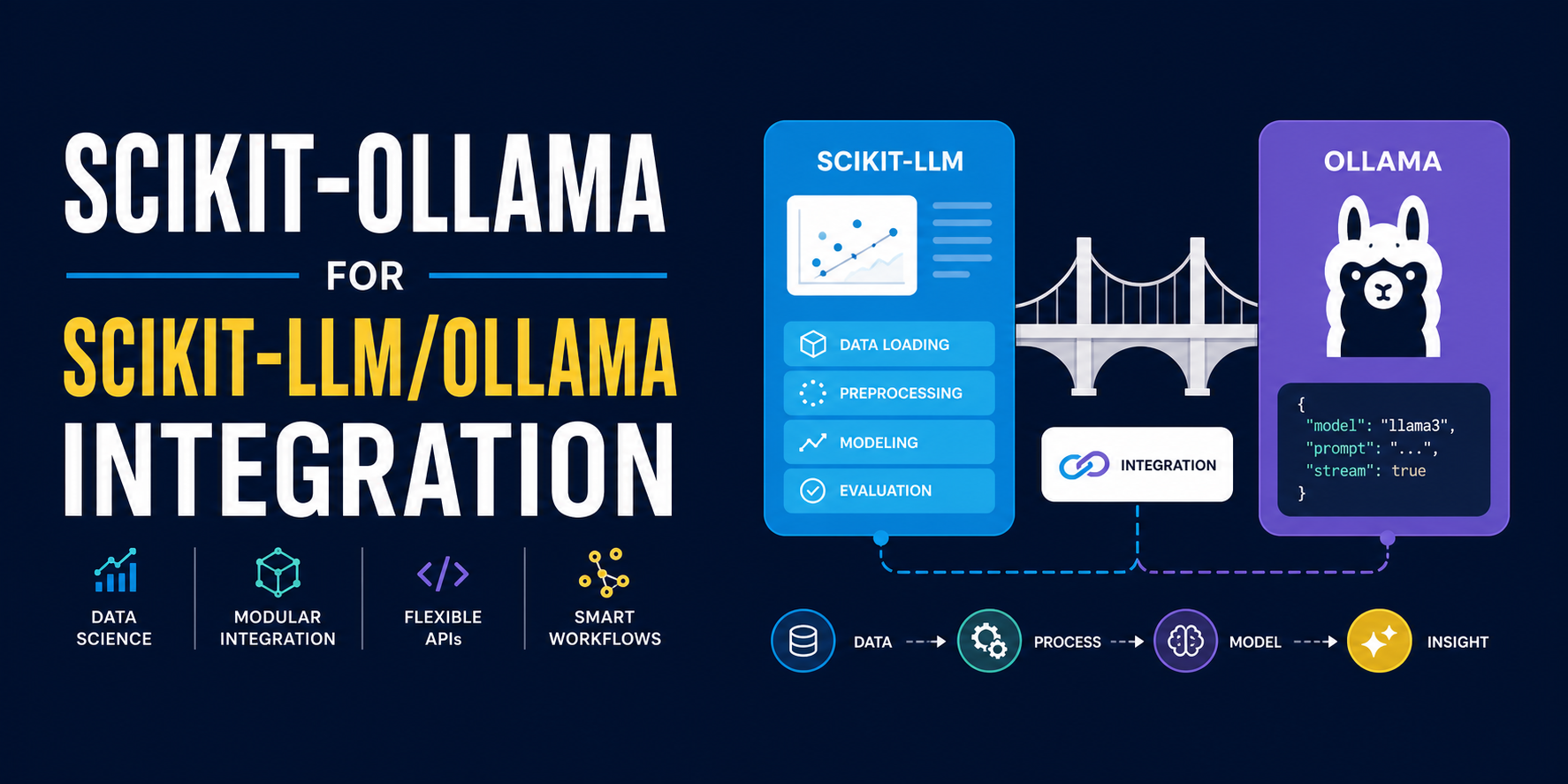
Ollama is the engine that makes this accessible. It’s a lightweight, open-source tool that simplifies running LLMs like Llama 3, Phi 3, or Mistral on macOS, Linux, and Windows. It handles model downloads, memory management, and inference, exposing a simple API that Python can easily interact with [1][2].