Set Up Your Own ChatGPT: Ollama + Open WebUI for Data That Never Leaves Home
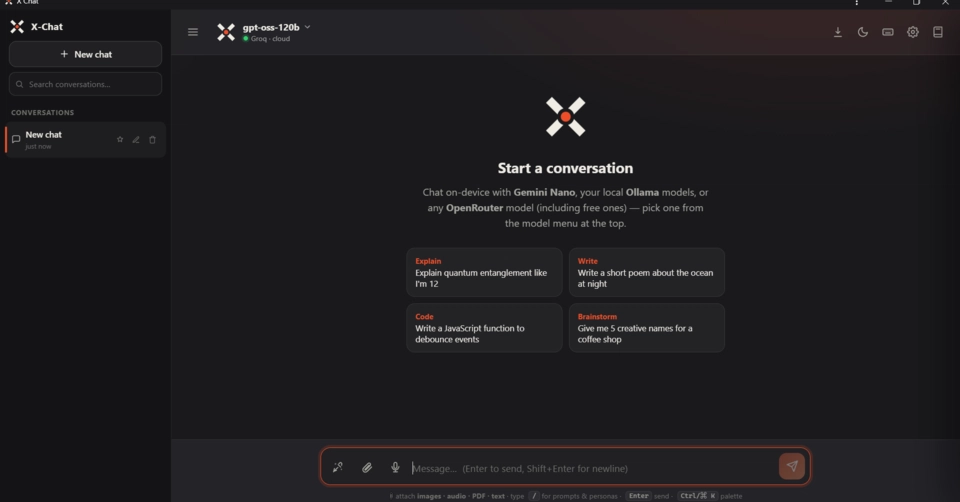
As artificial intelligence models rapidly integrate into our lives, privacy concerns are growing in parallel. Especially for companies or individuals working with sensitive data, sending information to cloud-based services can pose a serious risk. At this point, setting up your own local Large Language Model (LLM) infrastructure offers a great solution. In this guide, I will explain step-by-step how to set up your own chat interface using tools like Ollama and Open WebUI, ensuring your data never leaves your system. This approach allows you to both reduce costs and maximize your data security.
This setup is particularly important for those like me, with a background in enterprise software development, who believe that data flows should always follow the most secure path. In the past, working on a production ERP, transferring supply chain data to external systems without anonymization could lead to serious security vulnerabilities. This is where local LLM solutions come into play.
Why You Should Set Up Your Own Local LLM
While cloud-based LLM services are incredibly convenient, they come with some fundamental drawbacks. Most importantly, every piece of data you input is potentially sent to the service provider's servers. This can be unacceptable, especially when dealing with financial data, patient information, trade secrets, or sensitive code in your personal projects. By setting up your own local LLM, you eliminate these risks.