Chrome ships a real LLM inside the browser now — Gemini Nano, exposed through a handful of built-in JS APIs (LanguageModel, Rewriter, Proofreader, Summarizer, Writer). No API key, no network call, no per-token bill. It runs on-device, which sounds like a free lunch right up until you start building against it and discover that "on-device" changes almost every assumption you've built up shipping against OpenAI or Anthropic's APIs.
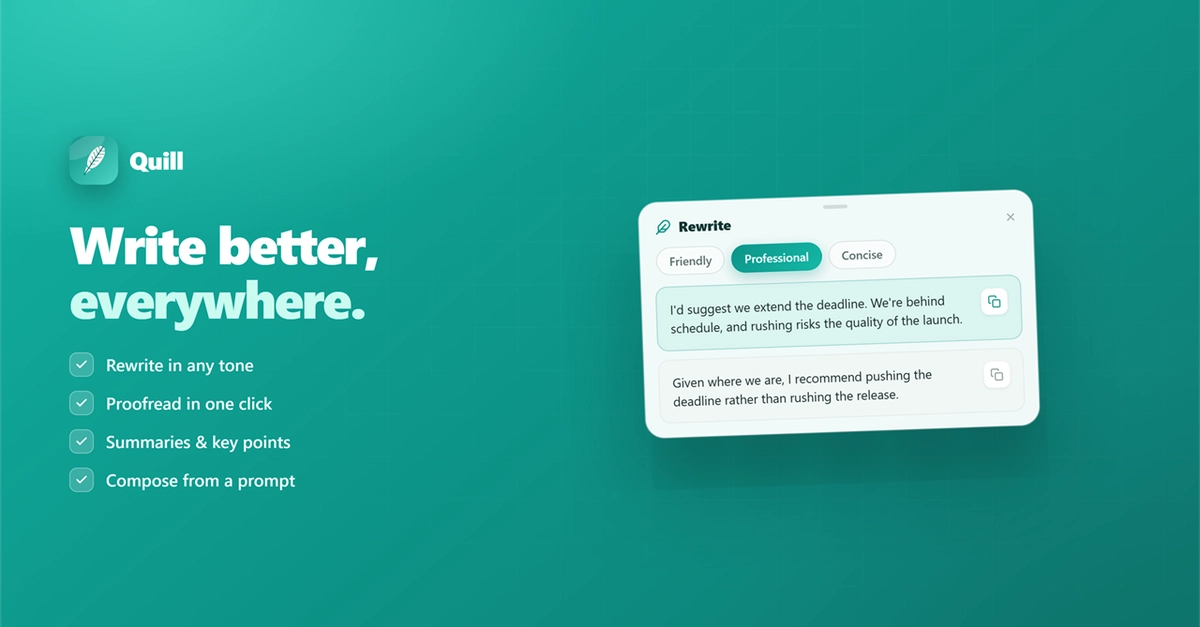
I spent the last stretch building a small Chrome extension (Quill — five writing tools, on-device AI only) as a testbed for exactly this. The extension itself isn't really the point here; it's the harness I used to find out what's actually different about building on a model that lives on the user's machine instead of yours. These are the things I'd tell another dev before they start.
There isn't one API — there's a task API and a fallback API, and you need both
Chrome exposes two layers: dedicated task APIs (Rewriter, Proofreader, Summarizer, Writer), each shaped around one job with typed options, and the general-purpose LanguageModel (the "Prompt API"), which you drive with a raw system prompt. They're gated by separate chrome://flags entries and roll out to stable independently — which means on any given real machine, some subset of them is enabled and the rest aren't.