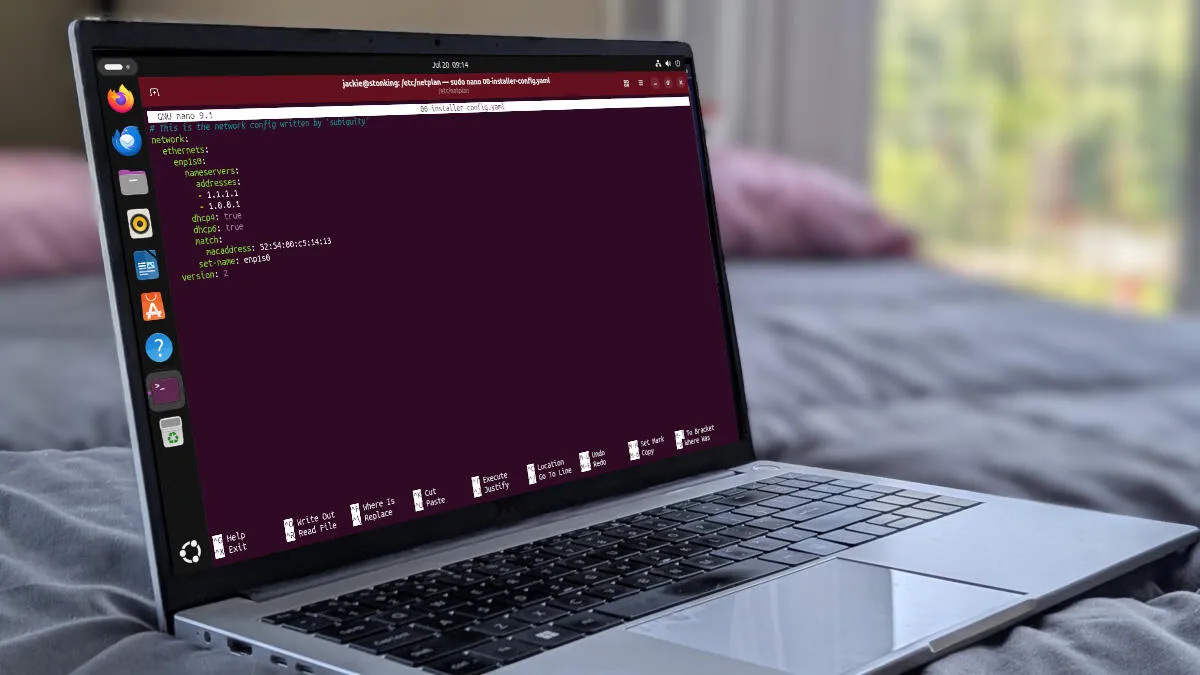
You edited the hosts file. The line looks correct. The browser still opens the old site.
Do not rewrite the hosts file again yet. Walk the stack in order.
1. Confirm the file that actually loaded
macOS / Linux:
grep -n "example.com" /etc/hosts
You edited the hosts file. The line looks correct. The browser still opens the old site. Do not...
You edited the hosts file. The line looks correct. The browser still opens the old site.
Do not rewrite the hosts file again yet. Walk the stack in order.
1. Confirm the file that actually loaded
macOS / Linux:
grep -n "example.com" /etc/hosts
Most people open /etc/hosts, change one line, refresh the browser, and hope. That works until it...
You need to open the hosts file. You already know why. You just cannot remember the path. Here it is...
You open the hosts file, change one line, hit save, and get Permission denied. That is normal. The...
You want shop.test on localhost during the day, then the real client domain pointed at staging, then...
You can block a domain on your machine without installing another browser extension. Point the...

When nslookup resolves a host but curl, pip, and Python fail with "Could not resolve host" on macOS, the mDNSResponder daemon has…