Building an AI agent with n8n is the fastest, cheapest way to turn a large language model into a useful worker — if you stay within its sweet spot. The honest truth, informed by the custom agents we ship, is that n8n carries a well-scoped agent further than most people expect. An LLM node, a few tool/webhook nodes and a trigger are all you need. This guide walks you through that exact workflow and, just as importantly, names the precise moment n8n stops cutting it and a custom build must take over.
What You Need Before You Start
You'll need a running n8n instance (self-hosted or cloud) and API keys for the services you want to integrate. Grab a Gemini or OpenAI key from their respective developer consoles — n8n's official AI agent builder documentation lists the full compatibility. The quick-start template also gives you a one-click import to see an agent's skeleton immediately.
How to Build an AI Agent with n8n: The Core Workflow
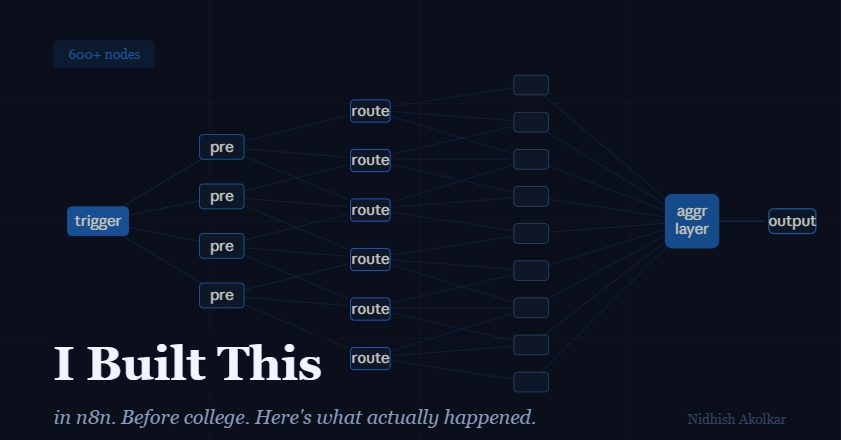
The core is a chain of nodes: a trigger wakes the agent, an LLM node reasons, and tool/webhook nodes take action. That's the entire pattern. Here's how to assemble it.