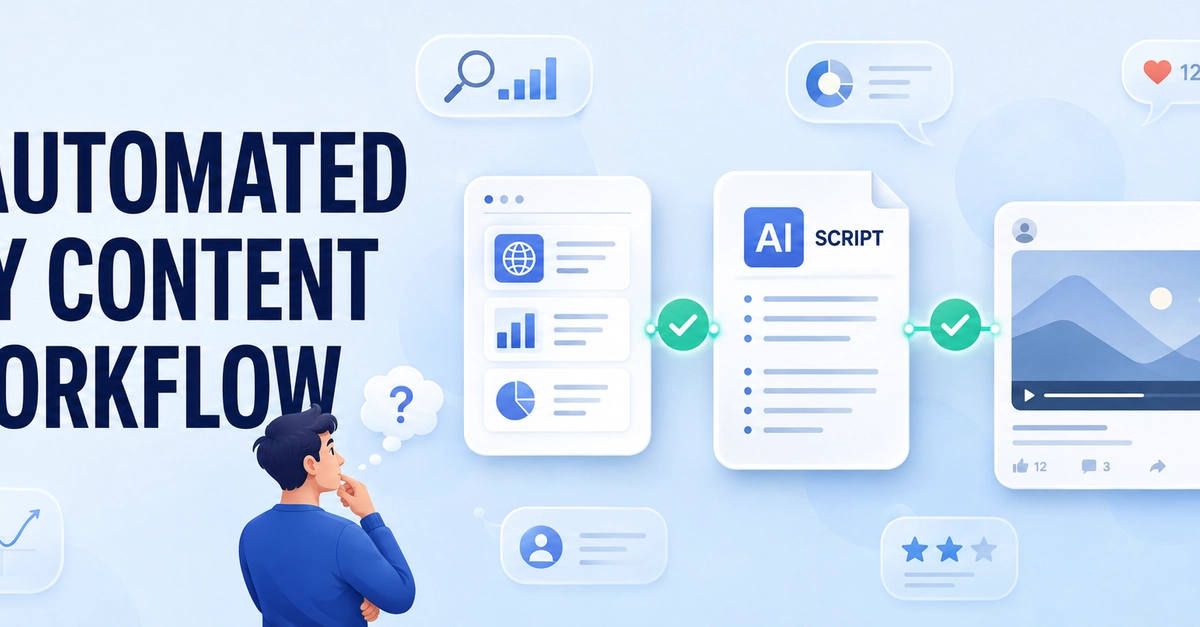
Automating workflows has always been a priority for me, especially for repetitive and error-prone manual processes. Recently, integrating AI capabilities into these automations offers a great opportunity for those, like me, who seek practical solutions. However, this integration often requires coding or complex API integrations. This is where "low-code/no-code" tools like n8n come into play. I used n8n to set up AI-powered agent flows on my own servers, without compromising data privacy and control. In this post, I will share my experience and explain how to do it step-by-step.
Why n8n and Self-Hosted AI Automation?
A few years ago, I experimented with different automation tools, especially for simple data transfers and notification flows. But when AI capabilities became involved, I either found them too expensive or avoided cloud-based solutions due to data security concerns. Especially in a client project where we needed to set up an automation handling sensitive financial data, a self-hosted solution became inevitable. n8n offers a wide range of integrations and, thanks to Docker support, I can easily host it on my own server.
For me, self-hosting is not just about cost advantage; it also means having complete control over my data. Especially when using AI agents, the question of how much of the data you send to LLMs is logged or used for training is always a concern. With an n8n setup under my control, I minimized these worries. Moreover, n8n's flexible structure gives me the freedom to add as many custom integrations or LLM providers as I want. This is a significant advantage for someone like me who enjoys testing different LLMs.